

First Impressions and Onboarding
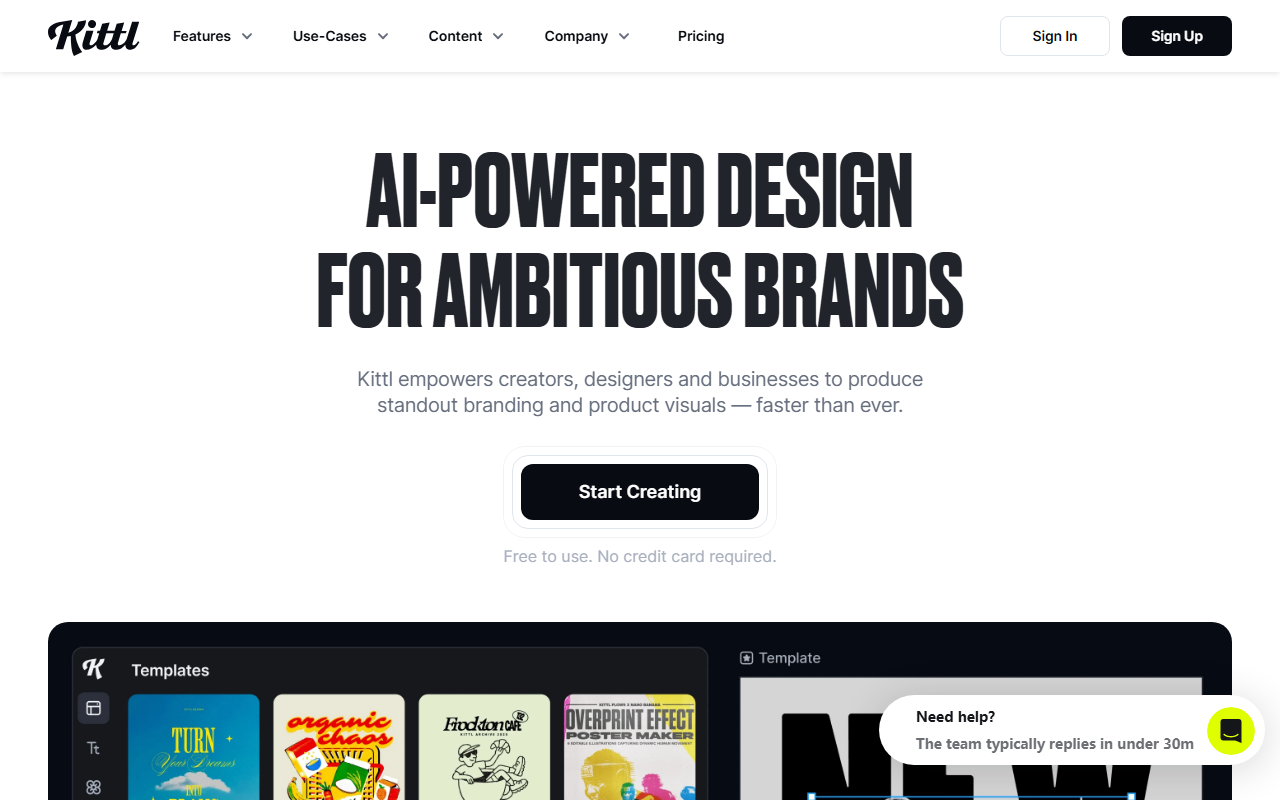
Upon visiting the Kittl website, the landing page immediately showcases a clean, modern interface organized around AI-powered tools and creative workflows. The dashboard is well-structured: a left sidebar houses the AI Creative Suite, Creative Flows, and Editor tools, while the main area displays templates, mockups, and recent projects. I signed up for the free tier without a credit card, which granted me access to five projects and 200 AI tokens as a one-time bonus. The onboarding flow guided me through a quick tutorial on using the AI Image Generator — I typed "vintage coffee shop logo" in the prompt box and received four variations within seconds. The interface for refining prompts and selecting models (like Flux Schnell or Ideogram 2.0A) is intuitive, though the sheer number of model options can feel overwhelming at first.
AI Tools and Generative Capabilities
Kittl distinguishes itself by bundling a wide range of AI models from providers like ByteDance (Seedream), Ideogram, Google (Imagen), OpenAI (GPT and DALL-E), and Black Forest Labs (Flux) all into one canvas. This multi-model approach means you can experiment with different styles without switching platforms. The AI Vector Generator is particularly impressive: I uploaded a rough sketch of a geometric pattern, and it returned clean, editable vector paths that I could refine with the built-in vector editor. The AI Video Generator, still in early stages, allowed me to animate a static text effect into a short motion clip — export quality was decent but limited to 1080p. The Background Remover and Image Upscaler work reliably in seconds, though the free tier caps upscaling to 2x. One workflow I tested was creating a merchandise mockup for a T-shirt: I generated a custom graphic using Ideogram 3, removed the background, applied a text effect with a metallic gradient, and placed it on a T-shirt mockup — all within the same editor. The infinite canvas and real-time collaboration features are comparable to Figma, but tailored for branding and print design rather than UI/UX.
Pricing and Value Proposition
Kittl offers three tiers. The Free plan is $0 per month and includes 5 projects, professional templates, 200 AI tokens (one-time), and access to over a million photos, graphics, and fonts. The Pro plan costs $15 per month (or $12 per month billed annually) and adds unlimited projects, 30 AI credits per day (a separate resource from tokens), 2,000 AI tokens per month, 10GB file storage, and more than 10,000 premium templates and mockups. The Expert plan at $35 per month ($26 annually) bumps up to 80 AI credits daily, 6,000 tokens per month, 100GB storage, and 100 million curated assets. Unlike some competitors that charge flat subscription fees for unlimited generations, Kittl uses a dual-resource system: AI credits for day-to-day tasks like background removal and upscaling, and tokens for generative AI outputs. Heavy users on the Pro plan might run out of tokens quickly if they generate high-resolution images frequently. Still, the pricing is reasonable compared to using separate tools for vector editing, mockups, and AI generation.
Who Should Use Kittl?
Kittl is best suited for small business owners, merchandise designers, and social media creators who need a unified platform for branding and product visuals. The AI integration saves time compared to manual design in traditional software like Adobe Illustrator or Photoshop, and the template library covers common formats such as flyers, business cards, and YouTube thumbnails. However, professional graphic designers accustomed to advanced vector manipulation or precise typography control may find Kittl’s editor less powerful than dedicated tools. The token system also means costs can escalate if you rely heavily on AI generation. Competitors like Canva offer a more mature template ecosystem and broader collaboration features, while Adobe Express provides deeper integration with the Adobe ecosystem but a steeper learning curve. For creators who want a fast, AI-assisted design process without switching between multiple apps, Kittl delivers a compelling all-in-one experience. I recommend starting with the free tier to test the workflow, then upgrading to Pro if you need unlimited projects and consistent AI access. Visit Kittl at https://kittl.com/ to explore it yourself.













Comments