

First Impressions and Onboarding
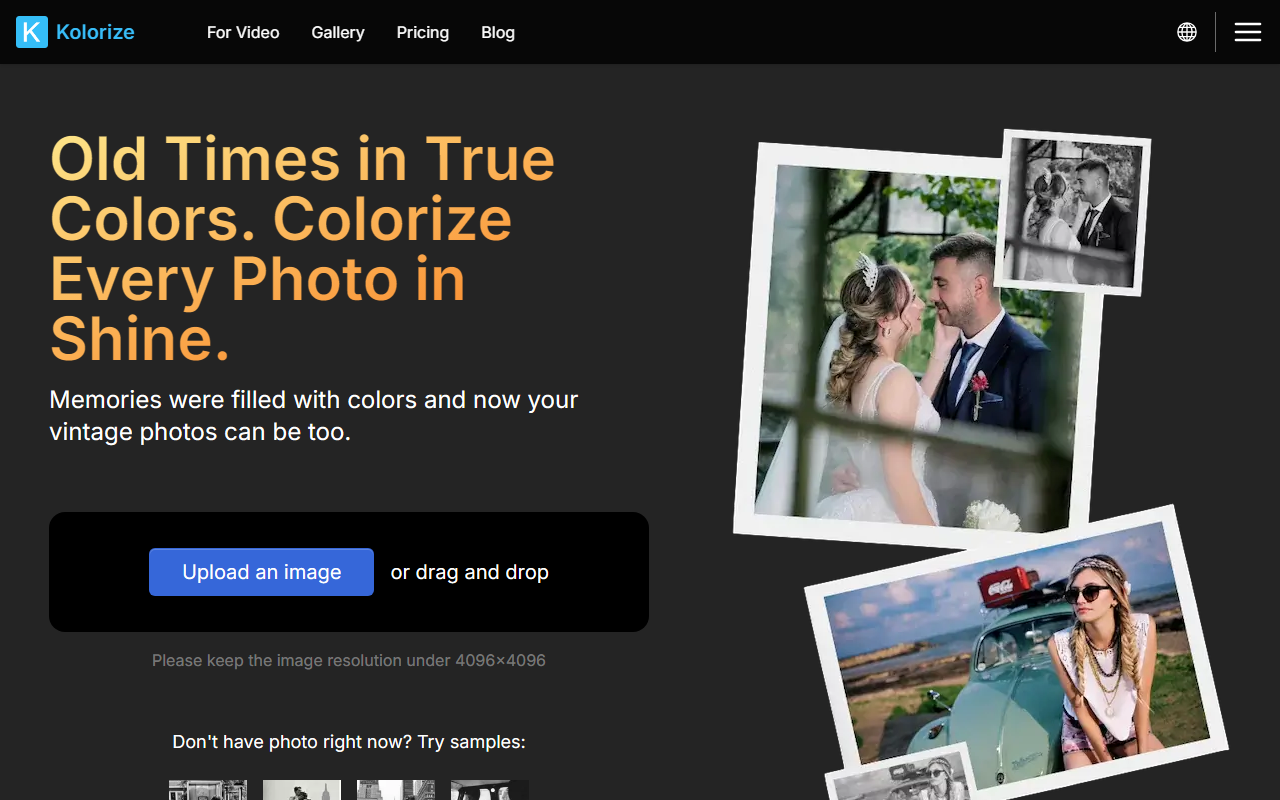
Upon visiting Kolorize at kolorize.cc, I was greeted by a clean, modern interface with a large drop zone in the center. The site supports multiple languages including English, Spanish, French, German, Portuguese, Italian, and Traditional Chinese. There is a prominent 'Sign up / Login' button, but I could start using the tool immediately without an account. I simply dragged a black-and-white portrait from my local folder into the designated area. The upload limit is 4096x4096 pixels, and supported formats are JPEG, PNG, WebP, GIF, and AVIF. For testing, I used a 1920x1080 sepia-toned vintage photo.
The free tier offers unlimited trials, meaning I could colorize the same photo multiple times until satisfied. After uploading, the AI processed the image in about 5 seconds (the FAQ states 3–8 seconds depending on file size). The result appeared instantly: a full-color version with realistic skin tones, a brown wooden background, and a blue sky—impressively natural. I could preview the colorization and then click 'Download' only if I liked it. Without payment, I was prompted to purchase credits. Each download costs one credit, and credits are valid for two years. However, pricing is not publicly listed on the website; you must sign up or log in to see credit packs. This is a minor friction point.
Technology and Accuracy
Kolorize uses proprietary AI algorithms, likely a deep convolutional neural network trained on millions of color images. The FAQ emphasizes that it prioritizes high-probability color assignments (e.g., bananas are yellow or green, never blue). This probabilistic approach yields reasonable approximations rather than 100% original color restoration. I tested another photo with a dog: the AI gave it a realistic brown coat, but the grass was a slightly oversaturated green. For most casual users, the output is more than acceptable. Unlike some competitors (e.g., DeOldify or Colorize.cc), Kolorize does not offer manual controls like color hints or selective brushing. The entire process is automated—no human intervention. This simplifies usage but limits advanced tuning.
One standout feature is data security: all files are transferred over a 2048-bit encrypted connection and deleted after processing. This is a strong selling point for privacy-conscious users. The AI also handles sepia and yellowish/reddish tones automatically, restoring them to full color or adjusting hues based on analysis. The FAQ claims the algorithm can distinguish between original black-and-white and faded color photos, then apply appropriate colorization or restoration.
Pricing and Commercial Use
Since pricing is not publicly listed, I cannot provide exact numbers. The model is credit-based: one credit per downloadable image. The FAQ states credits are valid for two years and downloading the same image multiple times does not consume extra credits. Commercial use is allowed for all colorized results, which is a plus for professionals like archivists or content creators. However, the lack of transparent pricing upfront might deter budget-conscious users. For context, similar tools like MyHeritage's colorizer charge a subscription fee, while Colorize.cc offers one-time payments. Kolorize's promise of unlimited free trials and pay-only-when-satisfied is generous, but the lack of immediate price visibility is a drawback. I recommend signing up to view options.
Additionally, the output file is always JPG, not PNG or other lossless formats. This may worry some users, but the AI retains high detail with zero quality compromise, as stated on the site. I noticed no compression artifacts in my test.
Final Verdict
Kolorize is an excellent tool for anyone who needs quick, high-quality photo colorization with no commitment. Its strengths lie in ease of use, security, and unlimited free trials. The AI delivers consistently good results for typical portraits and landscapes. However, if you need granular control over color mapping or batch processing, look elsewhere. Alternatives like Colorize.cc (which offers batch and manual adjustments) or DeOldify (open-source) might suit advanced users better. Kolorize is best for casual users, historians, or families reviving old memories. Its commercial licensing is a bonus for small businesses. Visit Kolorize at https://kolorize.cc/ to explore it yourself.













Comments