

First Impressions and Onboarding
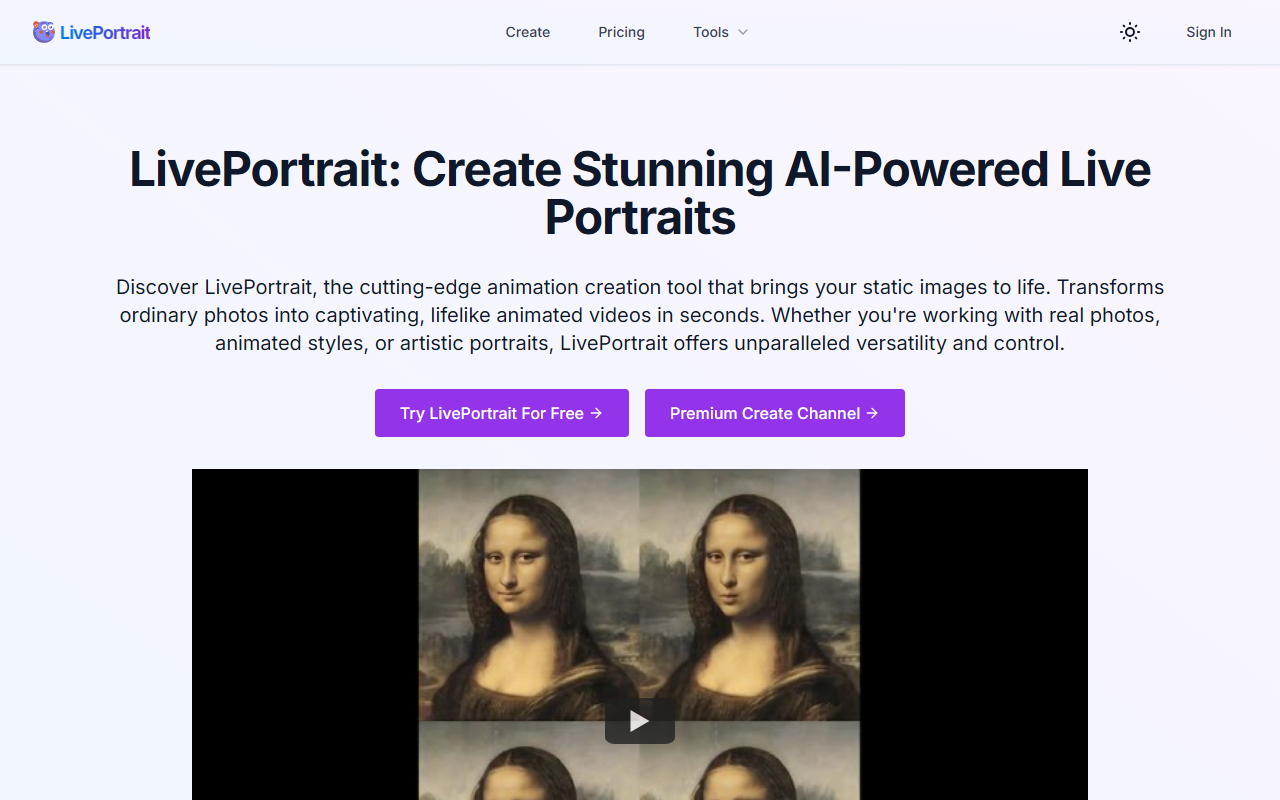
Upon visiting the LivePortrait website, I found a clean, modern interface with a prominent "Try LivePortrait For Free" button. The dashboard is straightforward: upload a portrait image, choose a driving video from the library or upload your own, then generate the animation. I immediately navigated to the free playground at https://liveportrait.app/free-playground, which requires no credit card. The onboarding process is frictionless—within seconds I had a static photo of a classical painting animated with subtle blinking and lip movement. The tool is built on technology open-sourced by Kuaishou Technology, using a hybrid image-video training strategy and advanced stitching and retargeting modules. The animation quality is impressive, though generating longer clips took about a minute on the free tier.
Core Features and Real-World Testing
LivePortrait offers six key features: high-quality animation generation, precise motion control (eye and lip adjustments), diverse style support, custom animation patterns via driving videos, enhanced image processing (restoration, colorization, upscaling), and swift creation. I tested it with a personal photo—a clear front-facing portrait—and a driving video of a person nodding and smiling. The result was a natural-looking animation where the face moved realistically, but I noticed slight artifacts around the jawline on longer sequences. The tool excels with human faces; however, the FAQ states animal support is planned but not yet available. For now, it’s limited to real photos, anime, and artistic portraits. Compared to competitors like D-ID and Hedra, LivePortrait focuses more on motion transfer from reference videos rather than text-driven animation, giving users finer control over expressions.
Pricing and Who Is It For
Pricing is not publicly listed on the website. Users can try the free playground, but for repeated use you must purchase credits—no refunds are offered. This lack of transparent pricing is a drawback for potential power users. Based on the FAQ, credits are consumed per generation, though exact costs are hidden until you sign in. The tool is best suited for content creators, digital artists, and family historians who want to breathe life into static portraits without technical expertise. It’s less ideal for professionals needing batch processing or commercial licensing—those details are absent from the site. If you require consistent pricing or an API (not mentioned), look elsewhere.
Final Verdict
LivePortrait delivers on its promise: high-quality, quick portrait animation with a simple workflow. The free playground lets you test before buying, and the results are often stunning. However, the opaque credit system and lack of animal/custom object support limit its scope. I recommend LivePortrait for hobbyists and small-scale projects, especially those working with historical photos or anime characters. If you need a full-fledged video generation API or predictable pricing, consider alternatives like Hedra. Visit LivePortrait at https://liveportrait.app/ to explore it yourself.













Comments