

First Impressions and Onboarding
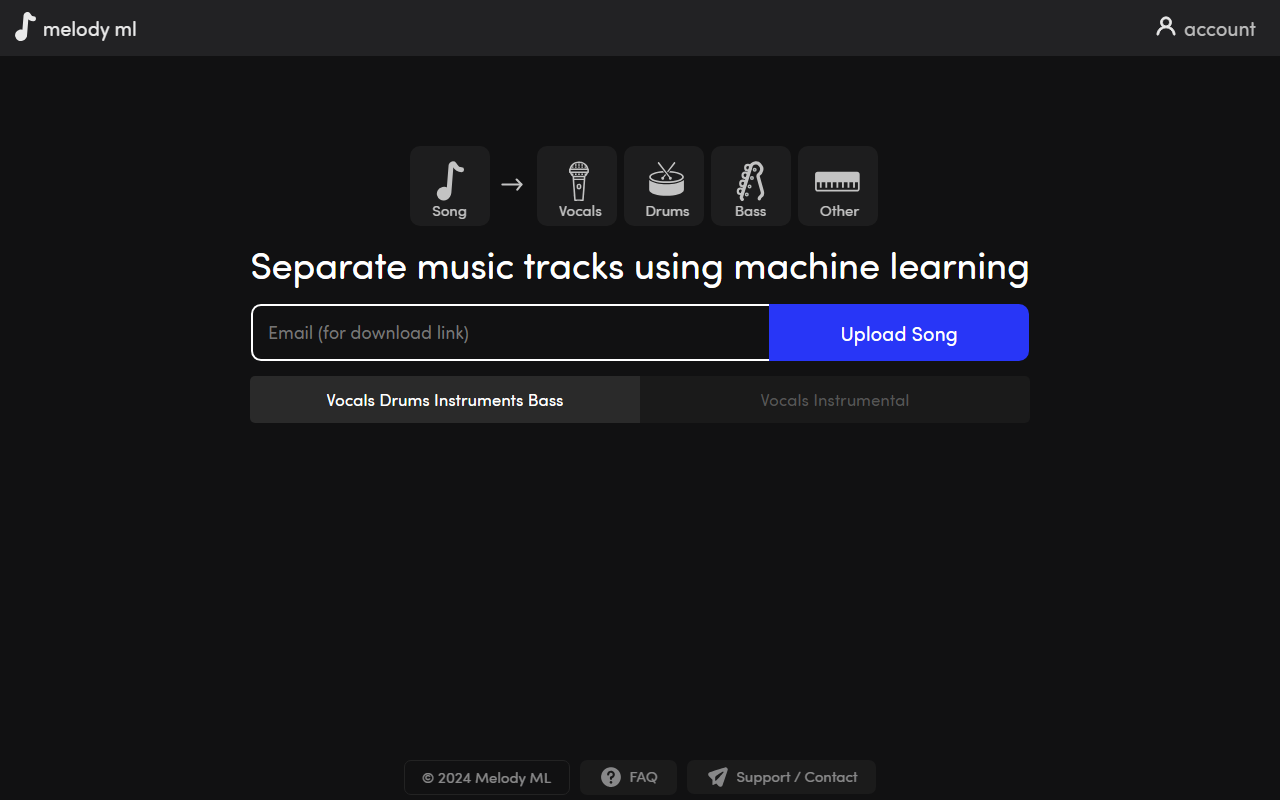
Upon visiting Melody ML, I was greeted by a minimalist, dark-themed interface with a single upload button and a clear display of my remaining credits. The onboarding flow is straightforward: create an account via Google or email, then immediately start uploading. I tested the free tier by uploading a 3-minute MP3 file. The upload was instantaneous, and a status bar appeared with the message “Your song is being processed, this can take 1-20 minutes.” In about four minutes, the stems were ready for download. Each stem—vocals, drums, bass, and “Other” (which includes instruments and harmonies)—was delivered as a separate MP3 file. The interface also shows all uploads in a list with a progress indicator and a download button. I appreciated that processed files remain available for a month, giving ample time to retrieve them. There is no batch upload or folder support, but for individual tracks the workflow feels frictionless.
Core Technology and Capabilities
Melody ML is built on Demucs, the open-source music source separation model developed by Meta AI. It uses a hybrid architecture combining convolutional and recurrent neural networks to isolate stems. The tool currently supports MP3, WAV, FLAC, and Ogg/Vorbis formats, with a maximum file size of 100 MB and song length of 10 minutes. While the category suggests model training, Melody ML does not offer any training or customization — it is purely a pre-trained separator. This is a limitation for users expecting to fine-tune models, but for most casual needs the default Demucs model performs admirably. The separation quality is on par with other Demucs-based tools: vocals are clean, drums are punchy, and bass lines are well-isolated, though complex overlapping instruments occasionally bleed into other stems. The tool does not provide waveform previews or EQ adjustments, keeping the experience simple and fast.
Pricing and Value
Melody ML uses a credit system. After two free songs, each upload costs $0.50. Credit packs are sold at $5 for 10 songs, $10 for 20 songs, or $20 for 50 songs. Payments are handled through Stripe or PayPal. There is no subscription or recurring fee, which makes it ideal for occasional users. Compared to alternatives like LALAL.ai (which charges per minute and has a free tier with limited quality) or Spleeter (free but requires command-line knowledge), Melody ML offers a middle ground: affordable and dead simple. However, professionals who need higher bitrate exports or multi-format download options may find the offering too basic. The tool does not support longer tracks beyond 10 minutes, which could be a problem for DJ mixes or classical pieces.
Who Should Use Melody ML?
Melody ML is best suited for musicians, podcasters, and hobbyists who need quick and cheap stem extraction for remixing, sampling, or audio cleanup. Its pricing is transparent and the two-free-song trial lets you test quality before paying. On the downside, there is no free plan beyond those two songs, and the lack of advanced features like custom output formats, offline processing, or stem editing may frustrate advanced users. The documentation is sparse, though the FAQ covers essential limits. The website also states that Melody ML does not store or share uploaded songs, and users retain copyright—a strong plus for privacy-conscious creators. If you need a no-frills separator with low cost and solid results, Melody ML is a reliable choice. For professionals requiring batch processing, spectral editing, or model training, look toward dedicated DAW plugins or open-source solutions like Demucs itself.
Visit Melody ML at https://melody.ml/ to explore it yourself.













Comments