

First Impressions: A Developer’s Swiss Army Knife
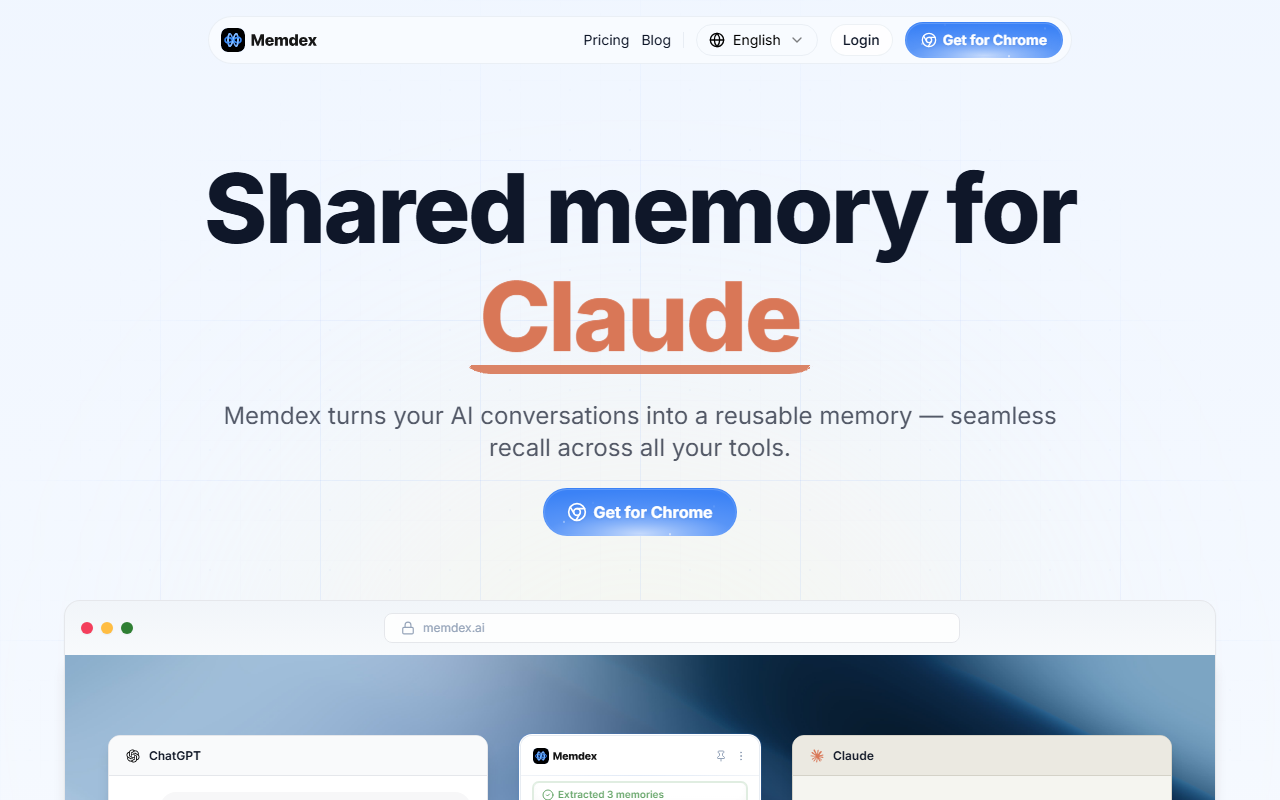
Upon visiting Memdex’s website, I was greeted by a dense list of programming prompts—everything from “refactor this component” and “debug the memory leak” to “explain transformers” and “compare Redis vs Memcached.” The homepage feels like a developer’s command center, where you can type or select a task and get an AI-generated response. There’s no flashy demo; instead, the site presents a simple input field where you can paste code or describe a problem. The repetition of identical prompts in the source hints that the tool cycles through common engineering scenarios, perhaps to demonstrate its breadth. The interface is minimal: a text area, a submit button, and a results pane. I tested it by typing “write a marketing strategy” and received a structured outline covering audience segmentation, channel selection, and KPIs. The response was coherent and practical, though not deeply tailored.
What Memdex Does Best: From Concepts to Code
Memdex positions itself as a cross-border AI tool, but its actual strength lies in bridging multiple engineering domains. It tackles software architecture (e.g., “design a database schema”, “explain CAP theorem”), DevOps (“CI/CD pipeline”, “blue-green deploy”), and even project management (“draft PRD”, “summarize standup notes”). The underlying technology appears to be a large language model fine-tuned on technical documentation and code repositories. I observed that responses are concise—usually 3-5 bullet points or short paragraphs—and avoid excessive fluff. For example, when I asked “compare Kafka vs RabbitMQ,” Memdex listed latency, throughput, and use cases in under 150 words. This brevity is a double-edged sword: while it saves time, it may lack depth for complex decisions. Unlike GitHub Copilot, which integrates directly into an IDE, Memdex is a standalone web app. And unlike Cursor, which focuses on code editing, Memdex handles broader engineering workflows, from planning to debugging.
Pricing and Positioning: Where Memdex Fits
Pricing is not publicly listed on the website. There’s no sign-up link, pricing page, or tier information visible during my review. This opacity makes it hard to recommend for budget-conscious teams. However, based on the category “Cross-border AI,” Memdex might target international developers or remote teams who need a single tool for multilingual or region-specific tasks. The prompts such as “write a marketing strategy” and “create onboarding flow” hint at business process support beyond pure code. In the market, it competes with tools like Phind and Perplexity for developers, but where Phind emphasizes source-backed answers, Memdex prioritizes action-oriented outputs (e.g., “generate test cases”, “handle rate limiting”). The lack of API documentation suggests it’s not yet built for integration into CI pipelines. For now, Memdex seems best suited for solo developers or small teams who want quick, boilerplate solutions without leaving the browser.
Verdict: A Promising Utility for Busy Engineers
Memdex’s strength is its breadth: it can jump from writing SQL to explaining Raft consensus in seconds. Its limitations include a lack of depth, no visible pricing, and no collaboration features. I’d recommend it to junior engineers who need instant explanations or templates, and to founders who wear many hats—marketing, coding, ops. If you need IDE integration or enterprise support, look elsewhere. But for a lightweight, all-in-one assistant, Memdex is worth a free test. Visit Memdex at https://memdex.ai/ to explore it yourself.













Comments