

First Impressions and Onboarding
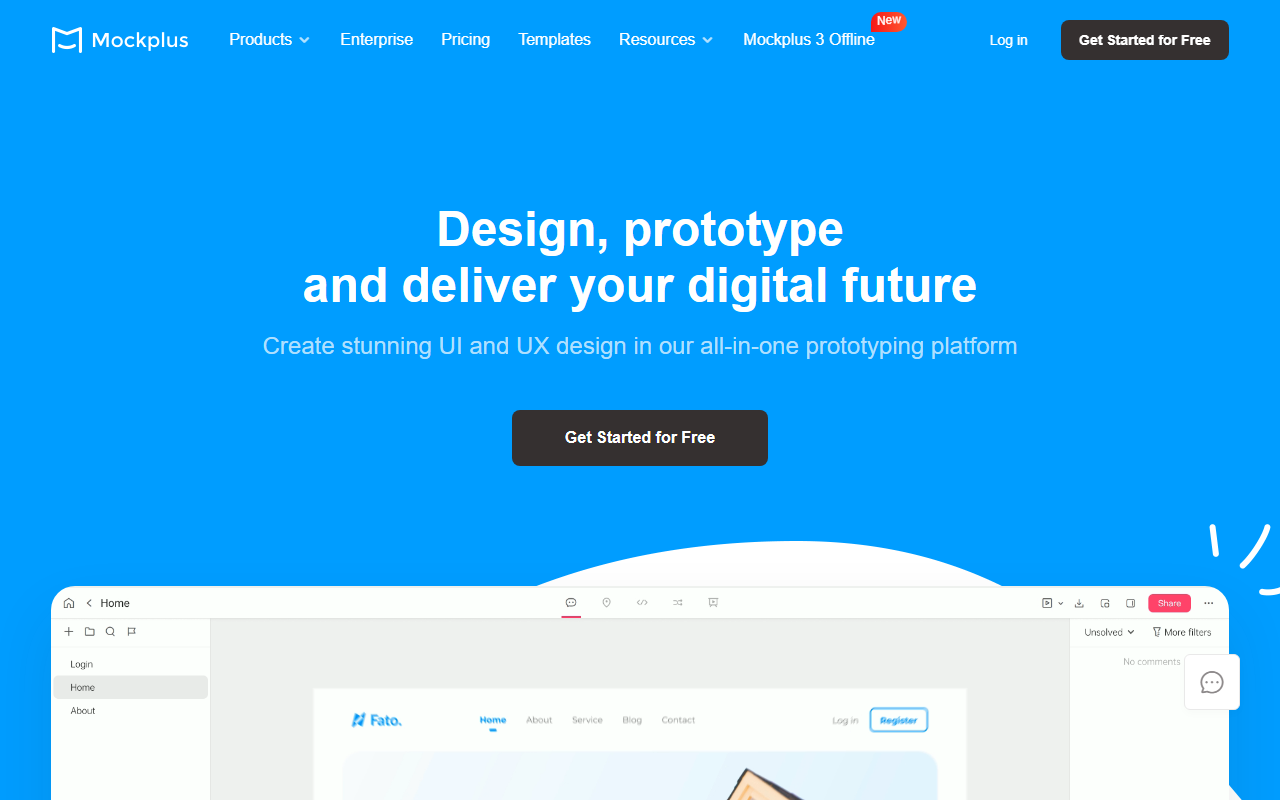
Upon visiting Mockplus, the site immediately pitches a clear value proposition: design, prototype, and collaborate for free. The navigation lists four products — Mockplus RP (wireframing/prototyping), Mockplus Cloud (collaboration/handoff), Mockplus DT (online UI design), and a newer Mockplus 3 Offline. I clicked through to the RP product to test the free tier. The onboarding was smooth: no credit card required, just an email sign-up. The dashboard presents a clean, left-side panel with project folders and a central canvas. A tutorial popped up guiding me through drag-and-drop of UI components. Within minutes, I added a button, changed its color, and linked it to another screen — no coding. The interface feels familiar to anyone who has used Figma or Sketch, but with less clutter. The built-in widget library includes iOS, Android, Material Design, and Web components, which are fully customizable. I could also import an Axure file using a one-click feature, and the tool preserved layers and interactions surprisingly well. The offline option is a unique touch: Mockplus 3 Offline allows full design and prototyping without an internet connection, which is rare for collaborative tools.
Core Features and Workflow
Mockplus excels at simplifying the design-to-development pipeline. During testing, I explored the interaction panel: you can add animations, mobile gestures, and custom states without writing a line of code. The flowchart tool lets you map user flows directly on the canvas, and you can attach notes to components to explain design intent. This is especially useful for handing off to developers. The collaboration features are strong: share a prototype via a single link, collect on-screen comments, and get automated redlines and CSS snippets for developers. I tried the team collaboration by inviting a colleague; we co-edited a project in real-time, and changes synced instantly. The asset library allows teams to store reusable colors, fonts, headers, and footers, ensuring consistency across projects. Mockplus positions itself as an alternative to Axure, InVision, and Figma — and honestly, it holds its own for most prototyping needs. It lacks the plugin ecosystem of Figma and the advanced vector tools of Sketch, but it compensates with simplicity and a lower learning curve. The free tier is generous: unlimited projects and up to 3 collaborators per project (based on my testing). For larger teams, paid plans are available, but pricing is not publicly listed on the site; you need to contact sales for enterprise quotes.
Pricing, Positioning, and Verdict
Mockplus offers a robust free plan that includes all core features for individual designers and small teams. The only limitation I noticed was the collaborator cap (3 per project) on the free tier. For larger organizations, the Enterprise plan adds priority support, increased storage, and advanced admin controls — but you must request a quote. When compared to competitors, Mockplus sits in a sweet spot: it’s more approachable than Axure (which has a steeper learning curve) and more affordable than Figma’s paid tiers (though Figma’s free plan also offers generous features). The biggest differentiator is the offline mode — something Figma and Sketch lack natively. However, Mockplus is less suitable for complex illustration or icon design; it’s primarily a UI/UX tool. The community templates are helpful, but many are dated. Overall, Mockplus is best for startups, small teams, and non-designers who need to quickly prototype ideas without a heavy toolchain. It’s also excellent for educational settings or teams that require offline work due to security constraints. If you’re a power user who relies on Figma’s plugins or Sketch’s vector precision, you might feel limited. But for rapid prototyping and seamless handoff, Mockplus delivers.













Comments