

First Impressions and Onboarding
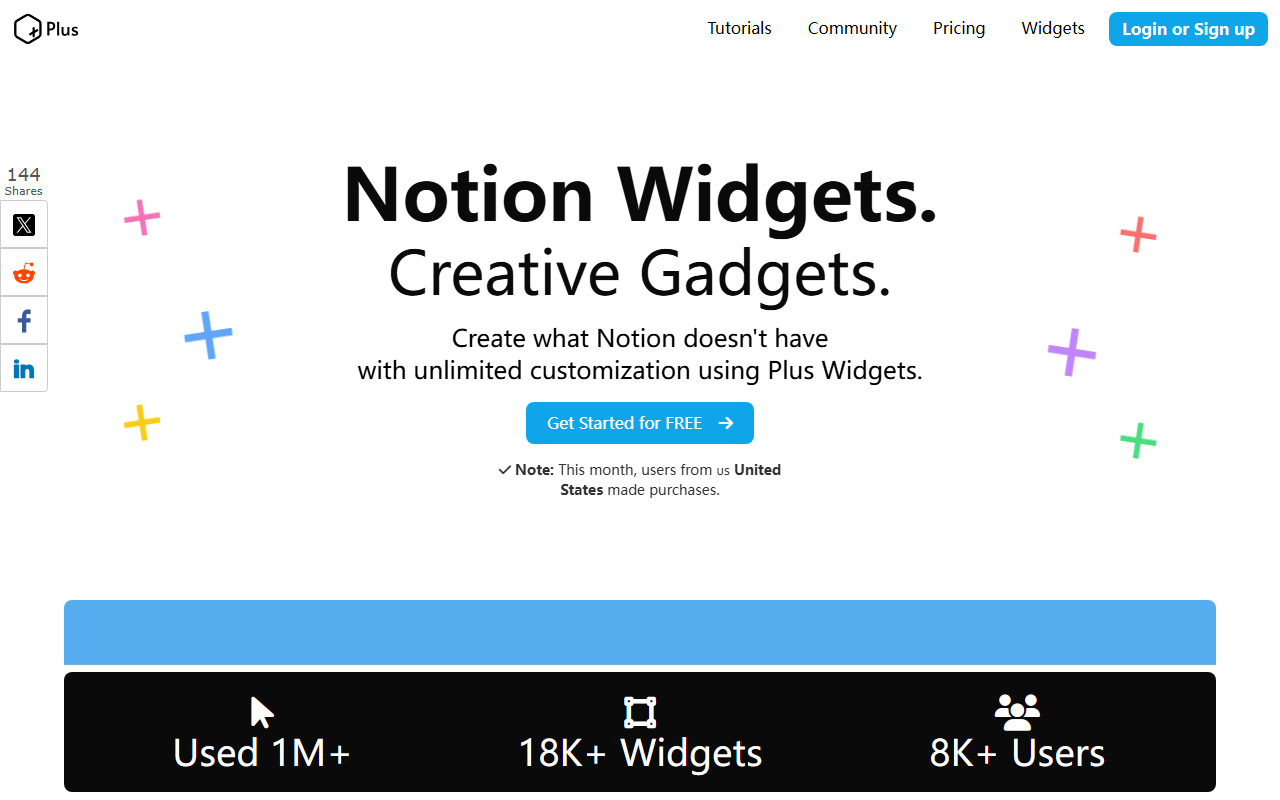
Upon visiting NotionPlus at notionplus.dev, I was greeted by a clean, product-focused landing page. The tagline immediately targets a specific audience: "Make Your Notion Templates Stand Out with Notion Widgets. Sell at Premium Prices!" The header offers clear navigation points: Tutorials, Community, Pricing, and a Widgets library. After clicking "Get Started for FREE" (no credit card required), I was walked through a three-step onboarding flow: pick a widget from the library, customize colors and fonts directly in the browser, then copy an embed link and paste it into a Notion template. The entire process took me under two minutes to test with a Quote widget. There is no AI generation or smart assistant here; the tool is purely a no-code widget builder.
Feature Set and Customization
The widget library includes six core types: Image Carousel, Quotes, Countdown, Digital Clock, Clickable Image, and Text Widget. Each offers unique parameters — for example, the Digital Clock lets you choose from 1500 fonts and multiple color themes; the Image Carousel supports different slide animations. During my test, I customized a Countdown timer with custom background color and a specific end date. The interface is drag-and-drop for style adjustments, with real-time preview. Notably, the Clickable Image widget allows you to add hyperlinks, turning static images into navigation elements. The community boasts 8.5K+ creators and 18K+ published widgets, indicating an active ecosystem. The free plan gives you 20 widgets, after which you must upgrade to the paid tier.
Pricing and Market Position
Pricing is transparent: a Free plan (20 widgets, no credit card) and an Upgrade plan at $6/month for unlimited widgets. This is cheaper than a typical Notion subscription, as the site points out: "Less than your Notion subscription. One template sale pays for itself." However, the tool sits awkwardly in the "AI Office" category — it uses no artificial intelligence. Competitors like Indify also offer Notion widgets with similar features, and some free widget generators exist. NotionPlus differentiates itself with a dedicated creator community and widget-specific features like the clickable image. Unlike generic widget embeds, NotionPlus provides deep customization and a marketplace-like approach. The main limitation is the lack of advanced analytics or API access — you cannot programmatically generate widgets or integrate external data sources.
Who Should Use NotionPlus?
NotionPlus is purpose-built for Notion template creators who want to add premium-looking interactive elements — countdown timers for sales events, dynamic quotes for motivation, or branded clocks. It is less suited for casual Notion users who only need basic embeds or for those expecting AI-powered automation (e.g., auto-generated content). The tool is reliable for its niche: it simplifies widget creation to three steps, works across all Notion plans, and the pricing is fair for the value it adds to paid templates. One genuine strength is the zero-code workflow and 1500-font library; a limitation is the relatively small widget library (only six types) compared to all-in-one design tools like Canva. If you sell Notion templates and want to increase perceived value, NotionPlus is a solid, low-risk investment. Visit NotionPlus at https://notionplus.dev/ to explore it yourself.













Comments