

First Impressions and Onboarding
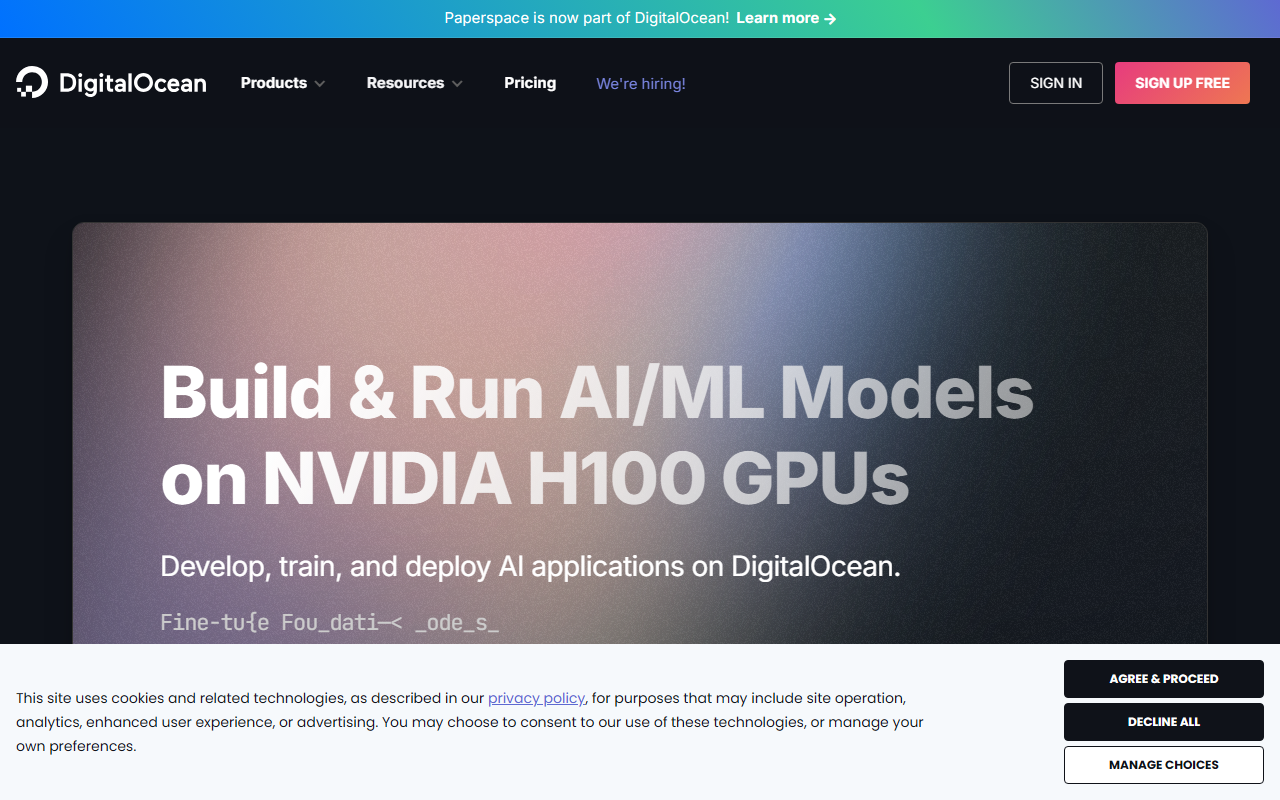
Upon visiting the Paperspace website, the first thing I noticed is the bold announcement that it is now part of DigitalOcean. The landing page focuses heavily on NVIDIA H100 GPUs and building the next ChatGPT. Signing up was straightforward: I used my GitHub account and within seconds I was on the dashboard. The interface is clean and modern, with a clear left-hand navigation offering Notebooks, Machines, Deployments, and more. For a newcomer, the flow from signup to launching a GPU-powered notebook is impressively fast—the site claims it takes seconds, and my experience matched that. I was able to spin up a free GPU notebook (they advertise free GPUs for hosted notebooks) and run a quick PyTorch training script without any manual server setup.
Core Products: Notebooks, Machines, and Deployments
Paperspace offers three main product areas under its ML platform. Notebooks are Jupyter-based environments with one-click access to GPUs, including a free tier that gives you access to low-power GPUs for experimentation. Machines are full virtual servers where you can train or fine-tune models with more control over instance types and storage. Deployments let you convert trained models into scalable API endpoints. I tested the free notebook: it came pre-configured with common ML libraries, and I could easily switch between instance types later. The infrastructure abstraction is evident—I never had to worry about provisioning or job scheduling. The platform also integrates with DigitalOcean’s cloud, which adds object storage and networking options. For model training, the availability of H100, A100, and older GPUs means you can pick the right balance of cost and performance. The API is well-documented and supports programmatic management of resources, which is crucial for advanced users.
Pricing and Market Positioning
Paperspace uses per-second billing, which is a major advantage over many competitors that bill by the hour. They claim savings of up to 70% compared to major public clouds like AWS or GCP. However, exact pricing per GPU type is not publicly displayed on the site; you need to sign in or contact sales for detailed quotes. The free tier is generous for a cloud GPU platform—free notebooks with limited compute are available without a credit card. Compared to alternatives like Lambda Labs or RunPod, Paperspace offers a more polished user interface and tighter integration with DigitalOcean, but may have less flexibility for custom networking or very large-scale clusters. The platform is best suited for individual developers and small-to-medium teams who want a hassle-free way to train and deploy models without managing servers. Larger enterprises might prefer the raw power of AWS or Google Cloud, but DigitalOcean’s support and simplicity are strong selling points.
Who Should Use Paperspace?
After spending time with the platform, I believe Paperspace is an excellent choice for AI researchers, data scientists, and hobbyists who need fast access to GPUs without billing surprises. The free notebook tier alone makes it worth trying for prototyping. It is also a good fit for small startups that want to move quickly from notebook to production API. On the downside, the lack of transparent pricing for higher-tier GPUs could be a friction point. Additionally, the recent acquisition by DigitalOcean may introduce changes in the product roadmap, which could worry some users. Still, the core experience—simple deployment, per-second billing, and a solid set of pre-configured environments—is strong. If you are already a DigitalOcean customer, the integration is seamless. If you need bare-metal GPUs or massive multi-node training jobs, you might look elsewhere. But for standard model training and fine-tuning workflows, Paperspace delivers a polished, cost-effective experience. Visit Paperspace at https://paperspace.com/ to explore it yourself.













Comments