

First Impressions and Onboarding
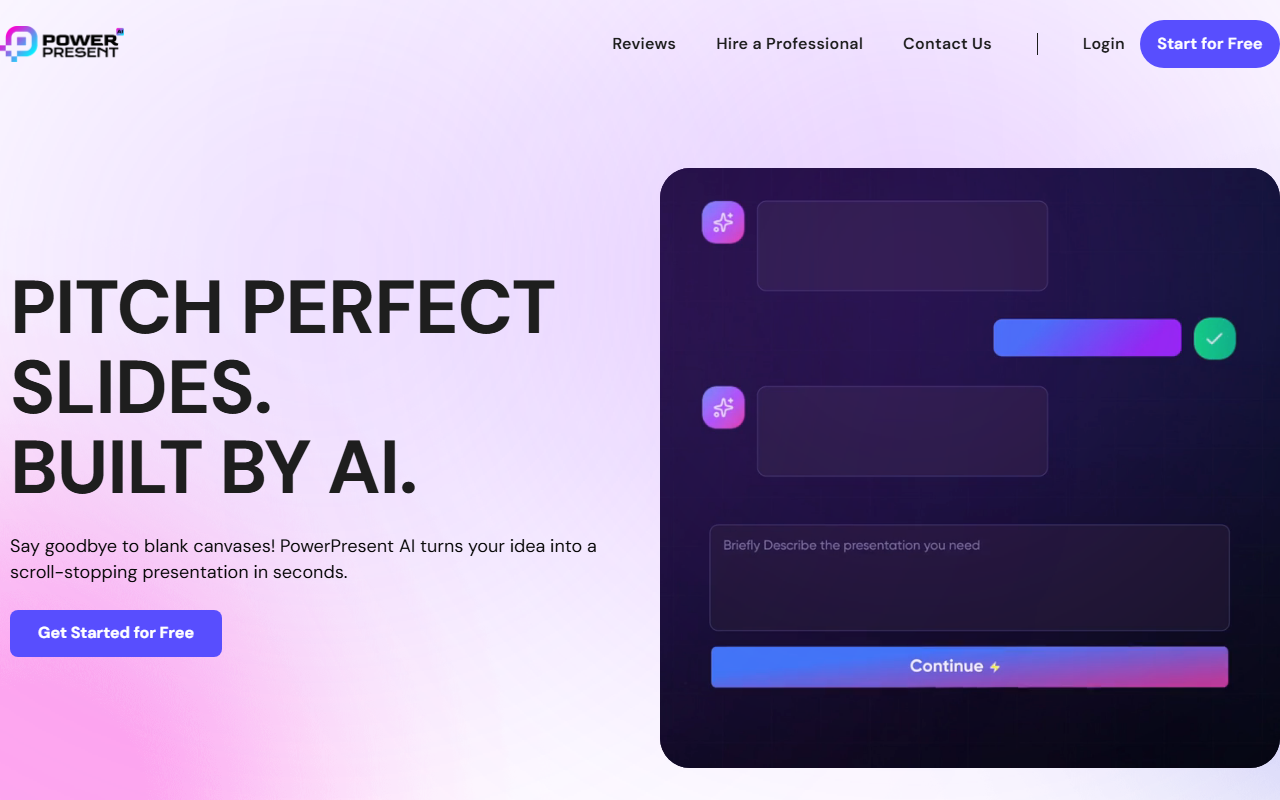
Upon visiting PowerPresent.ai, I was greeted by a clean, modern landing page that emphasizes speed and simplicity. The headline “Pitch perfect slides. Built by AI.” sets clear expectations. A prominent “Get Started for Free” button leads to a straightforward sign-up flow requiring only an email address. Once inside, the dashboard presents a single input field: type your topic or paste a link. There is no cluttered interface or confusing tutorial—the tool assumes you want to start creating immediately. I tested the free tier by entering “quarterly sales review for a SaaS startup” and set a 10-slide target. Within seconds, the AI generated a complete slide outline with suggested titles, a theme, and even placeholder content. The onboarding experience is among the fastest I’ve seen in the AI presentation space.
Core Features in Action
PowerPresent’s feature set covers almost every common way you might start a presentation. AI Content Generation works from a simple prompt. I typed “investor pitch for a fintech app” and the tool produced seven slides with bullet points, statistics placeholders, and a consistent color palette. The Professional Templates library offers over 100 designer-made layouts that adapt automatically to your content. During testing, I switched between a bold startup theme and a minimalist corporate style—each adjustment applied instantly without breaking the text flow.
The One-Click Export to PPTX is flawless. I downloaded my deck and opened it in Microsoft PowerPoint; all text, images, and layouts remained editable. The Turn Docs into Decks feature impressed me the most. I uploaded a 15-page PDF report on market trends, and PowerPresent extracted key insights into a structured 12-slide presentation. The AI preserved headings, data points, and even suggested visual layouts for charts. Similarly, the Paste a Link function worked well: I dropped in a long-form article about AI ethics, and the tool distilled it into a concise, slide-ready summary. The Text In, Slides Out option is ideal when you already have bullet-point notes—just paste and edit slide titles in the structuring step before styling.
The entire workflow follows four steps: generating, structuring, stylizing, and sharing. During the structuring phase, I could reorder, rename, or delete slides before any design was applied. The stylizing step lets you choose from AI-powered themes and adjust fonts and image styles (bold, surreal, minimalist). I appreciated that every slide remained fully editable on the platform—no AI black box. The free tier allowed me to create two full presentations, which was sufficient for evaluation.
Pricing and Market Positioning
PowerPresent does not publicly list its paid pricing on the website. The free tier is generous enough for one-off projects, but to access unlimited exports and premium templates you likely need a subscription. Comparisons to competitors are provided on the site: the tool rates itself 4.5/5 overall against Gamma (3.5/5), Beautiful AI (3/5), and Presentations AI (3/5). These scores are naturally self-reported, but my own testing aligns with the claims on ease of use and design quality. Unlike Gamma, which focuses more on narrative storytelling, PowerPresent prioritizes speed and template variety. Beautiful AI offers deep design control but requires more manual input. PowerPresent strikes a balance—automation without losing customization.
The platform claims 30K+ active users and 95% customer satisfaction. Real user testimonials are sprinkled throughout the site, highlighting saved hours and impressed clients. Notably, PowerPresent acknowledges that high-stakes presentations still benefit from human experts—they offer a “Hire A Professional” service for investor decks and executive narratives. This honest positioning adds credibility. The tool also integrates with WhatsApp for community support and free credits, a unique engagement tactic.
Strengths, Limitations, and Final Verdict
Strengths: Speed is the standout—going from idea to a polished PPTX in under a minute. The multiple input methods (prompt, document, link, text) cover nearly every scenario. Design output is consistently modern and brand-consistent, with automatic theme adaptation. The export quality is high, with no broken layouts or missing fonts.
Limitations: The free tier is capped, and without visible pricing, power users may hesitate. Advanced slide animations and custom master slide editing are absent—the tool is best for quick, professional decks, not highly customized production. For complex data visualizations, the AI sometimes suggests generic chart placeholders rather than intelligent infographics. Additionally, language support appears limited to English based on my tests.
Who should use PowerPresent? Marketers, startup founders, students, and any professional who needs to create clean presentations rapidly. If you frequently turn reports or articles into decks, this tool is a time-saver. If you require deep design control or slide animation, look at Beautiful AI or traditional PowerPoint with templates.
Visit PowerPresent at https://powerpresent.ai/ to explore it yourself.













Comments