

First Impressions and Onboarding
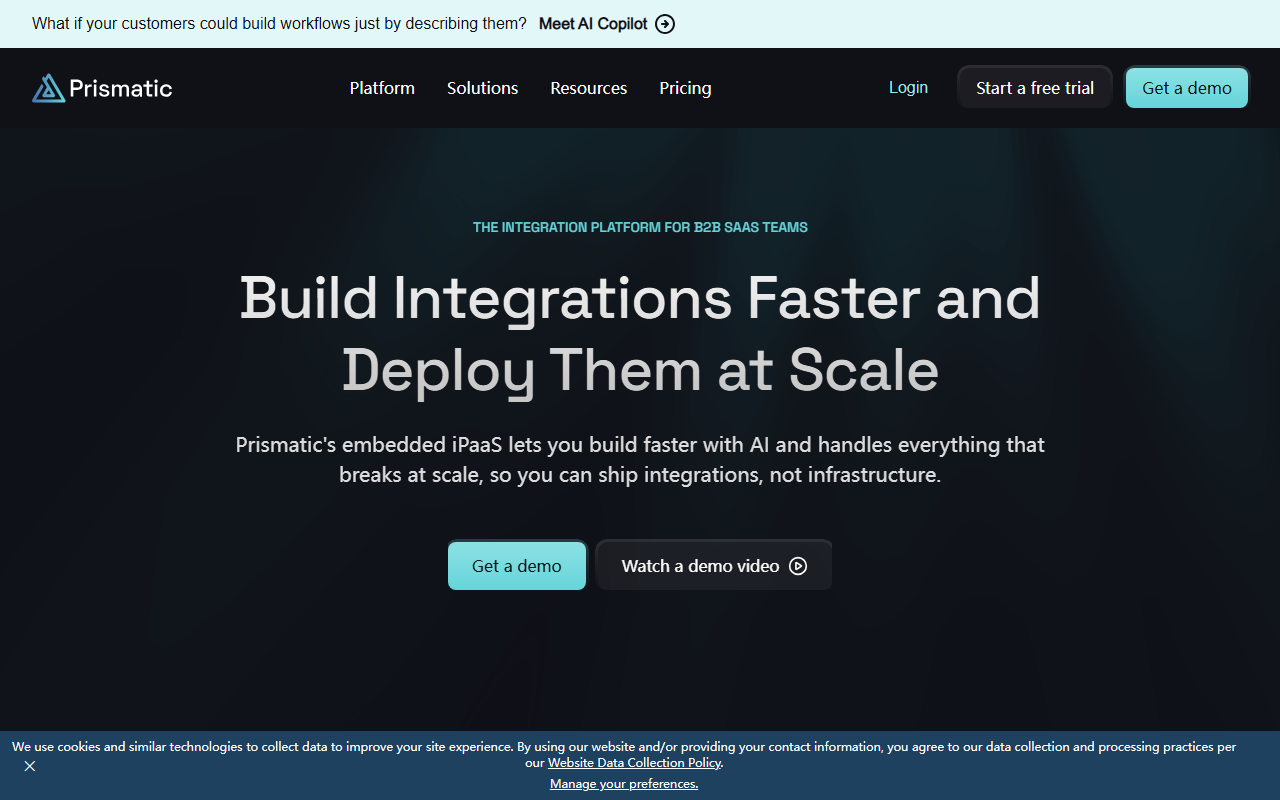
Upon visiting the Prismatic website, the first thing I noticed is the clear focus on B2B software teams. The landing page immediately pitches a bold promise: 10x faster integration delivery and a 95% reduction in development time. I clicked the “Start a free trial” button to see what the onboarding looks like. The sign-up flow is straightforward—email and company name—and within minutes I had a sandbox environment. The dashboard shows a clean layout: a left sidebar with Build, Deploy, and Manage sections. A pop-up introduced “Prismatic Skills with Claude Code,” which lets you use natural language to generate integration components. That caught my attention because it’s a rare AI-first approach in the embedded iPaaS space.
The platform is entirely web-based, but the real surprise is the MCP server integration. You can write TypeScript in your local IDE and connect it to Prismatic’s AI assistant. This blurs the line between low-code and pro-code. For a developer like me, that feels like the best of both worlds.
Building with Prismatic: A Developer’s Perspective
I spent an afternoon building a mock integration between a CRM and an accounting tool. The development environment is code-native: I wrote TypeScript in VS Code, and the MCP server provided auto-completions and even suggested API endpoints based on my schema. The AI-powered component generation works surprisingly well—I typed “authenticate with OAuth 2.0 for Salesforce” and it produced a scaffolded component with retry logic and token refresh. This is a huge time-saver because maintaining auth flows is one of the biggest pains in integration development.
Prismatic uses its own embedded iPaaS infrastructure, not a retrofitted general platform. You get built-in monitoring, customer-specific configuration, and a marketplace for self-service deployment. Unlike general iPaaS tools such as Workato or Tray.io, Prismatic is designed to feel native inside your own product. The documentation is thorough, covering the API, webhooks, and the component SDK. One limitation I noticed: there’s no visual debugger for local development—only logs after deployment. That adds friction when testing edge cases.
Pricing is not publicly listed on the website. I had to request a demo to get numbers, which makes it hard to compare upfront. That’s a common pattern for enterprise-focused tools, but a transparency issue for smaller teams.
Non-Developer Features and Market Positioning
Prismatic isn’t just for engineers. The low-code designer lets customer success teams modify integrations without writing code. I tested the embedded workflow builder—it’s drag-and-drop, but you can still inject custom JavaScript when needed. That balance is rare. The monitoring dashboard shows real-time logs, error rates, and customer activity. Support teams can self-serve debugging without bothering engineering.
Compared to competitors like Paragon (another embedded iPaaS) or Merge.dev (unified API), Prismatic stands out for its AI-first tooling and its emphasis on handling infrastructure at scale. It’s backed by notable customers like Fortune 500s and fast-growing startups. The trust indicators—case studies from SVP-level leaders—add credibility. However, the platform is squarely aimed at B2B SaaS teams that already have some integration complexity. If you’re a solo founder building a simple connector, Prismatic might feel like overkill. The learning curve for the low-code designer is gentle, but the full power requires TypeScript knowledge.
Strengths, Limitations, and Final Verdict
I’d recommend Prismatic to any B2B SaaS engineering team that spends more than 30% of their time maintaining integration infrastructure. The AI with Claude Code is genuinely useful, and the code-native approach means you’re not locked into a proprietary visual language. The biggest limitation is the lack of transparent pricing (you have to talk to sales) and the fact that the free trial is limited—you’ll need a demo to see full features. Also, the platform’s focus on “everything that breaks at scale” means it may not be the best fit for ultra-simple integrations that can be done with Zapier.
Strengths include the 10x faster delivery claim—I’d say that’s realistic for teams already familiar with TypeScript—and the ability to offload auth, monitoring, and scaling. Weaknesses: no public pricing, dependency on a third-party platform for your integration layer, and a slight learning curve for the low-code side. The tool is best suited for mid-market to enterprise B2B SaaS companies that need to ship integrations fast and maintain them reliably. Smaller teams should evaluate carefully based on their budget and needs.
Visit Prismatic at https://prismatic.io/ to explore it yourself.













Comments