

First Impressions and Onboarding
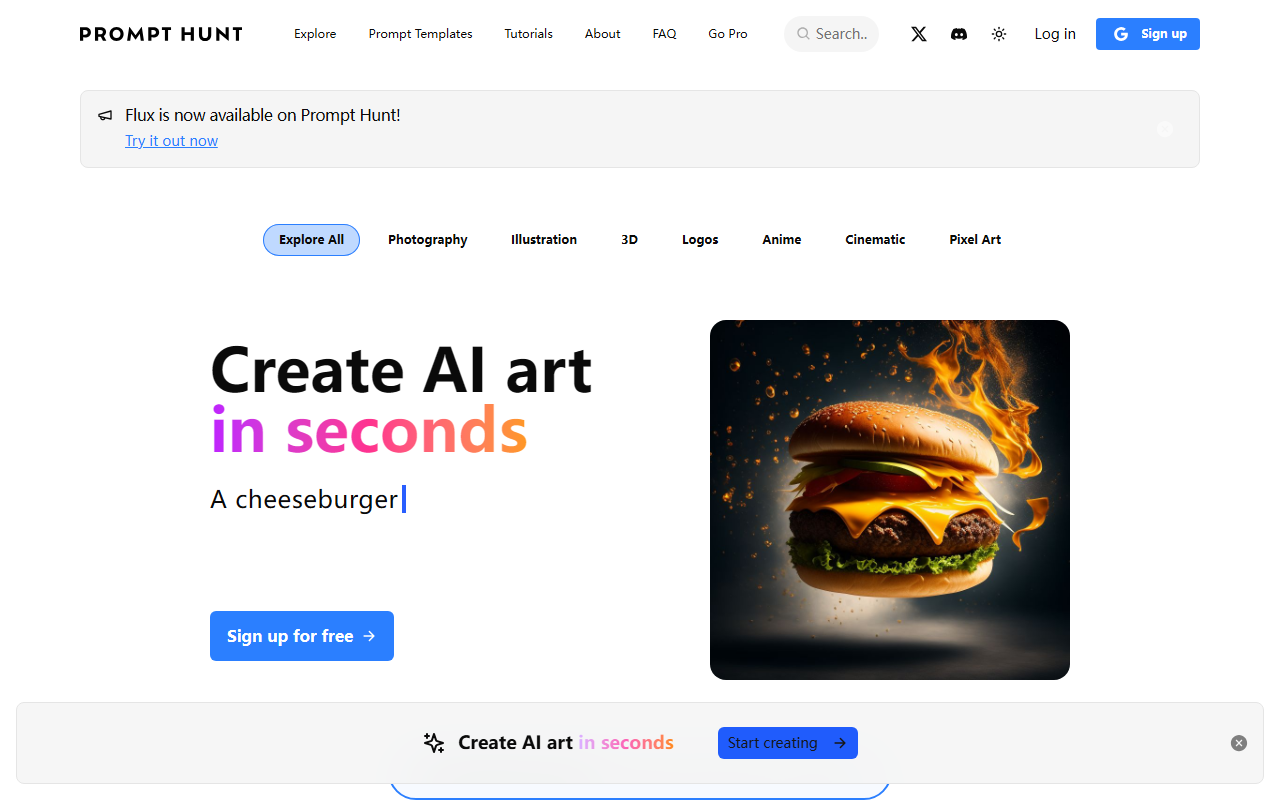
Upon visiting Prompt Hunt, I was greeted by a clean, modern dashboard that immediately invites exploration. The top navigation clearly breaks down into Explore, Prompt Templates, Tutorials, About, FAQ, and a Go Pro link. A toggle for dark/light theme and a log-in button are easily accessible. The homepage prominently features a call to action: "Create AI art in seconds" with a sample prompt "An astronaut" and a free sign-up button. This straightforward onboarding lets you jump right in without friction. I tested the free tier by signing up, and the process was quick—no credit card required. The interface is designed for speed: drag-and-drop style tags such as "Vector Illustration" or "Golden Hour" let you apply effects instantly. This focus on simplicity makes it clear that Prompt Hunt aims to remove technical barriers for creatives.
Core Features and Chroma Model
Prompt Hunt is more than just a wrapper for existing models. It introduces its own advanced AI model called Chroma, described as delivering top-quality visuals with "incredible speed, control, and detail." During testing, I could choose between Legacy images (likely older model generations), DALL·E images (up to 24/day on paid plans), and Pro model images (up to 60/day). The ability to pick models within one platform is a clear differentiator. The standout feature is the Prompt Templates system. You can save and share prompts as reusable templates, which is invaluable for maintaining consistent assets across a team or project. I tried dragging a "Soft Color Palette" style onto a base prompt, and the results were quick and coherent. Privacy mode, available on all paid plans, ensures generated art stays private until you choose to share. This addresses a common pain point for creators who want control over their output.
Pricing and Value
Prompt Hunt offers three tiers: Essential at $4.99/month (50 Legacy images per day), Pro at $9.99/month (500 Legacy + 24 DALL·E + 40 Pro model images), and Pro+ at $14.99/month (1000 Legacy + 24 DALL·E + 60 Pro model images). All paid plans include privacy mode, upscaling, variations, and the ability to create four images at once. The prices are competitive, especially considering the inclusion of DALL·E credits. However, the term "Legacy images" is ambiguous—it likely refers to an earlier version of Chroma or a different quality level. Notably, the free tier is not explicitly outlined on the pricing page, but the sign-up suggests some daily free generations (likely limited). Compared to dedicated DALL·E or Midjourney subscriptions, Prompt Hunt offers a middle ground with lower monthly costs and the convenience of multiple models in one place. But if you need high-volume, unrestricted generation, the daily caps could be limiting.
Who Should Use Prompt Hunt?
Prompt Hunt is best suited for beginner to intermediate creators who want a quick, intuitive AI art tool without managing complex prompts or separate model subscriptions. The template system and drag-and-drop styles lower the learning curve significantly. Teams needing consistent visual assets will find the sharing and collaborative features valuable. On the other hand, advanced prompt engineers who require granular controls over parameters (like CFG scale, seed numbers, or advanced sampling) may find the interface too streamlined. Additionally, no API is mentioned, so developers looking to integrate AI art generation programmatically should look elsewhere. A genuine limitation is the reliance on daily image quotas—heavy users on the Pro+ plan might still hit ceilings. Nonetheless, for its target audience, Prompt Hunt delivers a polished experience. Try the free tier first to see if the quality and speed meet your creative needs.
Visit Prompt Hunt at https://prompthunt.com/ to explore it yourself.













Comments