
First Impressions and Onboarding
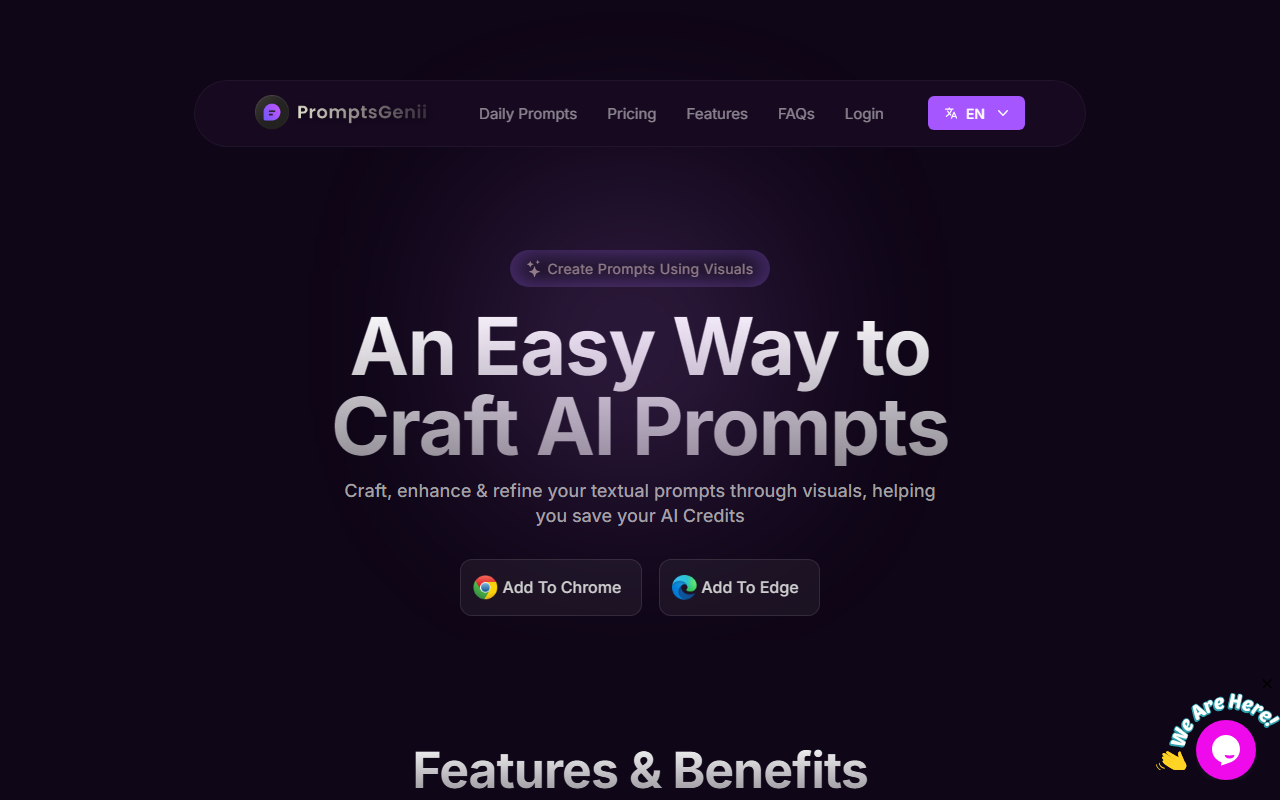
Upon visiting the PromptsGenii website, I was greeted by a clean, modern landing page that immediately communicates its core value: "Create Prompts Using Visuals." The page prominently features buttons to add the extension to Chrome or Edge, making installation straightforward. I added it to Chrome in under a minute. The onboarding flow is minimal — after installation, clicking the extension icon opens a sidebar where you can start crafting prompts right away. The interface is intuitive, with a search bar and categories listed on the left.
Core Features and Workflow
PromptsGenii is built around several key features that work together to streamline the prompt creation process. The Visual Filters are the standout: over a dozen categories including Architecture, Artists, Background, Camera, Characters, Digital, Emojis, Era, Fashion, Layouts, Lightning, Movies, Photography, Styles, Techniques, and Themes. Each category contains sub-options; for example, clicking "Artist" reveals a list of well-known art styles. Selecting a few filters instantly builds a prompt template in the text area. I tested this by choosing "Digital", "Artist (Van Gogh)", and "Architecture (Gothic)" — the result was a solid starting prompt that I could refine further.
The Image to AI Text Prompt feature is equally impressive. You can upload an image or right-click any image in your browser to generate a descriptive text prompt from it. I uploaded a photo of a cat lounging on a sofa, and the extension returned a detailed prompt capturing the scene, lighting, and mood. This saves time if you want to replicate an existing visual style. The generated prompt can then be optimized using AI models — OpenAI or Gemini — by clicking a button. You need your own API key for this, which is a minor friction but understandable given the tool's pricing model.
Other features include a Prompts Library with hundreds of templates and examples, a Digital Magazine featuring community-curated images, and a License Manager for teams. The magazine is a nice touch for inspiration, though it's more of a gallery than a tool. The Prompt Library is well-organized and includes both generic and specific prompts (e.g., "cinematic graffic --v 6.0 --ar 16:9").
Pricing and Positioning
PromptsGenii uses a lifetime pricing model with three tiers: Tier 1 ($49 for 1 user), Tier 2 ($120 for 5 users), and Tier 3 ($250 for 20 users). All tiers include access to visual filters, image-to-text, AI-powered prompt optimization (with your own API key), the prompts library, and the digital magazine. There is no free tier or trial mentioned on the website, which is a significant barrier for casual users. Compared to alternatives like Midjourney’s built-in prompt builder (subscription required) or free tools like PromptBase (pay-per-prompt), PromptsGenii’s lifetime deal is competitive for power users who want unlimited usage without monthly fees. However, it lacks the community marketplace aspect that PromptBase offers.
Strengths and Limitations
Strengths: The visual filter system is genuinely useful for non-artists or those unfamiliar with stylistic vocabulary. The image-to-text feature works reliably and saves time. Lifetime pricing is attractive for frequent users, and team management is well-implemented. The integration with OpenAI and Gemini gives flexibility.
Limitations: No free trial means you must purchase to test the core functionality. The tool relies on your own API keys for AI optimization, which adds setup overhead and potential costs (API usage fees). The prompts library, while extensive, sometimes contains generic entries. The extension is only available for Chromium-based browsers, leaving out Safari or Firefox users. Additionally, the digital magazine feels like padding rather than a core feature.
Who should try it? Content creators, digital artists, and AI enthusiasts who frequently generate images using Midjourney, DALL·E, or Stable Diffusion and want to speed up prompt crafting. Teams managing multiple users will find the license manager valuable. Casual users should look elsewhere or wait for a trial option. Overall, PromptsGenii delivers on its promise of making AI prompt creation more visual and accessible, but it’s not for everyone.
Visit PromptsGenii at https://promptsgenii.com/ to explore it yourself.













Comments