

First Impressions and Onboarding
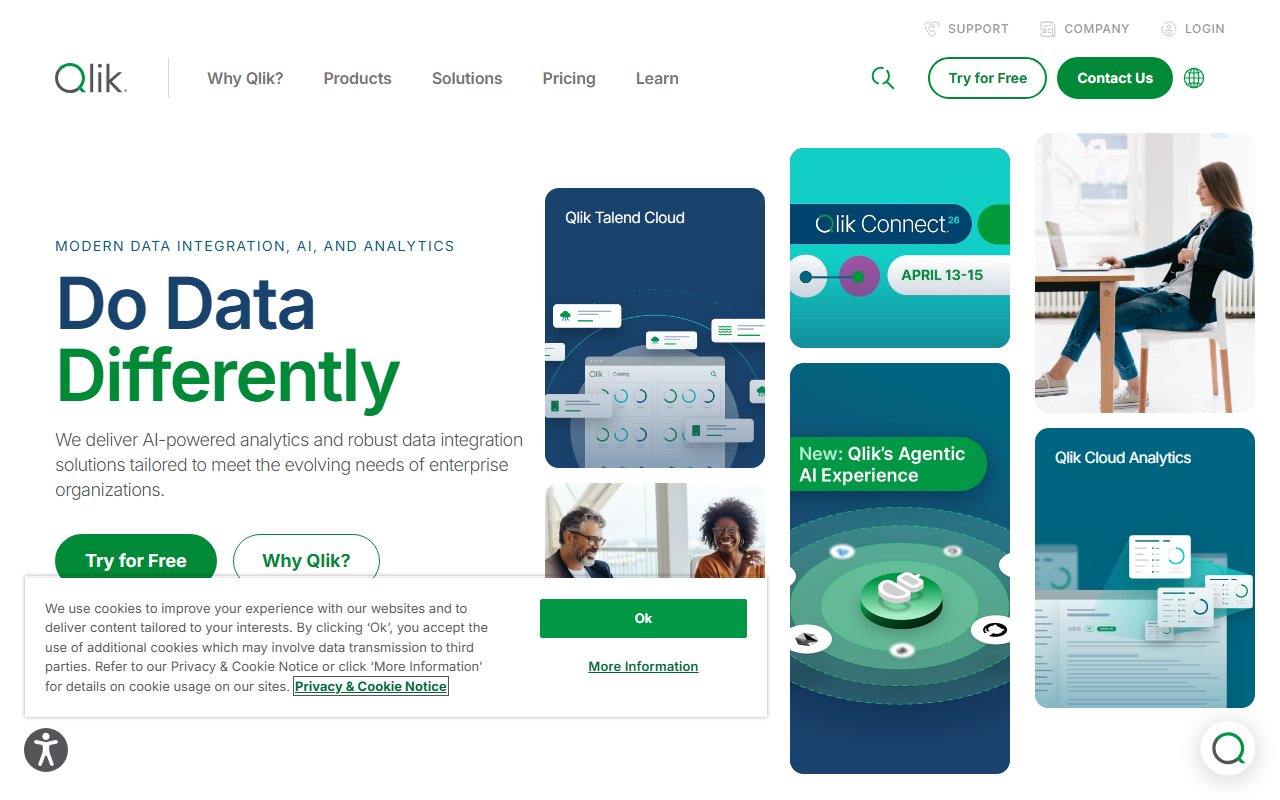
Upon visiting Qlik’s website, the first thing I noticed is that it’s not your typical “AI office” tool tucked inside a sidebar. Instead, Qlik presents itself as a heavyweight enterprise platform for data integration, quality, and analytics. The homepage prominently features “Agentic AI” and “Turn your data into real business outcomes,” immediately signaling that this is a data-first system with AI woven into its core. The dashboard I explored via the free trial sign-up (available for both Data Integration and Analytics) presents a unified workspace where users can connect data sources, build pipelines, and create visualizations. The onboarding flow is guided but assumes familiarity with data engineering concepts—there are tutorials and documentation links, but a novice might feel overwhelmed by the sheer number of options (e.g., Replicate, Compose, Talend Cloud). The interface is clean and modern, though the abundance of product names (Qlik Sense, Qlik Answers, Qlik Predict) could confuse users who just want a simple AI assistant.
Core AI Capabilities and Features
Qlik’s AI capabilities are not confined to a single chatbot. Under the “Analytics & AI” umbrella, I found specific tools like Qlik Answers (a GenAI solution for unstructured content), Qlik Predict (no-code predictive AI), and an AI Assistant that helps users query data in natural language. Importantly, Qlik also offers a MCP Server (Model Context Protocol) to integrate with external agents and platforms, making it a foundation for agentic workflows. When testing the free tier of Qlik Cloud Analytics, I connected a sample sales dataset and asked the AI Assistant “Show me monthly revenue trends for the past year.” Within seconds, it generated a visualization and a natural-language summary—impressive speed and accuracy. The tool also supports Anomaly Detection and Automation via Qlik Automate, which can trigger actions in SaaS apps based on data events. For technical users, Qlik provides APIs and connectors to hundreds of sources (AWS, Google, Snowflake, etc.), making it far more than a simple office add-on. However, I did not find any direct integration with common office suites like Microsoft 365 or Google Workspace; rather, Qlik focuses on embedding analytics or exporting reports.
Pricing and Market Positioning
Pricing is not transparently listed on the website, though separate pages for “Data Integration and Quality Pricing,” “Analytics Pricing,” and “AI/ML Pricing” indicate a tiered structure. The site offers a “Try for Free” option for both Data Integration and Analytics, suggesting a freemium or limited trial. For exact costs, prospective users must contact sales—a common enterprise practice. When comparing to competitors, Qlik stands out for combining data integration, quality, and analytics in one platform. Tools like Tableau excel at visualization but lack built-in data integration and AI model deployment. Alteryx offers strong data blending but its AI capabilities are less mature. Qlik’s own Talend acquisition strengthens its data foundation. The tool is best suited for mid-to-large enterprises that need a unified data stack for AI-driven decision-making. Smaller teams or individuals seeking a simple AI office assistant will find Qlik overengineered and cost-prohibitive. A genuine limitation is the learning curve: the platform requires dedicated training to unlock its full potential, and the documentation, while thorough, can be dense.
Final Verdict: Who Should Use Qlik?
I recommend Qlik for data-driven organizations that already manage large, disparate datasets and want to embed AI directly into their analytics workflows. If you need to automate data pipelines, spot anomalies, and let business users query data conversationally, Qlik delivers on all fronts. However, if your goal is to draft documents, summarize emails, or generate slide decks, look elsewhere—this is not a ChatGPT competitor for office productivity. The free trial is worth exploring to see if Qlik’s AI features mesh with your existing data architecture. For enterprise teams with dedicated data engineers, Qlik’s comprehensive suite can turn raw data into actionable intelligence faster than cobbling together separate tools.
Visit Qlik at https://qlik.com/ to explore it yourself.













Comments