
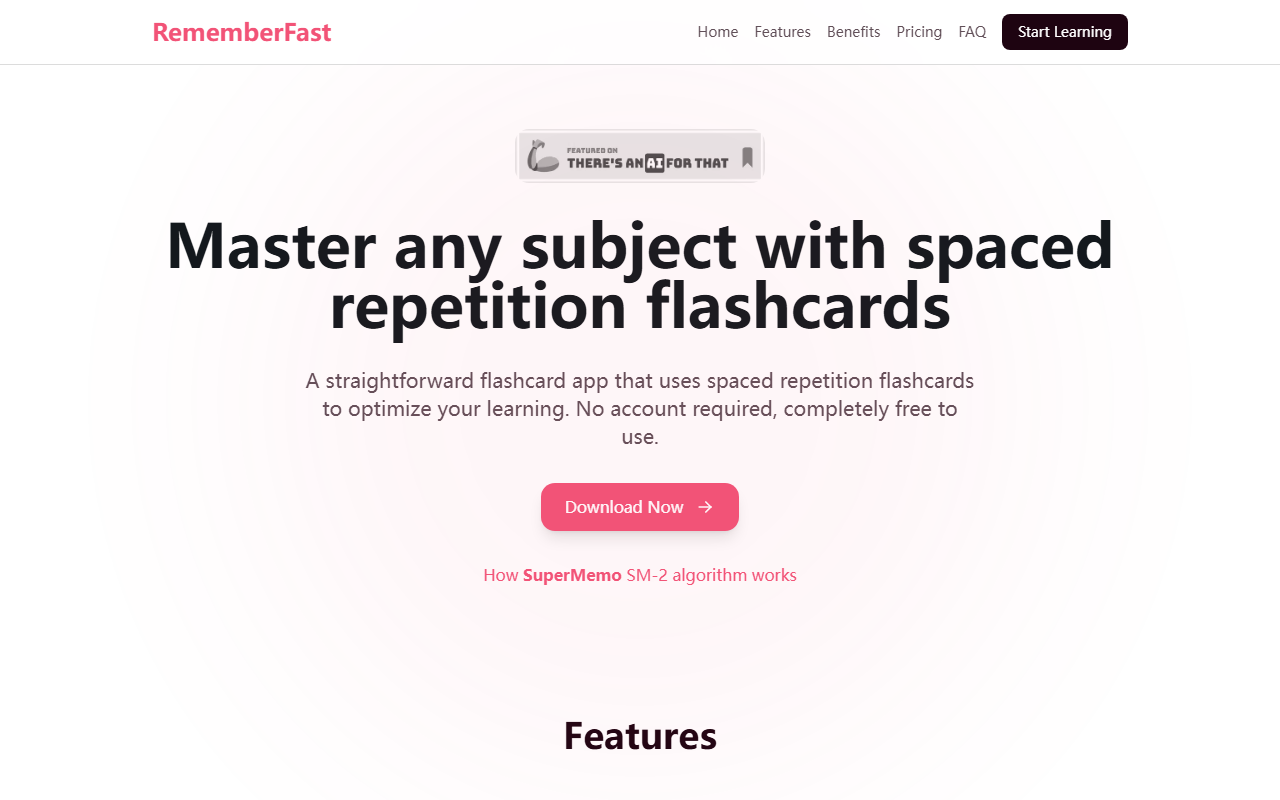
First Impressions: A Flashcard Tool That Truly Starts Instantly
Upon visiting the RememberFast website, the message is clear: no account, no fuss, just learning. I clicked the "Start learning now" button and was immediately taken to a clean, minimal flashcard interface. There was no sign-up hurdle, no email verification. Your data lives in your browser's local storage, and you can start adding words or phrases within seconds. The dashboard shows a simple input field, a list of your flashcards, and a "Study" button that triggers spaced repetition reviews. I tested the free tier by adding a few French words, and the app immediately prompted me to review them using the SuperMemo SM-2 algorithm. The audio pronunciation feature worked seamlessly for French – a built-in TTS system that speaks the word aloud. Offline mode is genuinely functional; I disconnected my Wi-Fi, and the app continued to present flashcards from my locally stored data. This is a refreshingly straightforward tool for learners who value speed and privacy.
Smart Spaced Repetition and AI Enhancements: What Sets RememberFast Apart
RememberFast is built around the well-known SuperMemo SM-2 algorithm, the same core used by many popular flashcard apps. However, it differentiates itself with two thoughtful additions: built-in audio support for most languages and AI-powered translation and correction. During testing, I added a Spanish phrase and pressed the "Enhance" button. The app asked for my OpenAI API key (stored locally, not sent to RememberFast servers) and then used AI to suggest a more natural phrasing and correct minor grammar issues. This is a clever feature for intermediate learners who want to move beyond single-word flashcards. The translation feature (also AI-based) allows you to quickly look up words without leaving the app. Unlike many competitors such as Anki or Quizlet, RememberFast does not require you to manage complex settings or install plugins. The trade-off is simplicity: you cannot create image-based cards yet (coming in premium), and there are no pre-made decks. You build your own vocabulary from scratch, which is ideal for personalized study but less convenient for those who want ready-made content. The progress tracking is basic but effective – a bar chart showing your success rate and a reminder of which words are due for review. It does the job without overwhelming you with data.
Pricing, Privacy, and Market Positioning
RememberFast is currently free with a generous feature set. The free plan includes unlimited words, unlimited sets, smart spaced repetition, offline mode, export/import, and even AI translation and enhancement (though in preview). The premium tier is listed as "coming soon" with advanced features like sync across devices, advanced statistics, folders, sharing, and richer card types. Pricing for premium is not publicly listed, so we'll have to wait. This means the current experience is entirely free with no time limits. Privacy is a strong point: no account required, data stored locally, and your OpenAI key stays on your device. This positions RememberFast as a trustworthy alternative to cloud-dependent apps like AnkiWeb or Quizlet, which often require accounts and central data storage. For users who are privacy-conscious or prefer offline access, this is a major advantage. However, because there is no cloud backup yet (premium feature), you cannot recover your data if you clear your browser storage. The FAQ explains that local storage is used, so it's good practice to export your flashcards periodically. The tool is best suited for self-directed language learners who want a no-nonsense, science-backed flashcard app without ads or subscriptions. It is less suitable for those who need pre-made content, collaboration, or advanced media support.
Final Verdict: A Minimalist Powerhouse for Focused Learners
RememberFast delivers on its promise: a straightforward, effective, and free spaced repetition flashcard app that respects your privacy. Its strengths are its instant start, offline capability, and AI integration for text enhancement. Its limitations are the lack of cloud sync (until premium) and the absence of pre-made decks or image support. If you are a language learner who wants to build your own vocabulary lists and appreciate a clean, no-frills workflow, RememberFast is an excellent choice. I recommend giving it a try – you have nothing to lose. Visit RememberFast at https://rememberfast.com/ to explore it yourself.













Comments