

First Impressions of RescueTime: Automatic Tracking That Actually Works
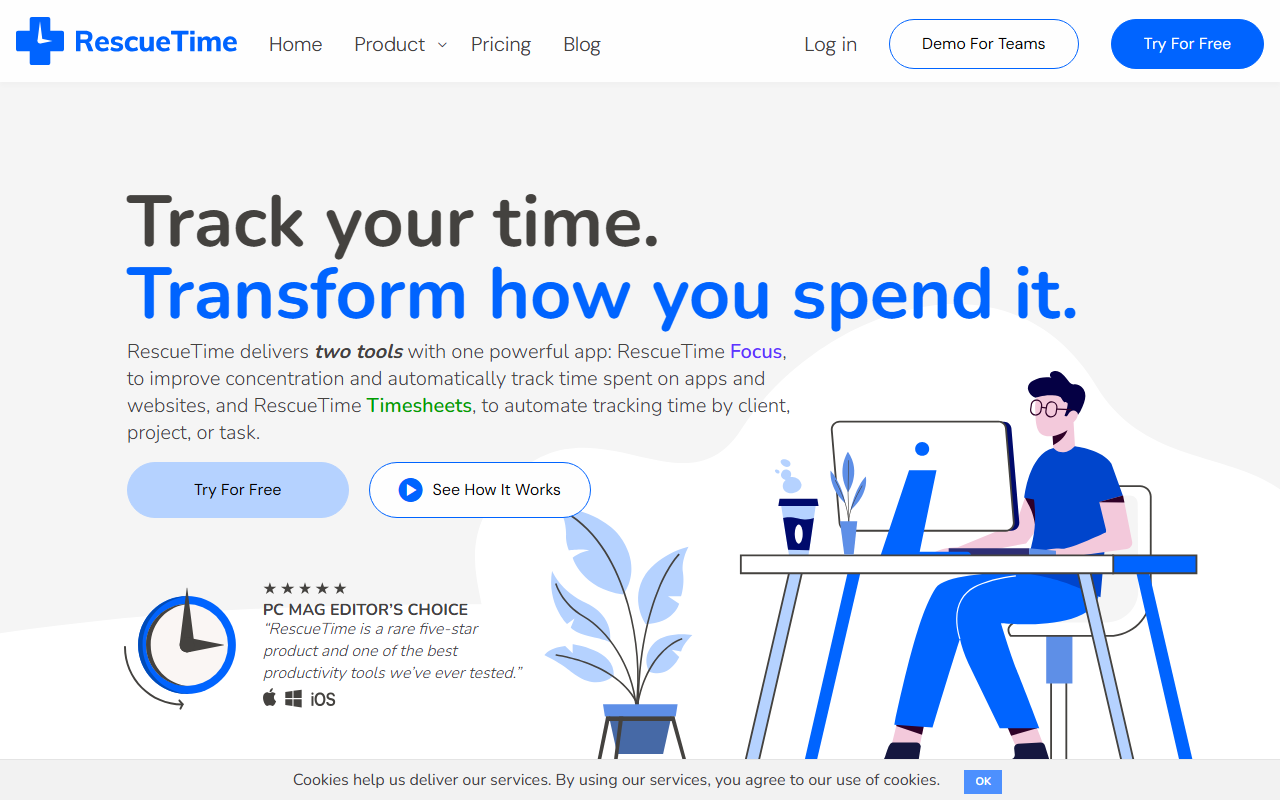
Upon visiting the RescueTime website, I was immediately struck by the clarity of its value proposition: two tools in one app — Focus for personal productivity and Timesheets for project and client tracking. The homepage is well-organized, with clear calls to action for freelancers, teams, and specific industries like healthcare and law. I signed up for the free tier, which gives access to Focus features with limited reporting. The onboarding walked me through installing the desktop app (available for macOS, Windows, Linux, Chrome OS, and mobile). Within minutes, RescueTime began logging my activity in the background, categorizing websites and apps as productive, neutral, or distracting. The dashboard provides a clean timeline and productivity scores, which I found surprisingly accurate — it caught my coffee break browsing without needing manual input.
Features That Help You Own Your Time
RescueTime Focus is the core experience. I tested the Focus Sessions feature, which lets you set a timer for deep work and block distracting sites (like social media or news) during the session. The alerts are subtle but effective — a gentle nudge if I lingered too long on YouTube. The detailed reports reveal patterns: for instance, I learned I’m most productive between 10 AM and noon. The Timesheets add-on (paid) automates project and client time tracking. It assigns time entries to projects based on rules you define (e.g., “If in Asana project X, label as ‘Client A’”). This eliminates the need for manual timers or spreadsheets. I didn’t test the team tier, but the demo shows team dashboards with aggregated trends and workload balancing. Integrations include calendar apps (Google, Outlook), project management tools (Trello, Asana, Jira), and Slack for alerts. An API is available for custom workflows.
Pricing and Market Position
RescueTime operates on a freemium model. The free Solo Focus plan includes basic tracking and reports with a 3-month history. Premium Focus (solo) is around $12 per month and adds unlimited history, Focus Sessions, and more detailed insights. Timesheets add-on starts at $16 per month for solo users. Team plans are custom-quoted. Pricing is not publicly listed in full on the main site; you must click “View Pricing Plans” to see specifics. Compared to alternatives like Toggl (manual timer) or Clockify (free with manual entry), RescueTime’s strength is its fully automatic capture — you don’t have to remember to start or stop a timer. However, it lacks native offline time entry (you can add offline time manually) and some users find the constant tracking invasive. With over 2 million users and 3 billion hours logged, it’s the most established tool in the category, trusted by companies like Airbnb and Reddit’s founder.
Should You Use RescueTime?
I recommend RescueTime for anyone who wants to understand where their digital time actually goes without the friction of manual tracking. It’s ideal for freelancers, remote workers, and managers of small teams who need automated timesheets and distraction blocking. However, if you require deep project management features (Gantt charts, resource planning) or prefer a fully offline tool, you might look elsewhere. A genuine limitation: the tool feels a bit invasive for those privacy-conscious — it logs every URL and app title, though you can pause tracking. Overall, RescueTime delivers on its promise. If you value data-driven productivity, start with the free Focus plan. Visit RescueTime to explore it yourself.













Comments