

First Impressions and Onboarding
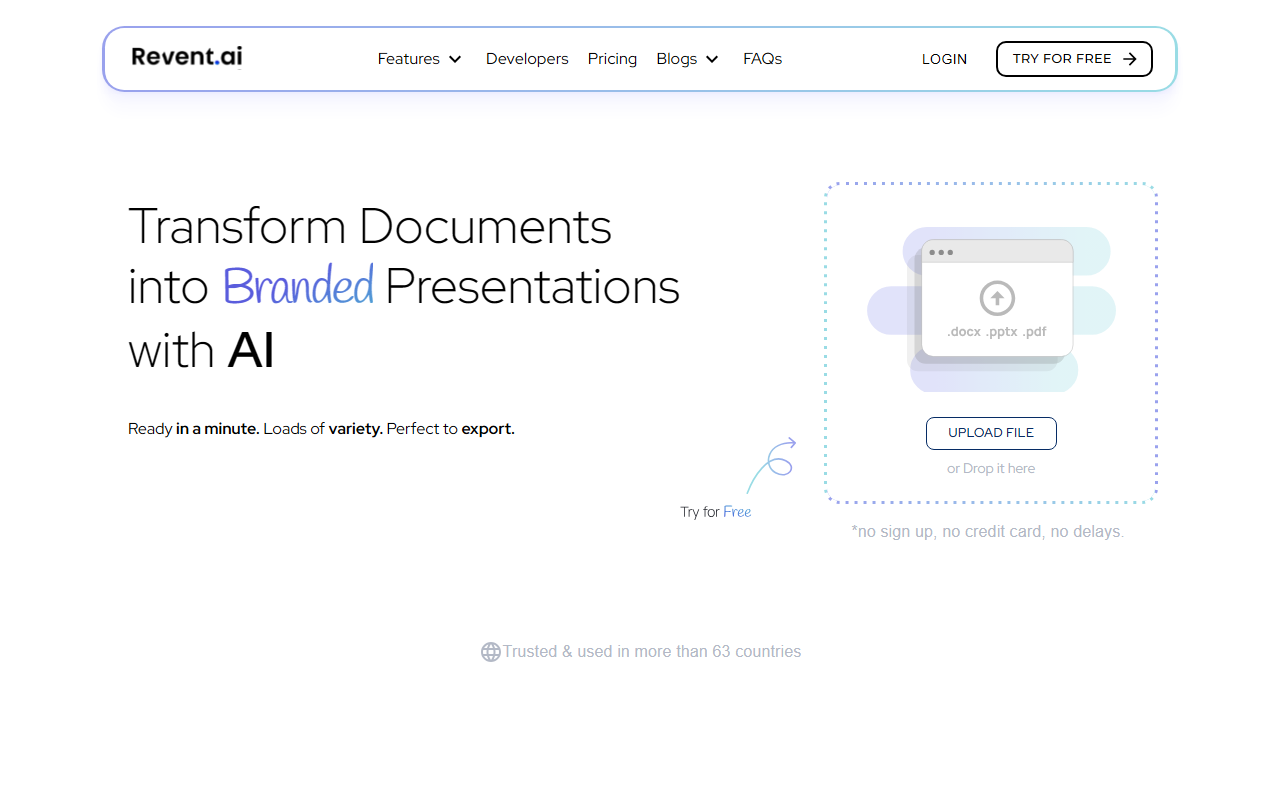
Upon visiting Revent.ai, the first thing that grabs your attention is a bold banner announcing a pivot: “Revent Press · New Chapter — We're pivoting.” The site immediately shows a mix of pride and uncertainty — pride in the statistics below (0+ Slides Generated, 13,746 Users Served, 329,037 Slides), but also a clear signal that the company is changing direction. The dashboard itself is clean and modern, with a prominent “Try for Free” button. Creating an account is straightforward: I signed up with my Google account and was dropped into a template gallery within seconds. The onboarding flow prompts you to pick a template style, then enter a presentation topic or paste a document. Within about a minute, the AI had generated a 10-slide deck with consistent branding and placeholder text. It’s impressively fast, though the content quality is generic — as expected from a first draft.
Core Capabilities and Technology
Revent is an AI presentation generator that focuses on speed and brand consistency. The tool uses its own proprietary AI (no specific model name is disclosed) to turn prompts, URLs, or uploaded documents into full slide decks. Standout features include “One-Click Branding” — you upload your logo, pick colors and fonts, and the AI applies them across every slide. The platform boasts over 10,000 templates, which I found to be a mix of modern, business-friendly designs. Export is 100% PPTX compatible, meaning you can download a PowerPoint file and continue editing locally — a huge plus for corporate teams locked into Microsoft Office. The AI also generates slide notes and suggests visuals from an integrated stock library. The algorithm does a decent job chunking content into digestible slides, but it struggles with complex data: tables and charts often require manual adjustment after generation.
Pricing and Market Position
Pricing is not publicly listed on the website. The navigation includes a “Pricing” link, but it redirects to a page that only shows a sign-up form without numbers. This lack of transparency is a notable downside. From online sources, Revent previously offered a free tier with watermarked exports and paid plans starting around $12/month, but that may have changed with the pivot. Competitors in the space include Gamma (which focuses more on interactive decks) and Beautiful.ai (which enforces design rules stricter than Revent). Unlike Beautiful.ai, Revent offers a larger template selection and is more forgiving for users who want full design freedom. The current pivot announcement suggests Revent is repositioning itself — perhaps toward enterprise or a more narrow use case. That could affect long-term support for the current product, so risk-averse teams should evaluate carefully.
Strengths, Limitations, and Verdict
Strengths: Speed — I generated a 15-slide deck in under two minutes. Branding consistency is excellent; the one-click feature saved me from manually adjusting fonts and colors on each slide. The PPTX export is flawless; I opened the file in PowerPoint and it retained formatting. The free tier allows you to test core features without payment. Limitations: Content generated by the AI is generic and often requires heavy editing for nuance. The pivot raises questions about the platform’s future direction and whether users will receive continued updates. The absence of public pricing makes it hard to budget. The tool lacks advanced data visualization capabilities — if you need complex charts and infographics, look elsewhere. Revent is best suited for marketers, sales professionals, and startup teams who need polished, on-brand decks quickly and aren’t afraid to polish the text. For graphic designers or data-heavy presenters, Gamma or Beautiful.ai may be better fits. My recommendation: try the free tier to see if the speed and branding features outweigh the content shortcomings. Monitor the company’s blog for clarity on the pivot before committing to a paid plan.
Visit Revent at https://revent.ai/ to explore it yourself.













Comments