

First Impressions and Onboarding
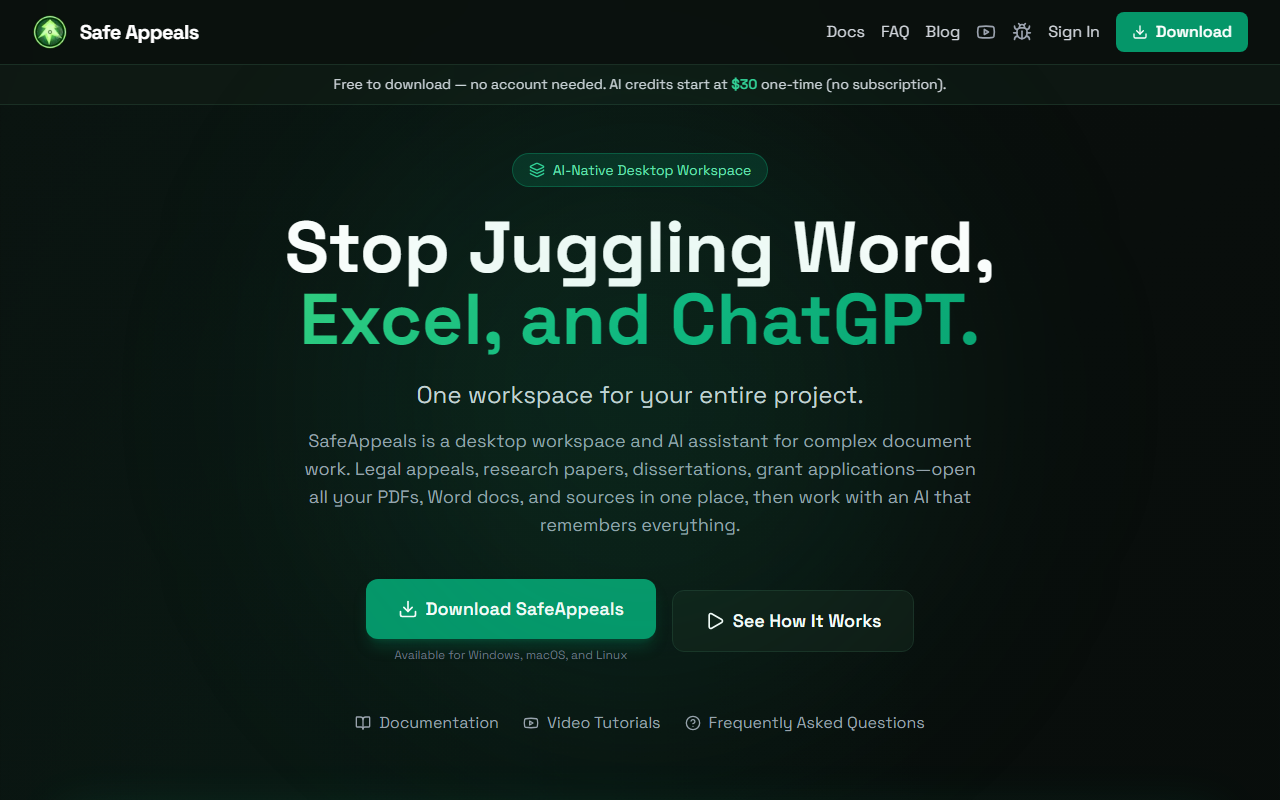
Upon visiting the Safe Appeals website, I was struck by the clarity of the value proposition: a desktop workspace that replaces the juggle between Word, Excel, and ChatGPT. The download process is refreshingly straightforward—no account needed for the free base app. I grabbed the macOS installer and had the workspace running in under two minutes. The onboarding video tutorial is embedded on the site, and the app itself greets you with a clean, split-pane interface: a file manager on the left, a central document viewer, and an AI chat panel on the right. The absence of a subscription requirement immediately sets a different tone from most AI tools.
During my initial test, I opened a folder containing a PDF research paper, a Word draft, and a spreadsheet. The app created a “project workspace” in seconds, indexing all files. I then asked the AI to summarize the PDF and extract key citations. The AI responded with a bullet list that referenced specific page numbers—no copy-pasting needed. This alone saved me several minutes of manual note-taking.
Workspace and AI Collaboration
Safe Appeals is fundamentally different from browser-based AI assistants like ChatGPT or Claude.ai. Instead of a blank chat box, you get a persistent environment where every file is accessible and the AI maintains context across your entire project. The built-in document editors let you edit Word and PDF files natively, annotate sources, and manage citations without leaving the workspace. The integrated web browser is a nice touch—I could research a policy while viewing a legal brief in the same window, and the AI chat remained aware of both documents.
I tested the AI with a multi-document workflow: I uploaded three PDFs for a literature review, asked the AI to find overlapping themes, and then asked it to draft an introduction paragraph. The AI correctly synthesized information from all three sources. This context-awareness is a genuine improvement over the typical “copy-paste context” pattern. However, I noticed that the AI occasionally hallucinated a citation when I asked for specific page numbers from sources that were only partially indexed. The local-first privacy approach is a strong selling point: all processing happens on your machine, and your files are never used for model training. For anyone handling sensitive legal or academic documents, this is a major advantage.
Pricing and Models
Safe Appeals offers a flexible credit system: you buy tokens once, and they never expire. The Starter tier at $30 gives 700,000 tokens; Pro at $65 gives 2 million tokens (saving 24%); Power at $130 gives 5 million tokens (saving 39%). You can use these credits across multiple models—including Claude Opus 4.5, GPT-5.2, and Gemini 3 Pro—without needing separate API keys. Alternatively, players on a budget can Bring Your Own Key (BYOK) and use the app for free, paying only for the API usage. This is a rare combination of one-time payment and model choice. Unlike competitors such as Notion AI (subscription) or Lex (web-only), Safe Appeals gives you desktop-native speed and offline file handling.
One limitation is the token-based pricing: heavy users may burn through credits quickly, especially when processing large PDFs or generating lengthy drafts. The app does not show a real-time token counter during use, making it hard to gauge cost per query. Also, while the model selection is impressive, I didn’t find any way to use smaller, cheaper models for simple tasks—every query defaults to the full-tier models, which may waste credits.
Who Should Use Safe Appeals?
This tool is ideal for graduate students, legal professionals, researchers, and consultants who work with multiple documents simultaneously and value data privacy. The one-time payment model is a breath of fresh air for those tired of monthly subscriptions. However, casual users who only need a quick Q&A bot may find the download and setup overhead unnecessary. The app also lacks cloud sync (by design), so you cannot easily switch between desktop and mobile. If you need cross-device collaboration, look elsewhere. Overall, Safe Appeals delivers on its promise of a unified, context-aware AI workspace. It is not perfect—the token management could be more transparent—but for focused project work, it is a powerful, private, and cost-effective choice.
Visit Safe Appeals at https://safeappeals.com/ to explore it yourself.













Comments