

First Impressions and Onboarding
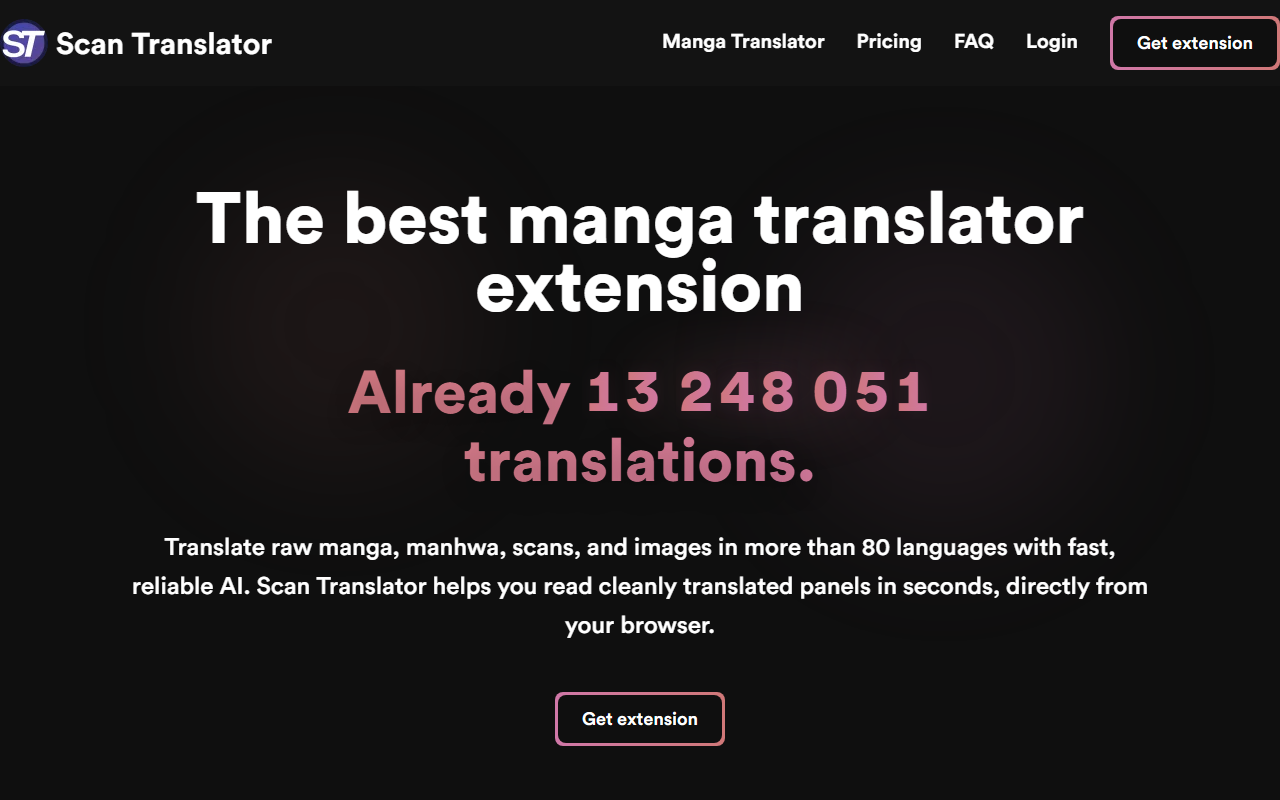
Upon visiting the Scan Translator website, I was immediately struck by the straightforward, no-nonsense design. The hero section proudly states that over 14 million translations have already been processed, which hints at a substantial user base. The call-to-action is a single button to "Get extension" — the tool is exclusively a browser extension, not a standalone app. I installed it on Chrome and was guided through a quick tutorial that explained the credit system. New users receive 30 free credits upon account creation. The interface is minimal: a popup that shows remaining credits and a button to toggle the translation on or off. There is no dashboard for managing translations; everything happens directly on the page you are viewing.
Translation Accuracy and User Experience
When testing the free tier, I selected a raw manga page with vertical text. The extension detected the text automatically and, after a couple of seconds, overlaid the translation cleanly. The AI model used is not disclosed on the website, but the output felt context-aware—it handled idioms and onomatopoeia reasonably well. I compared it with a manual translation and found only minor phrasing differences. One limitation I observed is that the extension works only on static images and does not handle dynamic webtoon formats with embedded text animations. Additionally, for extremely dense panels or skewed text, the OCR occasionally misidentified characters, leading to garbled translations. The tool excels at speed: most translations completed within two seconds, even on 2,000 pixel-wide images. The "Before" and "After" toggle on the website gives a true sense of the clean overlay—no messy text boxes, just inline replacement that preserves the original art.
Pricing and Market Position
Scan Translator uses a one-time credit purchase model, which is refreshing in a sea of subscriptions. Tiers start at 4.99€ for 2,000 credits, 9.99€ for 7,000, and 24.99€ for 20,000 credits. Credits never expire, so you can buy a pack and use it over months. Bulk pricing is also available, with 10,000 credits costing 13.99€ and scaling up to 200,000 for 229.99€. One credit appears to equal one page or image translation, so a typical manga volume of 200 pages would cost roughly 0.50€ at the 2,000-credit tier. Compared to competitors like Google Lens, which is free but not manga-specialized, or Manga Translator (a similar extension that uses machine translation and sometimes messy overlays), Scan Translator offers far cleaner output and faster processing during peak hours due to priority support for paid users. However, it is limited to browser use only—no mobile app or API for developers. The tool is best suited for dedicated manga and manhwa readers who prioritize speed and quality over cost. Casual users may find the free 30 credits too limiting.
Strengths: Simple credit system, no subscription, fast AI translations, supports vertical and horizontal text, covers 80+ languages.
Limitations: Browser extension only (no mobile or desktop client), OCR can struggle with unusual fonts or dense text, no API for integration, and heavy users may find cumulative costs high.
Final Recommendation: If you are a manga enthusiast who reads raw scans regularly, Scan Translator is a worthwhile investment. The one-time credit packs offer flexibility, and the translation quality is consistently better than open-source alternatives. For occasional use, stick with free tools, but for serious reading, this extension saves hours of manual lookup. Visit Scan Translator at https://scan-translator.com/ to explore it yourself.













Comments