

First Impressions and Onboarding
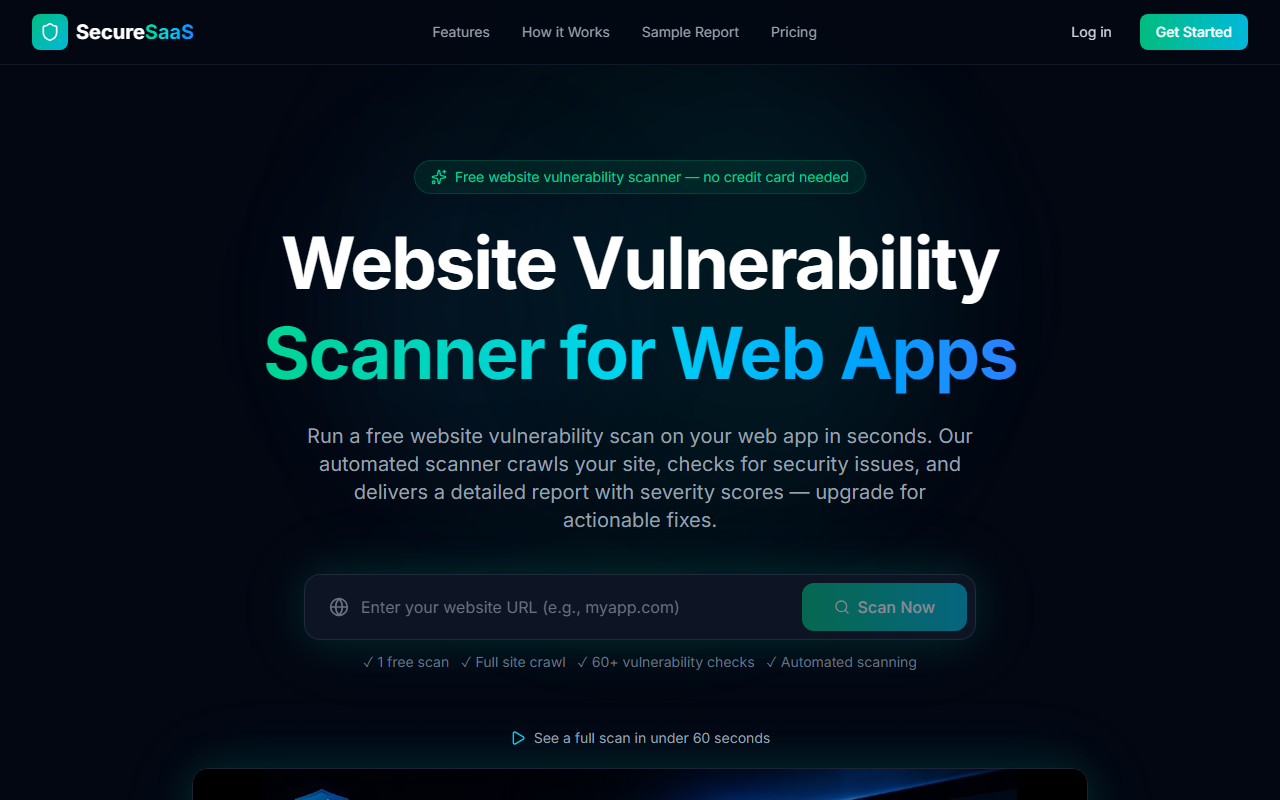
Upon visiting ScanMySaaS, I was greeted by a straightforward landing page that immediately pushes you to run a free scan. No credit card required—just paste a URL and click "Scan Now." I tested the free tier on a small demo application I host. The scan took less than 60 seconds, crawling about 8 pages and returning a report with five vulnerabilities, including a critical missing Content-Security-Policy header. The dashboard is clean: your scan history, credits remaining, and an average security score are displayed right away. What surprised me was how developer-friendly the output is—each vulnerability comes with a severity label, the affected page, and a clear description. For a free tool, the onboarding is seamless.
Core Capabilities and Technology
ScanMySaaS performs over 60 automated vulnerability checks across 15 categories, covering SSL/TLS, security headers, XSS and injection patterns, CSRF tokens, exposed files (like .env), outdated libraries, and OWASP Top 10 risks. The scanner crawls up to 25 pages on the free tier, which is generous for a quick audit. Technically, it appears to use a combination of headless browser crawling and static analysis to detect misconfigurations and known vulnerable library versions. Unlike broader enterprise tools like Qualys or Snyk, ScanMySaaS focuses purely on web application surface-level security—no runtime monitoring or dependency graph scanning. It does offer fix suggestions, but those require a paid upgrade. For a developer who wants a fast, external perspective on their app’s security posture, this is a practical choice.
Pricing and Market Positioning
Pricing is clearly listed. The Free plan gives you 1 scan credit with up to 25 pages per scan and vulnerability descriptions. The Starter plan costs $29 per month (or $29/month as shown on the site) and includes 10 scan credits per month, full fix suggestions, and team access. There is no enterprise tier listed publicly, which suggests the tool is aimed at indie hackers, small startups, and solo developers. Compared to alternatives like Pentest-Tools.com or Detectify, ScanMySaaS is more affordable but also more limited in scope—no continuous monitoring or API integration visible in the free tier. The tool positions itself as a lightweight, no-fuss vulnerability scanner that complements CI/CD pipelines rather than replacing deeper security audits.
Verdict: Who Should Use ScanMySaaS?
The genuine strength of ScanMySaaS is its simplicity and speed. You get a meaningful report in under a minute with clear severity scoring. The fix suggestions (on paid plans) are practical code snippets. However, the limitations are real: only 25 pages crawled per scan, no on-demand rescanning without credits, and no support for authenticated scans or advanced logic. If you are building a side project or a small SaaS and want a quick health check before going live, this tool is excellent. For larger applications or compliance-driven environments, you will need a more comprehensive solution. I would recommend ScanMySaaS to indie hackers and small teams who value speed over depth. Visit ScanMySaaS at https://scanmysaas.com/ to explore it yourself.













Comments