

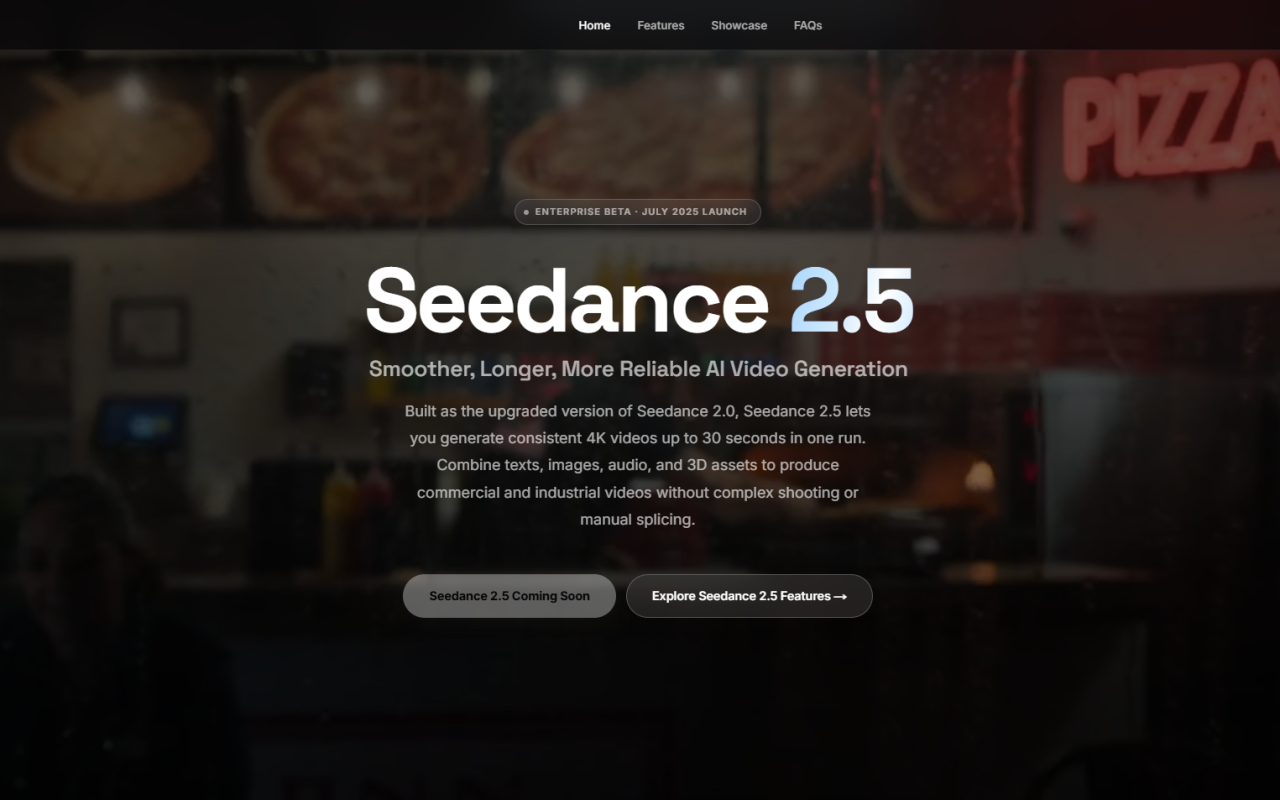
First Impressions of Seedance 2.5’s Generator Panel
Upon visiting the site for Seedance 2.5, the interface immediately feels streamlined for serious video work. The dashboard shows a single generator panel with clearly marked upload zones for images, videos, and audio, alongside a prompt field and a row of sliders for resolution, duration, and aspect ratio. Unlike many AI video tools that hide complexity behind vague buttons, Seedance 2.5 surfaces almost every control—reference counts, file format limits, even a helpful @-mention guide to inject uploaded assets directly into prompts. This transparency sets a confident tone, especially for creators who need to mix and match multiple inputs in one project.
I signed up for a free account and received 30 credits immediately, as promised. The panel made it clear that a full 30-second 4K generation would cost 75 credits, so I opted for a shorter test: a 5-second HD clip using one reference image and a simple text prompt. The upload accepted my JPG without a hiccup, and the resolution automatically defaulted to 1080p. Small details like real-time tracking of reference slot usage (“30 images remaining”) showed that Seedance 2.5 was built with batch workflows in mind.
Getting Hands-On with the Multi-Reference Workflow
When testing the free tier, I dove into Seedance 2.5’s signature feature: combining text, image, video, and audio references in a single generation. I uploaded a product shot as an image reference, a short 2-second motion clip, and a background audio track, then wrote a prompt describing a slow camera push with atmospheric lighting. Using the @Reference syntax suggested in the Prompt Guide, I tagged @Image1, @Video1, and @Audio1 so the model knew exactly what to prioritize. The generator accepted everything without error, even though I was near the 10-file limit for videos.
Clicking “Generate with Seedance 2.5” deducted 75 credits—more than my free balance would allow for a 30-second clip, so I switched to a lower resolution and shorter duration to stay within my trial credits. The output appeared in the preview panel after a reasonable wait. The clip preserved the product’s shape and the general motion pattern from my video reference, though minor lighting inconsistencies cropped up between the reference photo and the generated scene. I then tried the local editing feature, which let me select a region and regenerate just that part. While it didn’t give me pixel-perfect control, it saved me from re-rendering the entire sequence, a huge time-saver for iterative refinement.
Seedance 2.5’s Core Features and Technological Edge
Seedance 2.5 is built by ByteDance’s Doubao team, and the technical leap over the previous version is tangible. The model generates native 30-second continuous 4K clips without stitching—no visible cuts or jarring transitions. This alone puts it ahead of many competitors that cap single-pass outputs at 4 to 10 seconds. The engine supports up to 50 multimodal references: 30 images, 10 videos, and 10 audio files. That’s more than enough to lock in a character’s appearance, a specific camera move, and a synchronized soundtrack in one go.
Multilingual prompt support caught my attention next. I tested prompts in English, Spanish, and Japanese, and the system interpreted camera directions and emotional cues accurately across all three. The local video editing tool is another standout; instead of regenerating an entire scene, I could tweak a product’s color or swap a green-screen background while keeping the overall lighting stable. Character consistency is guided by reference images and detailed prompts, though the FAQ honestly notes “exact matches are not guaranteed.” Still, for ad variations and brand films, the degree of control is impressive.
How Seedance 2.5 Stacks Up Against the Competition
Seedance 2.5 enters a field crowded with names like Sora, Runway Gen-3, and Kling. Unlike Runway, which excels at cinematic short clips but often requires external compositing for longer storytelling, Seedance 2.5 delivers narrative-ready 30-second segments natively. Kling focuses on high-dynamic-range realism but caps reference assets far lower; Sora remains limited in access and multimodal flexibility. Seedance 2.5’s 50-asset input capacity and local editing put it in a tier of its own for production teams that want to build a full scene from a storyboard and reference shots, not just experiment with single prompts.
ByteDance’s resources are evident: the model’s handling of physics, lip-sync, and audio-visual rhythm suggests genuine multimodal training rather than separate models bolted together. The tool explicitly supports 10+ languages for natively written prompts, which broadens its appeal globally. However, the privacy restriction that real human faces cannot be used as references is a notable limitation, especially for creators who rely on personal likenesses or celebrity-inspired campaigns. That restriction may push some users toward Runway or Pika, where real-face inputs are more common.
Pricing, Credits, and Real-World Value
Seedance 2.5’s pricing model is credit-based. New users get 30 free credits, but generating a maximum-length 4K video costs 75 credits, so the free tier serves more as a test drive than a production runway. Additional credit packages are available, though exact pricing tiers and per-credit costs are not publicly listed on the website. During my test, I scaled down to a 5-second 720p clip to fit within the free allotment, which worked well but felt limiting for serious portfolios. For agencies and brands, the ability to upload up to 50 assets and render 30-second clips without stitching likely offsets credit costs by reducing manual editing hours, but without transparent pricing, scaling can feel uncertain.
The value proposition shines when compared to traditional production: a single 30-second social ad that would require days of shooting, set design, and editing can be previsualized and iterated in minutes. For ecommerce, turning product photos into motion demos with audio sync eliminates the need for full studio setups. Still, the lack of detailed public pricing means serious adopters will need to contact support or test the waters with a pay-as-you-go approach.
Who Should Use Seedance 2.5 — and Who Should Skip It
Seedance 2.5 is tailor-made for social media content creators, ad teams, and ecommerce brands that need consistent, polished 30-second videos at scale. If you regularly storyboard with multiple reference assets and hate stitching clips together, the native long-generation and local editing will streamline your pipeline. Industrial teams building training videos or product explainers from existing footage will also find the 50-reference limit a practical game-changer.
Who should look elsewhere? Creators who rely heavily on real human faces—actors, influencers, or documentary makers—will hit the privacy barrier immediately. Artists who prefer absolute frame-by-frame control or want to generate beyond 30 seconds in one pass may find the model’s guardrails constraining. Additionally, if transparent, predictable pricing is a must, the current opacity may be a deal-breaker until more details emerge. For everyone else, Seedance 2.5 offers a rare combination of production-grade length, multimodal referencing, and ByteDance’s technical muscle that’s well worth a test drive with the free credits.
Visit Seedance 2.5 at https://seedance25ai.cc to explore it yourself.













Comments