

First Impressions and Onboarding
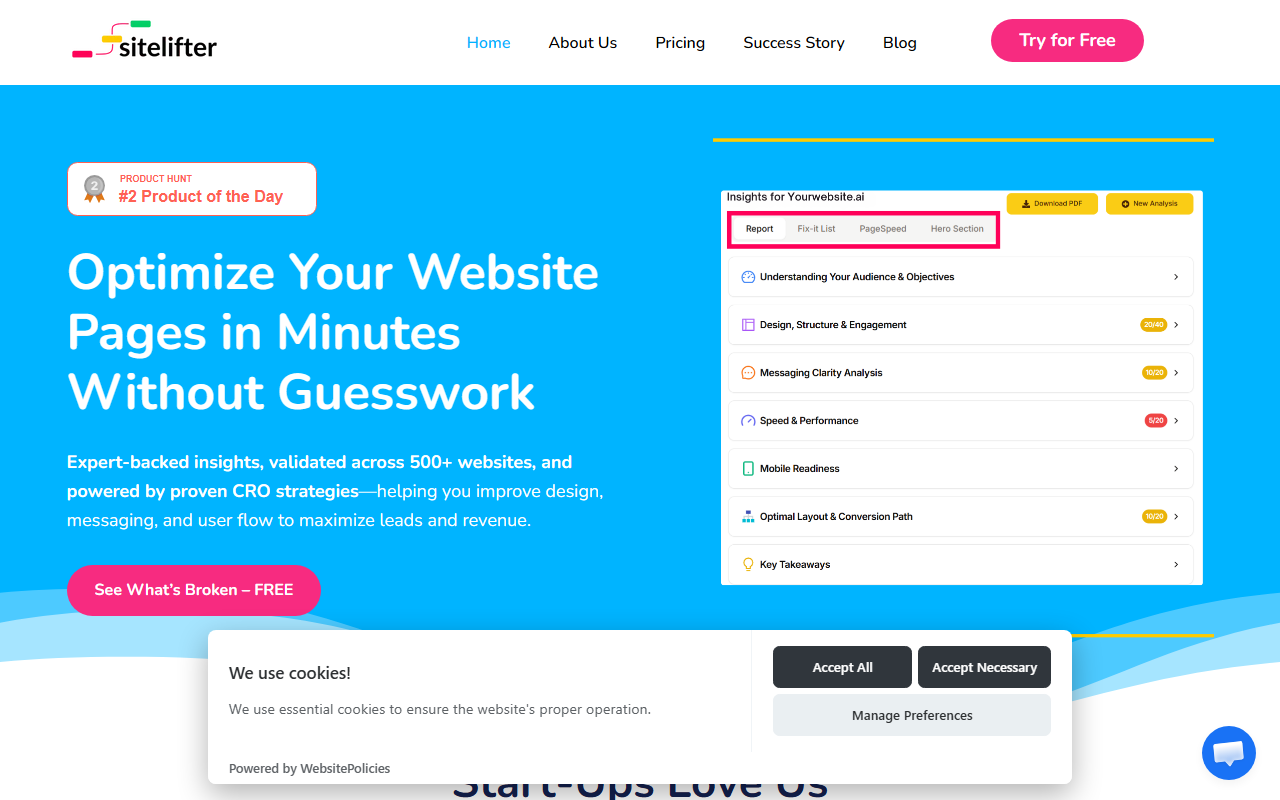
Upon visiting SiteLifter, I was greeted by a clean, no-nonsense landing page that immediately communicates its core promise: instant landing page insights without guesswork. The hero section includes a bold "Try for Free" call-to-action, which I clicked. The signup process was refreshingly simple—just an email and password, and I was in. No credit card required for the free tier. The dashboard is minimal: a single input field for a URL and an option to define your target audience and page objective. I tested with a client’s SaaS landing page. Within about 10 seconds, the tool returned a scored report (70/100 in one user testimonial, similar to my experience). The report highlighted weak CTAs, cluttered layout, and messaging issues, each with a priority level and a clear fix-it checklist. The interface is intuitive, making it easy to navigate between insights.
How SiteLifter Works and What You Get
SiteLifter analyzes a landing page URL using a combination of AI and what the team calls "expert-validated CRO strategies," drawn from over 500 analyzed pages. After entering the URL, you optionally specify your target audience and conversion goal. The tool then processes the page and generates a report broken into sections: design, messaging, user flow, and speed. The speed analysis includes load time and performance bottlenecks, similar to tools like PageSpeed Insights but integrated into a single CRO-focused report. The "Clear Fix-It Checklist" is the standout feature—each recommendation is actionable, such as "Move primary CTA above the fold" or "Add benefit-driven subheadline." I found the suggestions specific enough to hand directly to a designer or copywriter. The tool also offers a before/after example showcasing a 25% conversion lift and a 15% reduction in bounce rate for one client. While this is a single data point, it aligns with the tool’s claim of saving up to $500 per page in revision costs.
Pricing, Strengths, and Limitations
Pricing is transparent and affordable: Starter at $15/month for 3 audits ($5 per audit), Ultimate at $25/month for 8 audits ($3 per audit), and Premium at $45/month for unlimited audits. All tiers include PDF report download and email support; Premium adds priority features and call support. This is far cheaper than hiring a CRO consultant or using enterprise tools like VWO or Optimizely. However, the tool has limitations. It performs a static analysis only—there is no A/B testing, no integration with analytics platforms, and no ability to track live user behavior. The recommendations, while helpful, can feel generic for highly specialized industries (e.g., medical or legal). I also noticed that the "Audience Persona-Based Insights" rely on the text you provide, not actual visitor data. For teams that need dynamic personalization or ongoing split testing, SiteLifter is not a replacement but a complement.
Who Should Use SiteLifter?
SiteLifter is best suited for startup founders, solo marketers, and small agencies who need quick, data-backed recommendations to improve landing pages without a big budget or deep CRO expertise. It shines for pre-launch audits and rapid iteration. However, if you rely on heavy analytics, run regular A/B tests, or manage enterprise-grade sites, you’ll want to pair it with tools like Hotjar or Google Optimize. The tool’s main strength is speed and simplicity—you can get a meaningful audit in minutes. Its main limitation is depth: it won’t replace a full conversion audit by an expert. That said, for $15 a month, it’s a practical addition to any optimizer’s toolkit. I recommend trying the free tier on one of your pages to see if the insights match your intuition.
Visit SiteLifter at https://sitelifter.com/ to explore it yourself.













Comments