

First Impressions and Interface
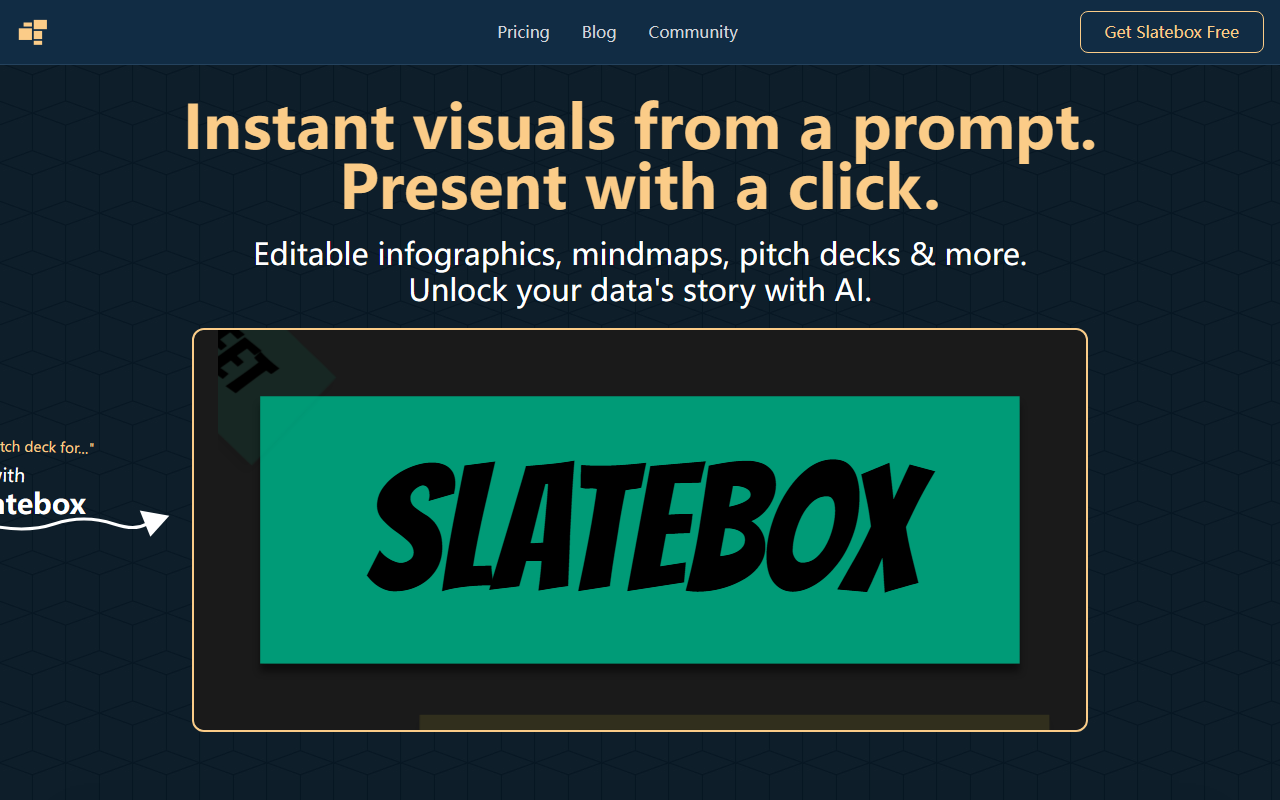
Upon visiting Slatebox's homepage, the first thing I noticed was the striking tagline: "Unlock Your Data's Story." The main call to action — "Get Slatebox Free" — is prominent, and a demo video shows someone typing "create a pitch deck about…" and instantly getting a visual story. The interface itself is clean and minimal, with a large input field labeled "Type a prompt, create a slate." There's no cluttered dashboard; instead, the site immediately teases the core workflow. After signing up, I landed on my workspace: an infinite canvas with a sidebar for recent slates, template categories (SWOT, Venn, timelines, mind maps), and a prompt bar. The onboarding is straightforward — just type something like "mind map about renewable energy" and wait a few seconds. The AI generated a fully editable node diagram with labeled branches, images, and a color scheme. I was able to click on any element to change text, resize, or move it. The present button at the top triggers a full-screen, zoomable presentation that animates between sections — very similar to Prezi but built directly into the tool.
Performance and Core Features
Slatebox is built on a proprietary AI that processes natural language prompts to produce structured visual layouts. It doesn't just dump text into a template; it analyzes the concept and suggests the best diagram type (infographic, mind map, timeline, or pitch deck). When I tested a prompt requesting a "timeline of the Industrial Revolution," it generated a horizontal timeline with key events and short descriptions, each node fully editable. The AI-powered insights feature is particularly clever: it recommends color palettes, layout adjustments, and even alternative visualizations based on your content. For example, after creating a mind map, the AI suggested converting it into an infographic for a more linear narrative. The real-time collaboration works with multi-cursor support — I invited a colleague and we edited the same canvas simultaneously, seeing each other's changes instantly. Video huddles (available in the Pro tier) add an embedded communication layer. One limitation I observed: the free tier caps AI-generated slates at 10 per month. Also, while the canvas is infinite, exporting options are limited to PDF and image; there's no direct PowerPoint or Google Slides export yet, which might be a deal-breaker for some users. The tool is in beta, so occasional glitches (UI lag with large slates) occurred during my testing.
Pricing and Competitor Comparison
Slatebox offers three tiers during its beta. The Forever Free plan includes 10 AI slates per month, audio huddles, 3 private slates, 10 magic links per month, and public collaboration. For $6/month (billed annually), the Solo-Pro plan bumps AI slates to 200, adds video huddles, unlimited private slates, Google Image Search, and 25 guest passes. The Team-Pro plan at $8/user/month (annual) gives 500 AI slates per user, custom AI personas, API access, and private team collaboration. Compared to competitors like Canva (which offers AI-generated designs but focuses more on static graphics) and Miro (a collaborative whiteboard with limited AI), Slatebox differentiates itself by combining AI story generation with dynamic zoom presentations. Unlike Prezi, which requires manual design, Slatebox can generate an entire narrative from a single prompt. However, Prezi offers more polished presentation templates and offline access. Slatebox also lacks the deep integration libraries that Canva provides (e.g., stock photos, brand kits). The API access in the Team-Pro tier is a notable advantage for enterprise users who want to automate slate generation.
Verdict and Recommendations
Slatebox is a genuinely innovative tool for anyone who needs to quickly transform data or ideas into engaging, non-linear visual stories. Its AI is surprisingly good at understanding logical structures, and the one-click present feature makes it suitable for rapid pitches or classroom explanations. The free tier is generous enough for light testing, but serious users will likely need the Solo-Pro plan. I recommend Slatebox for educators creating interactive lesson infographics, project managers building dynamic timelines for stakeholders, and presenters who want to stand out from slide decks. That said, avoid it if you need robust graphic design tools, offline access, or heavy integration with Microsoft Office. The beta status means some features feel unfinished — for instance, the template library could be larger, and the AI occasionally suggests irrelevant layouts. But for a free-to-start tool that replaces hours of manual design with a single prompt, it's worth testing. Visit Slatebox at https://slatebox.com/ to explore it yourself.













Comments