

First Impressions and Onboarding
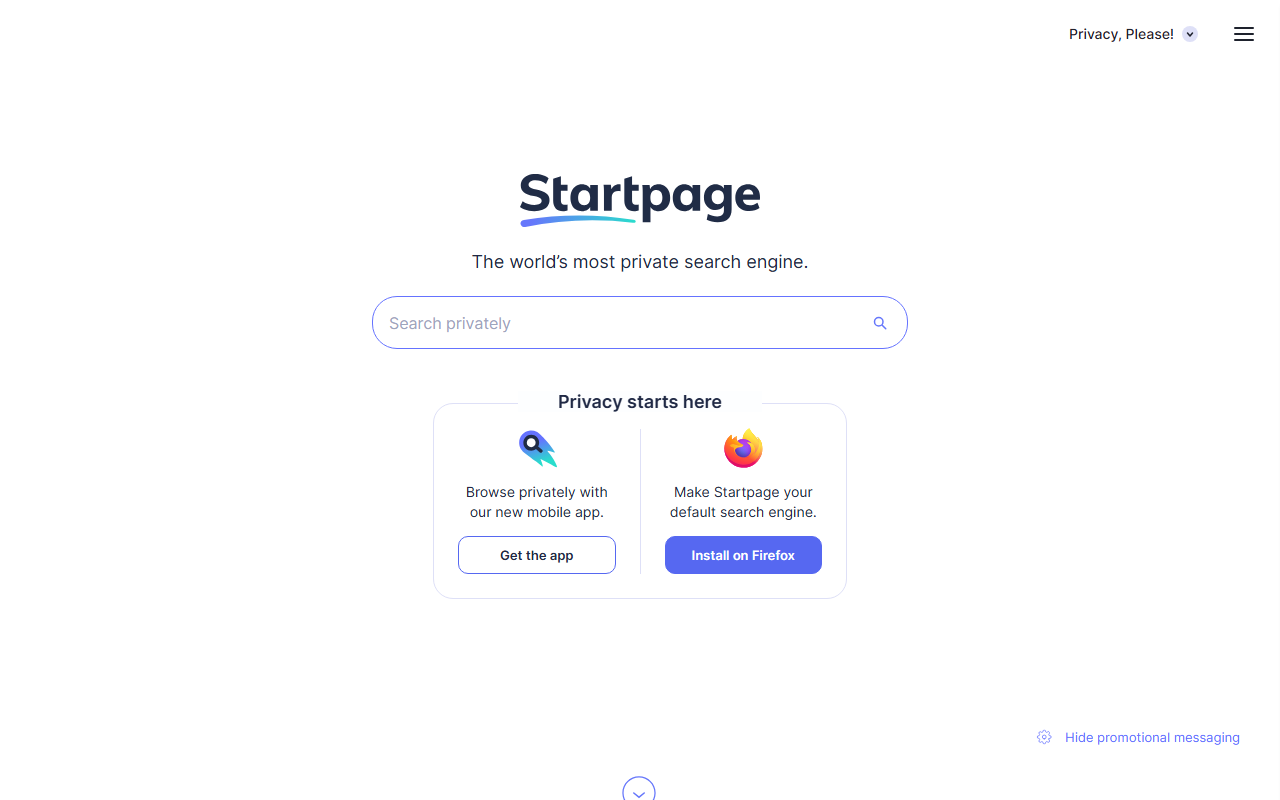
Upon visiting Startpage.com, the first thing I noticed is the stark, minimal interface. There are no ads, no cookie consent pop-ups (the site itself doesn't track you), and the search bar sits front and center. The homepage makes one promise clear: “The world’s most private search engine.” I clicked into the settings menu to see what privacy controls are available. Under “Search Settings,” you can choose between Safe Search levels, toggle “Private Region” to get localized results, and enable “Anonymous View” by default. The onboarding flow is almost nonexistent—you just start searching. A banner invites you to install the mobile browser or add the site to your home screen. The entire experience feels intentionally lightweight, reinforcing the no-tracking ethos.
Core Features and Privacy Technology
Startpage’s core value prop is that it uses Google’s search index but strips away all personal data before the query reaches Google’s servers. During my tests, I searched for “latest AI reading tools” and compared results side by side with a regular Google search. The result listings were virtually identical, but Startpage loaded slightly slower due to its proxy layer. The standout feature is Anonymous View. When you click a link, Startpage can route you through its own proxy, masking your IP and stripping tracking scripts from the target page. I tested this by visiting a news site via Anonymous View: my IP was replaced with a Startpage server address, and I saw no third‑party trackers in my browser’s network log. Another recent addition is Vanish: Private AI. This tool lets you interact with an AI chatbot inside Startpage’s private environment. I asked Vanish to summarize a privacy policy document, and it returned a concise, well‑structured summary without retaining any chat history. The model behind Vanish is not specified on the site, but the response quality felt comparable to GPT‑3.5—though slower due to the privacy layer. For AI reading workflows—such as summarizing articles, extracting key points, or asking questions about a page you’re viewing—Vanish works surprisingly well. However, it’s currently limited to text queries, and you cannot upload files or PDFs directly.
Startpage also blocks price trackers, prevents retargeting ads, and serves news without profiling. These features are enabled by default, making it a true “set and forget” privacy tool.
Pricing and Integrations
Startpage’s private search engine and Anonymous View are completely free. There is no premium tier listed on the website, and no ads appear within search results. The company reportedly generates revenue through contextual (non‑targeted) ads and enterprise licenses. For developers, Startpage does not offer a public API for search, which limits integration into custom workflows. However, the browser extension is available for Chrome, Firefox, Edge, and Opera. I installed the Firefox extension and set Startpage as my default search engine in under 30 seconds. The mobile app also supports setting Startpage as default. Compared to competitors like DuckDuckGo, Startpage provides better result quality because it pulls from Google, whereas DuckDuckGo uses Bing. Unlike Brave Search, Startpage does not yet have its own index and relies entirely on Google. This is a trade‑off: you get Google’s accuracy but remain dependent on their algorithm.
Verdict and Recommendations
Startpage excels at one thing: delivering high‑quality search results in a genuinely private environment. The Vanish AI feature adds a useful layer for reading and summarization tasks, though it’s still in its early stages. The biggest limitation is a lack of advanced customization—you cannot tweak search ranking signals, filter domains aggressively, or integrate with third‑party productivity tools. Also, Anonymous View can slow down page loads noticeably on image‑heavy sites. This tool is best suited for journalists, researchers, and privacy‑conscious users who want Google’s search quality without the surveillance. It’s less ideal for power users who need API access or granular search controls. If you simply want to read the web without being tracked, Startpage is one of the best options available. Visit Startpage at https://startpage.com/ to explore it yourself.













Comments