

First Impressions and Onboarding
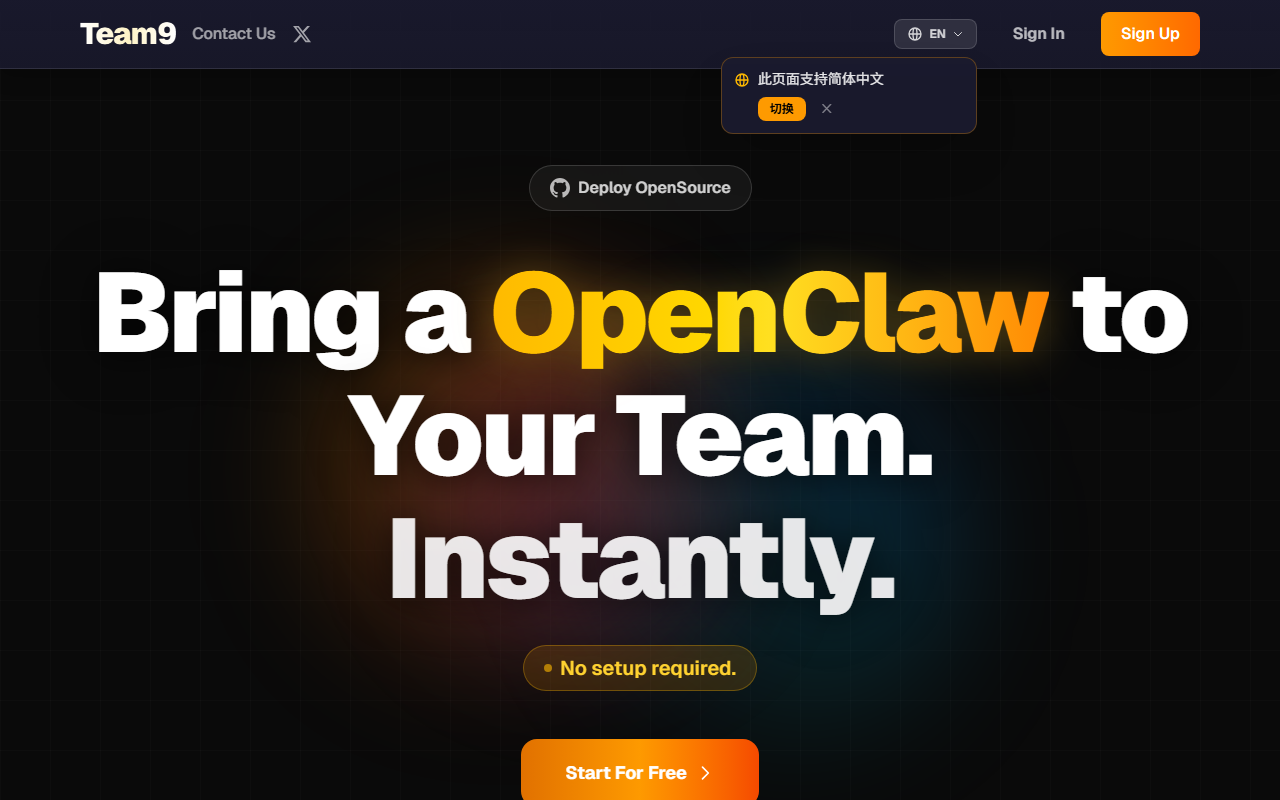
Upon visiting the site, the layout is clean and focused on a single message: "Best AI Agent Team for Real Work." The hero section immediately distinguishes Team9 from typical chat-based tools by emphasizing execution over conversation. I noticed a prominent "Download Mac" button — no Windows or Linux version was visible, which could be a limiting factor for teams on other operating systems. The onboarding flow, based on the "How It Works" section, appears straightforward: create a workspace, design specialist agents, assign work from a queue, and improve over time using playbooks. During my exploration, I was able to sign up for a demo workspace and create a simple research agent. The interface is logical, with a shared execution board that shows tasks, owners, and statuses in a single view — immediately clarifying how human and agent workflows blend together.
Agent Architecture and Execution Workflow
Team9's core innovation is treating agents as accountable team members rather than response generators. Each agent gets a role (engineering, growth, support, etc.), context, tools, and a definition of done. When I assigned a task to analyze competitor pricing, the agent started by planning steps, then began execution — and within a few seconds flagged a missing data source via the escalation system. This avoids the common problem of agents making risky guesses. The platform supports multiple models including Claude Opus 4.7, GPT-5.4, Gemini 3.1 Pro, Kimi K2.5, and GLM 5.1, all visible in the hero section. You can mix models per agent rather than sticking to one. The live progress stream shows every step, and humans can pause, inspect, or approve before any output reaches production. This structure makes it suitable for engineering, research, operations, and any workflow where ownership matters.
Playbooks and Operational Visibility
One standout feature is the playbook system. After a successful run — such as a bug triage or launch checklist — you can save the workflow as a reusable pattern. I created a playbook for weekly customer research and assigned it to a dedicated agent. The next week, the agent started with the same instructions, examples, and decision rules, saving me at least an hour of setup. The dashboard provides operational visibility: usage, latency, errors, cost, and activity at a glance. Unlike tools that disappear into chat threads, Team9 keeps every update, blocker, and handoff in a shared timeline. The platform also integrates with existing agents, models, and internal systems — though I didn't test API availability, the FAQ indicates it acts as a coordination layer rather than a replacement. This makes it appealing for teams already using multiple AI tools.
Pricing, Positioning, and Final Verdict
Pricing is not publicly listed on the website. This is a notable gap — enterprise buyers will need to contact sales, which can slow adoption. The download is currently Mac-only, though the application may have a web interface (not clearly stated). Compared to competitors like CrewAI or AutoGPT, Team9 emphasizes accountability and human guardrails rather than pure autonomy. It is best suited for product, engineering, and operations teams that manage repeatable, high-stakes tasks. Freelancers or casual users may find the tool overkill. Genuine strengths include the playbook system, multi-model support, and escalation handling. Limitations include unclear pricing, limited platform support, and a learning curve for defining agents properly. For teams who need reliable, reviewable AI execution, Team9 is worth exploring. Visit Team9 at https://team9.ai/ to explore it yourself.













Comments