

First Impressions and Onboarding Flow
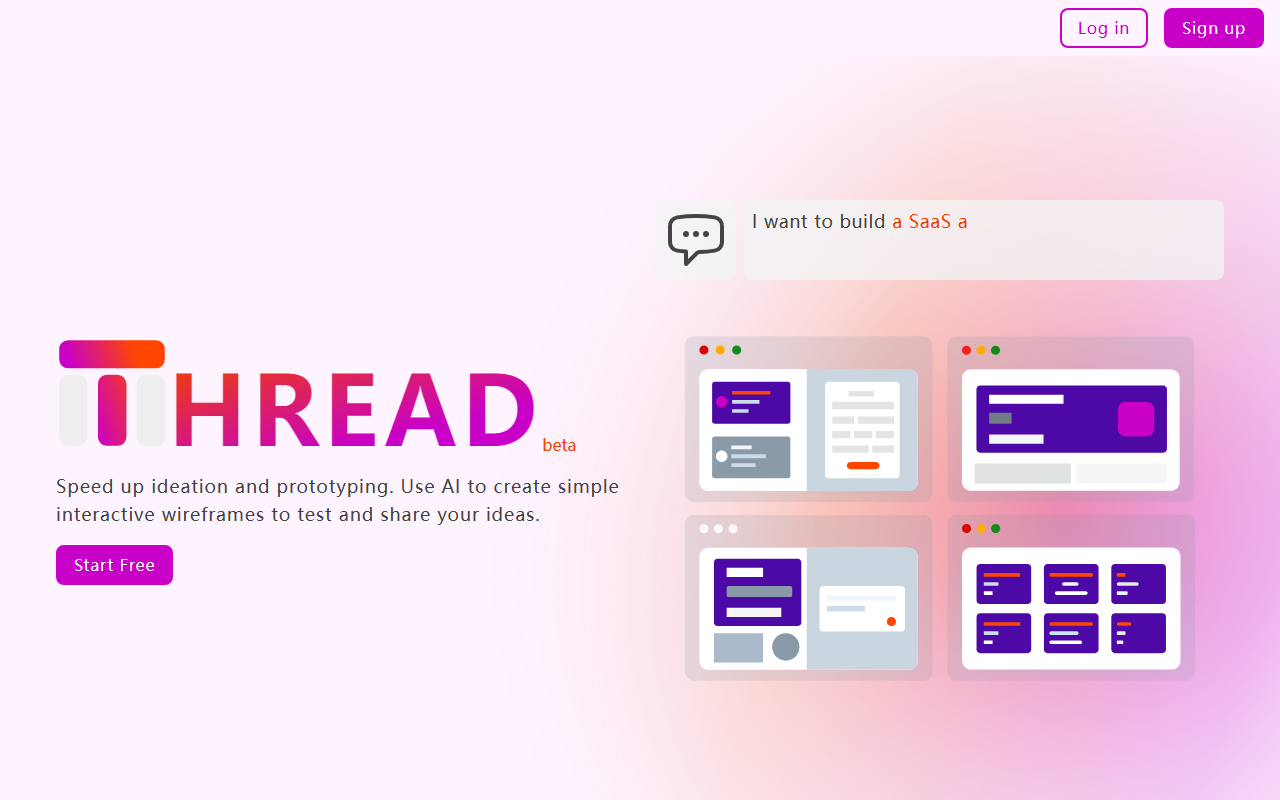
Upon visiting the Thread app at thread.antworks.ai, I was greeted by a clean, minimal landing page that immediately communicates its core value proposition: turning descriptions into interactive wireframes. The headline reads “Instantly create wireframes for your app to communicate your vision.” This resonated with me as someone who has spent hours in tools like Figma or Sketch just to sketch out basic flows for stakeholder reviews. The site offers a free Starter plan, and I signed up with a Google account to dive in. The onboarding was remarkably frictionless—no credit card required, just a straight path to the dashboard. The dashboard itself is sparse but functional: a left sidebar lists your projects and a central area invites you to “Describe what you want to build.” There’s also a demo video (1.5 minutes) which I recommend watching before starting, as it clarifies the three-step workflow: describe, generate, and customize.
Testing the Wireframing AI: From Description to Prototype
I decided to test Thread by describing a simple workout tracking app. I typed: “A mobile app where users can log exercises, see their workout history, and set weekly goals. Start with a home screen showing today’s workout summary.” Within seconds, the AI generated a set of wireframe screens: a home screen with a summary card, an exercise log form, and a goals page. Each screen was interactive—I could tap on buttons to navigate between them. This is where Thread differentiates itself from static wireframe generators like Balsamiq. The interaction is not just a clickable mockup; it’s a basic flow that simulates user pathways. I then used the customization panel to tweak the home screen layout, changing a button label from “Start Workout” to “Begin Session.” Thread’s AI responded to additional text instructions, updating the relevant screen without breaking the navigation logic. For a free beta tool, the responsiveness impressed me, though I noticed occasional lag when regenerating multiple screens simultaneously. The tool currently supports generating up to 8 screens at once on the upcoming Pro plan, but the free Starter plan is limited to 2 projects (though unlimited wireframes per project). This feels generous for a free tier, enough for validating one or two app ideas.
Pricing, Limitations, and Who Should Use It
Pricing is clearly laid out on the site. The Starter plan is free, with 2 projects, unlimited wireframes, and basic customer support. A Pro plan is “coming soon” at $10 per user per month, which will unlock unlimited projects, generation of up to 8 screens simultaneously, and export to HTML. Enterprise pricing is custom, with role-based access control and priority support. As of this writing, the Pro plan is invite-only, so I couldn’t test the HTML export. One notable limitation is that the free tier does not allow export; you can only share wireframes via a link. This is fine for internal feedback but less useful for handing off to developers. The tool also lacks integration with design or prototyping tools like Figma or Sketch—there’s no import/export of assets. Competitors such as Uizard (AI-powered UI design) offer more export options but have a steeper learning curve. Thread’s strength lies in its speed and simplicity for non-designers. Developers and product managers will find it especially useful for quickly testing user flows before any pixel-perfect design work begins. Designers might find it too limited for detailed UI styling, but as a wireframing aid, it’s a time-saver.
Final Verdict: A Promising Tool for Early-Stage UX Testing
Thread by Antworks AI delivers on its promise of rapid, interactive wireframing from natural language descriptions. It solves the real problem of communicating interactive ideas without deep design tool knowledge. The free tier is generous enough to evaluate the concept, though the 2-project limit may frustrate heavy users. The upcoming Pro plan’s export feature will be crucial for serious adoption. I recommend Thread for product managers, startup founders, and developers who need to whiteboard ideas into clickable prototypes quickly. If you require high-fidelity design or extensive asset libraries, look at Figma or Sketch instead. But for speed and clarity in the ideation phase, Thread is a smart addition to your toolkit. Visit Antworks AI at https://thread.antworks.ai/ to explore it yourself.













Comments