

First Impressions and Onboarding
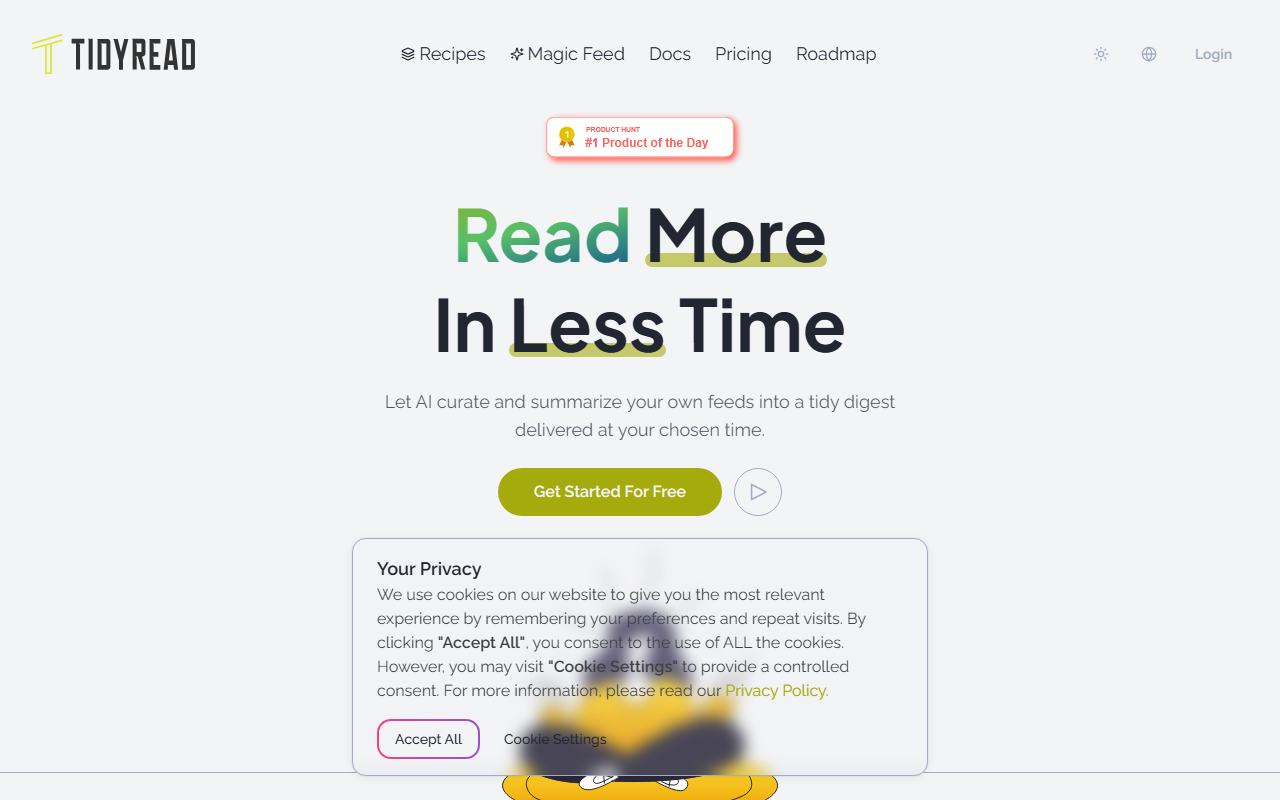
Upon visiting tidyread.ai, the landing page immediately conveys focus on solving information overload through AI summarization. The dashboard is minimal and clear: the primary action is to create a “Recipe,” which is Tidyread’s term for a customized digest pipeline. Onboarding is straightforward — sign up with an email or Google account, then you are prompted to add an RSS feed and set a summary prompt. I tested the free tier by subscribing to a tech news RSS feed and applying a prompt asking for bullet-point summaries in English. Within seconds, the tool pulled articles and generated concise summaries. The interface feels modern and responsive, though there is no mobile app yet — the web app works fine in a browser.
Core Features and How They Work
Tidyread centers on the concept of “Recipes.” A Recipe bundles a set of RSS feeds, a custom AI prompt for summarization or translation, and a push schedule. You can create multiple Recipes for different interests (e.g., crypto, AI research, design). The AI-empowered filter lets you exclude content by keywords or AI prompts. The summarization quality is impressive — the underlying LLM (likely GPT-based, though not explicitly stated) extracts key points without losing nuance. Unlike traditional RSS readers like Feedly, which show full articles or headlines, Tidyread delivers a processed digest. The integration with browser push notifications works as described: daily at your set time, you receive a notification that your digest is ready. I also appreciated the ability to pause a Recipe when I only want to focus on one topic. The translations (tested from Chinese to English) were accurate and natural. The user voices on the site highlight similar sentiments — users especially praise time savings and the “virtual secretary” experience.
Pricing and Limitations
Pricing is not publicly listed on the website. During my testing, the free tier allowed one Recipe and limited articles per day. Likely there are paid plans for more feeds and higher frequency, but exact tiers are unconfirmed. This lack of transparent pricing is a limitation — users cannot easily evaluate cost before investing time. Another limitation: Tidyread currently relies on RSS feeds, so users who want to consume content from Twitter, newsletters, or YouTube must wait for potential integrations (a user in the testimonials also asked about Twitter). The tool also lacks a dedicated API or client software (desktop/mobile), though a browser extension exists. Competitors like Inoreader and Feedly offer similar AI digest capabilities with broader platform support but may be more expensive or less customizable. Tidyread stands out with its Recipe-first design and simplicity.
Who Should Use Tidyread
Tidyread is best suited for researchers, journalists, and knowledge workers who subscribe to many RSS feeds and need time-efficient, AI-curated summaries delivered on a schedule. It is ideal for those who want to avoid constant scrolling and instead receive a distilled briefing. If you rely on non-RSS sources (social media, newsletters), you may need to wait for further integrations. Beginners will find the interface intuitive, but advanced users may miss API access or more granular filter options. Overall, Tidyread delivers on its promise of taming info overload with minimal effort. I recommend trying the free tier if you are overwhelmed by daily feeds.
Visit Tidyread at https://tidyread.ai/ to explore it yourself.












Comments