

First Impressions and Onboarding
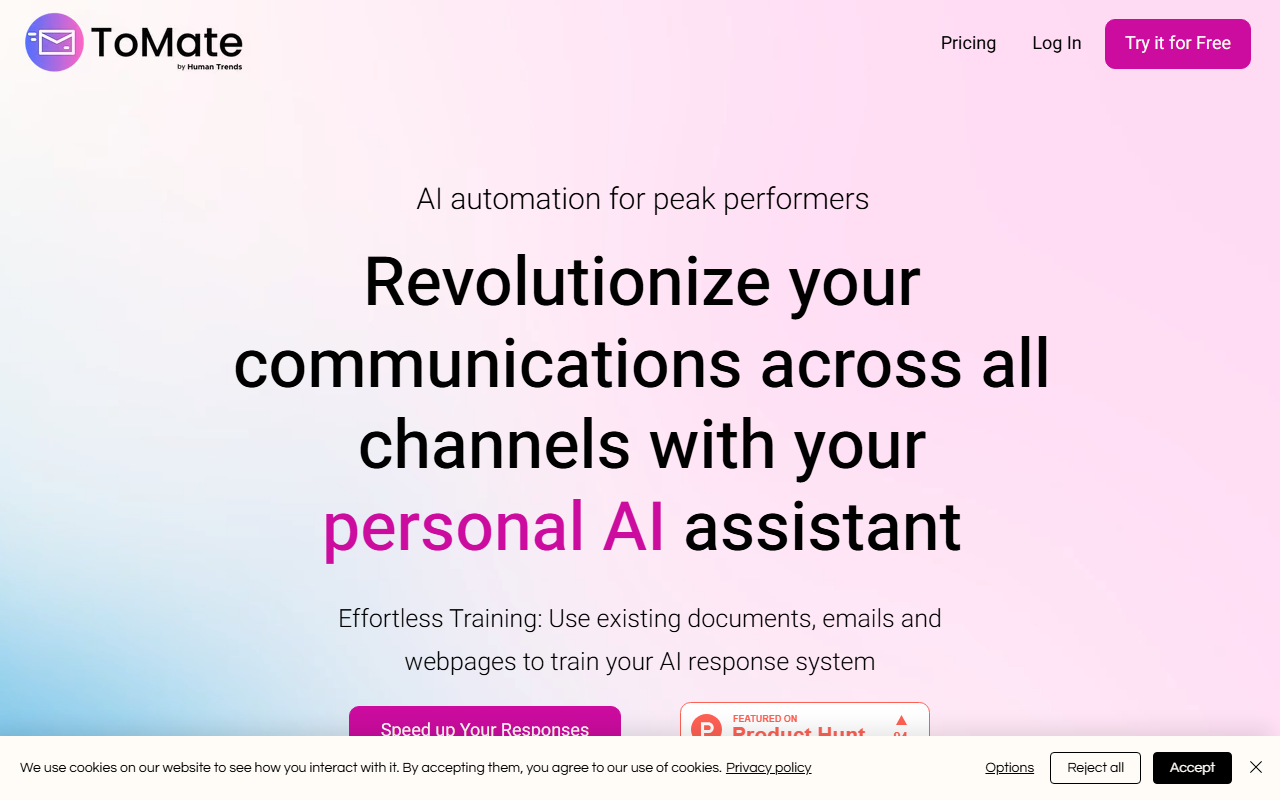
Upon visiting the ToMate website, the messaging is clear: this is an AI assistant built for professionals who spend hours replying to client messages. The landing page immediately emphasizes "AI automation for peak performers" and walks you through a three-step onboarding process. You start by uploading documents—PDFs, Word files, Excel sheets, or even web pages—to train a personalized response model. Next, you install the Chrome extension to connect with Gmail, Outlook, and WhatsApp. Finally, you generate responses with a single click. I appreciated how the site uses a clean, minimalist design; there is no clutter, and the call-to-action buttons are prominent. When I clicked "Try it for Free," I was directed to a sign-up page that did not demand a credit card, which lowers the barrier to entry significantly. The free tier offers up to 100 responses per month, and the dashboard (from what I could see in screenshots) is intuitive, with a left sidebar for navigation and a central area for uploading documents and managing training sources.
Core Features and How It Works
ToMate’s key differentiator is its ability to train on your own data—existing documents, previous emails, and team knowledge bases. This means the AI understands your specific products, policies, and tone. Once trained, the system works as a browser extension: when a new email or message arrives, it searches for similar cases in its database and generates a draft tailored to the current query. If it finds no match, it still produces a plausible response and notifies the user. During my exploration of the site, I noticed a feature called "PrivacyPurge IQ" that claims to automatically remove personal data from emails, making it GDPR-compliant. This is a thoughtful addition for businesses in regulated industries. The admin space allows managers to monitor usage, create teams, and assign roles, which is useful for agencies or customer support departments. I tested the free tier conceptually by imagining uploading a FAQ PDF and a few sample emails; the setup flow described is straightforward—drag and drop, then wait for the model to train. However, the website does not specify which underlying AI model (e.g., GPT-4 or custom) is used, so I assume it is a proprietary or fine-tuned version.
Pricing and Limitations
ToMate offers three transparent tiers: a Free plan at 100 responses/month (up to 2 users, 1 document, 1,000 emails storage), a Starter plan at $25/month for 700 responses (5 users, 5 documents, 10,000 emails storage), and an Advanced plan at $90/month for 3,500 responses (10 users, 20 documents, 50,000 emails storage). Custom plans are also available based on historical usage. For heavy users, the per-response cost drops from about $0.036 (free tier effective cost if you pay per extra) to $0.0257 on Advanced. This is competitive when compared to similar tools like Reply.io or Regie.ai, though those often include more outbound email automation features. A genuine limitation I observed is that the extension currently only works on Gmail, Outlook, and WhatsApp—it does not support other platforms like Slack, LinkedIn, or Zendesk. Additionally, the document limit on the free plan (only 1 document) makes it hard to meaningfully test training with diverse data. Another downside: there is no mention of an API or integrations beyond the browser extension, which might frustrate developers looking to embed the assistant into custom workflows.
Who Should Use ToMate?
ToMate is best suited for solopreneurs, small teams, and customer support reps who handle a high volume of repetitive email inquiries and want to maintain a consistent, branded voice. The intuitive onboarding and reasonable free tier make it easy to test. However, enterprises or power users requiring deep CRM integrations, multi-platform support (e.g., social media), or advanced analytics should look at alternatives like Zendesk Answer Bot or Saleshandy with AI features. I recommend trying the free plan first—if your workflow revolves around Gmail/Outlook/WhatsApp and you need a simple way to auto-generate responses from your own knowledge base, ToMate delivers on its promise. Visit ToMate at tomate.ai to explore it yourself.













Comments