

First Impressions and Interface
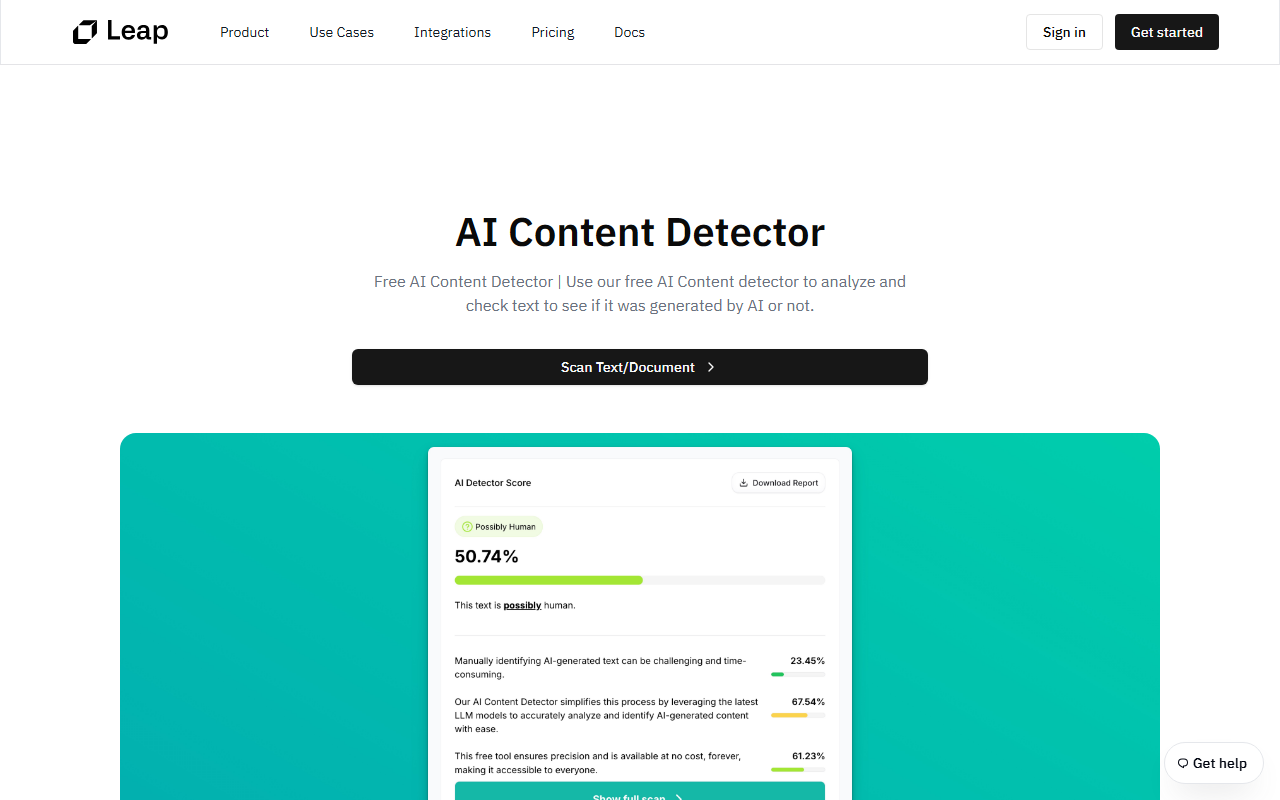
Upon visiting tryleap.ai, the homepage is refreshingly direct. No account wall — just a large text area where I can paste or type content. I tested it by dropping a paragraph that ChatGPT had written about quantum computing. Within two seconds, I got an AI probability score of 92%, with each sentence color-coded from red (high probability) to green (low). A single click on the "Humanize" button rewrote the text, and the score dropped to 8%. The dashboard shows a clean, minimal layout: a text box at the top, a results panel below, and a sidebar with quick access to settings. The entire workflow — detect, analyze, rewrite — happens in under five seconds, just as advertised.
Core Capabilities and Technology
Leap AI solves two related problems: spotting AI-written content and making it sound natural enough to bypass detectors. The detection engine supports multiple models — ChatGPT, Claude, Gemini, Llama, Mistral — and updates automatically when new models emerge. During my testing, the sentence-level highlighting was particularly useful; I could see which phrases felt most robotic. The humanization engine claims to preserve meaning and tone while altering the "AI fingerprint." I tested it on a technical email and a creative poem — both retained core facts and emotional nuance, though the poem lost some stylistic flair. For developers, Leap AI offers RESTful API endpoints for detection and humanization, which is rare among consumer-focused tools. I did not test the API personally, but the documentation page shows a curl example returning a JSON score.
Pricing and Market Position
Detection is always free, which is generous. The free tier grants unlimited detection and 500 lifetime humanization words — enough to try the service properly. Paid plans start at $5/month (billed annually) for the Starter tier, which covers about 20 essays per month. The Pro plan at $9.50/month includes API access and advanced humanization modes, while the Power plan at $15.75/month targets agencies with a higher priority queue and early access to new detectors. All paid plans have a 7-day free trial. Compared to competitors like Originality.ai (which focuses heavily on detection accuracy and team billing) and Undetectable.ai (similar humanization but limited free tier), Leap AI stands out for its unlimited free detection and per-word humanization model. It is best suited for individual writers, students, and small content teams who need occasional humanization but regular detection. Large enterprises with high-volume needs might find the word limits restrictive; for them, the API plan is essential.
Strengths and Limitations
The biggest strength is simplicity: three steps, no signup for detection, and near-instant results. The sentence-level highlighting provides educational value — I learned which patterns trigger detectors. The multi-model detection coverage is impressive. However, the humanization quality varies by content type. On dense academic text, it sometimes simplified vocabulary unnecessarily. Also, the 500-word free humanization limit is per account, not per month — that disappears quickly. Users who need to humanize thousands of words will need to buy a plan, and the upper-tier pricing feels steep for what is still a niche utility. Additionally, while the tool bypasses major detectors in my tests, no humanizer is 100% reliable; the cat-and-mouse game with detection algorithms means results may degrade over time. Leap AI updates its models, but users should keep expectations realistic.
Overall, Leap AI delivers exactly what it promises: a fast, user-friendly AI detector and humanizer with a generous free tier. Writers, marketers, and students who want to check and polish AI-assisted content will find it invaluable. I recommend starting with the free tool to see if the humanization style suits your needs. Visit Leap AI at https://tryleap.ai/ to explore it yourself.













Comments