

First Look and Onboarding
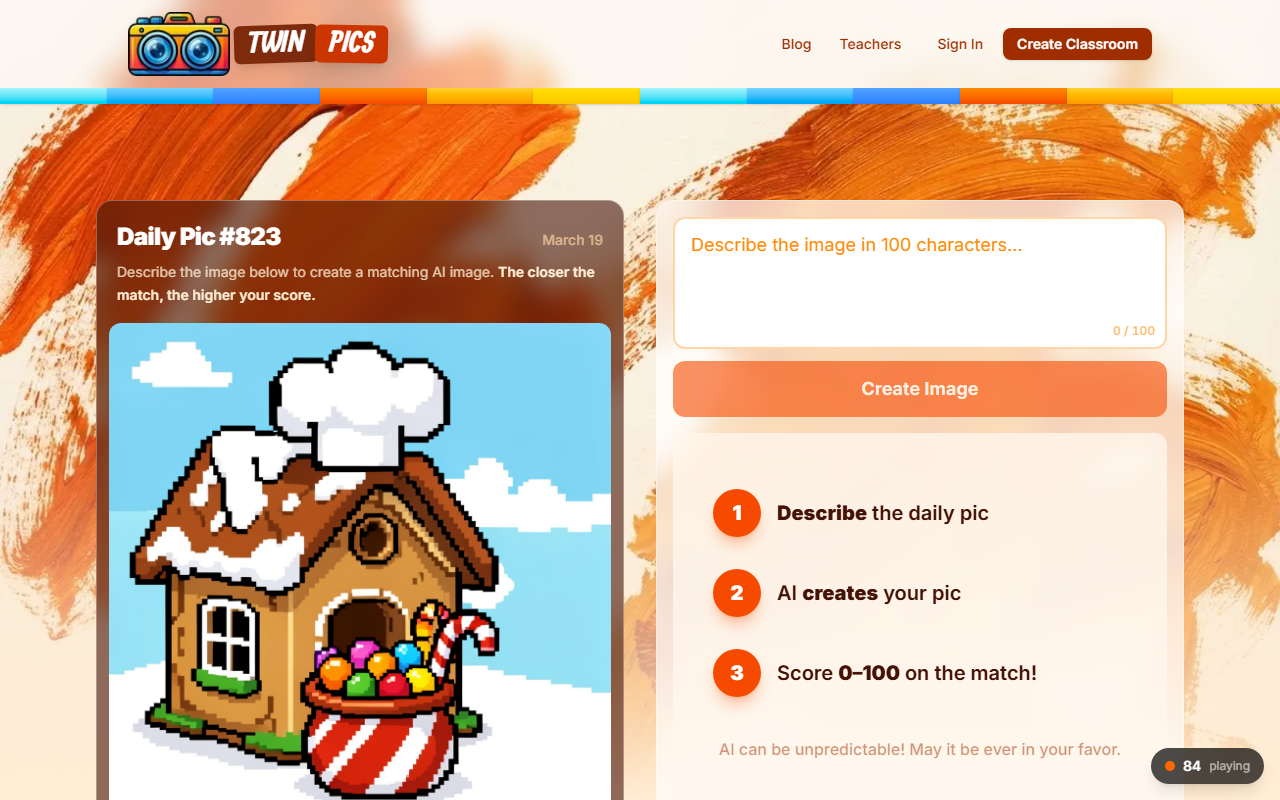
Upon visiting Twin Pics, I was greeted by a clean, minimalist interface dominated by a single daily challenge. The homepage immediately showed "Daily Pic #864" and a prompt description: "The AI was told: A cozy fruit basket wearing a nightcap napping in a hammock of vines, botanical illustration." Below that, a text field invited me to type my own description. There was no sign‑up wall; I could jump straight into playing by typing a description and clicking "Create Image." The leaderboard panel on the right displayed the day’s top scores, with 2,689 players already participating. The whole experience felt like a simple, no‑fuss game—I appreciated that I didn’t need to create an account or configure anything. The site also prominently featured a "Classrooms" section, with options to create or join a classroom, which I explored later.
Gameplay and AI Matching
The core loop is straightforward: you’re shown a hidden prompt that the AI used to generate an image earlier. Your job is to write a description of that image (which you can’t see) so that when you generate a new image with your description, it matches the original as closely as possible. The AI then scores your match from 0 to 100. In my test, I described the same fruit‑basket scene as "a sloth wearing a Santa hat in a hanging fruit basket," and the AI returned a whimsical illustration of exactly that. My score was 83%—not bad, but the leaderboard showed perfect 97% scores. I noticed that players who added specific details (e.g., "baby bear with human face") tended to score higher, but the AI was sometimes literal: one player wrote "baby" and still got 50%. The AI model appears to be fine‑tuned for creative interpretation, which makes the game fun but unpredictable. The site also tracks your streak and shows a daily leaderboard that randomly highlights entries every two hours, adding a competitive layer. The game refreshes daily, so there’s a reason to return.
Classroom Integration
Twin Pics puts a strong focus on education. The classroom mode allows teachers to create a virtual room and invite students using just nicknames—no personal information or accounts required. This is a huge privacy win, especially for younger students. I simulated creating a classroom; the process was quick: I gave the room a name and received a join code. Students can hop in from any device and start playing instantly. The teacher dashboard displays scores and allows you to see each student’s descriptions and generated images. This turns the game into a creative writing and vocabulary exercise: students must describe images precisely, and the AI’s feedback encourages them to refine their language. I can see this being used in language arts, ESL, or even art classes. The site even showcases testimonials from teachers. The only limitation is that the game is limited to one daily image, so it’s best as a warm‑up or bell‑ringer activity rather than a full lesson.
Pricing and Final Verdict
As of my review, Twin Pics appears to be entirely free to play. There are no paid tiers or subscriptions listed anywhere on the site. The classroom features are also free, with no hidden fees. This makes it highly accessible for both individual users and educators. However, the lack of a paid plan also raises questions about long‑term sustainability—there are no ads either, so the business model is unclear. The AI is the same engine used for all users, and while it’s creative, it can be inconsistent (hence the wide range of scores for similar descriptions). The game is best suited for casual puzzle lovers, teachers looking for a quick, no‑risk classroom activity, and anyone who enjoys daily brainteasers. If you want deep AI art generation or serious prompt engineering, you’d be better served by dedicated tools like Midjourney or DALL·E 3. But for a fun, social, and educational twist on AI image generation, Twin Pics delivers a charming experience. I recommend trying it at least once, especially with a group.
Visit Twin Pics at https://twinpics.ai/ to explore it yourself.













Comments