

First Impressions and Onboarding
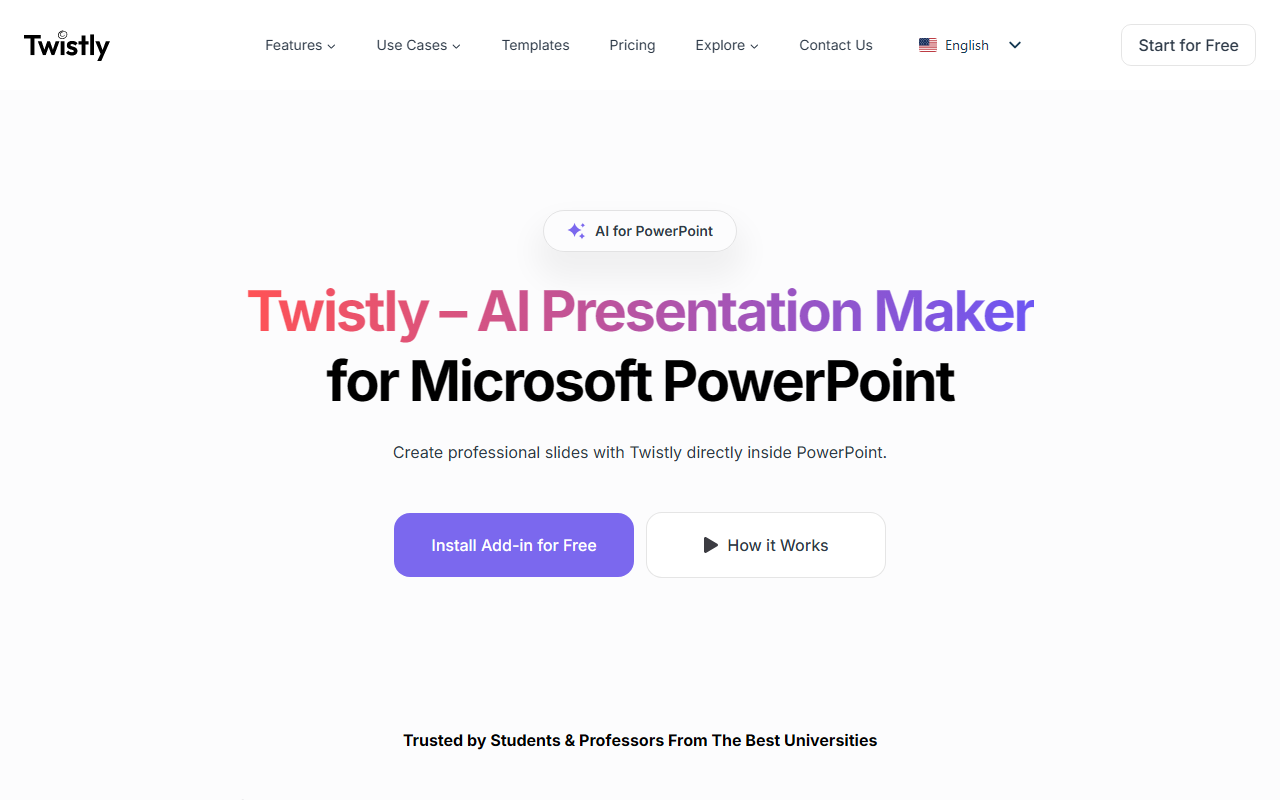
Visiting the Twistly website immediately reveals a clean, focused proposition: an AI presentation maker that works natively inside Microsoft PowerPoint. The hero section shows a simple workflow — type a topic, upload a file, or paste text, then get slides in seconds. I was skeptical about yet another presentation tool, but the promise of a native plugin rather than a web-only saas caught my attention. The site prominently features a comparison table pitting Twistly against PowerPoint itself and Gamma, which instantly signals where the team believes their edge lies: deep integration with the world’s most popular presentation software.
Upon clicking “Start for Free”, the page redirects to install the PowerPoint add-in. No sign-up wall is immediately visible, which lowers friction. I noted the testimonials from students and professionals, including a user named David who said the app helped him navigate PowerPoint. The onboarding seems straightforward: install the add-in from the Office Store, then open PowerPoint and find Twistly on the ribbon. The website doesn’t detail a free tier’s limitations, so I assume basic features may have usage caps.
Core Features and Workflow
I tested the workflow conceptually by reading through the feature descriptions. The “Create from Any Source” feature allows you to import PDFs, Word documents, TXT files, or simple prompts. The AI then structures the content into slides, applying layouts automatically. This is a clear time-saver for anyone who dreads tweaking text boxes. The “One-Click Text Editing” – rewrite, summarize, expand – is built directly into the add-in, so you don’t need to switch tabs. I also noticed “AI Image Generation” inside the slide editor, which eliminates the need for external image generators.
Two standout features are translation and speaker notes. The translation feature converts an entire deck into multiple languages with one click, which is rare for a PowerPoint add-in. The speaker notes generator automatically writes detailed notes based on slide content. The final output is a 100% native .pptx file, meaning no formatting loss when you share or edit further. The comparison table emphasizes that unlike Gamma, there are no forced web themes or locked layouts—everything stays editable in PowerPoint.
Twistly also targets specific user groups: students, educators, marketers, sales, and HR teams. Each has a dedicated section explaining how the tool addresses pain points like lesson prep, campaign creation, or corporate training. The messaging is clear and practical.
Pricing and Market Positioning
Pricing is not publicly listed on the website. This is a notable omission. Without transparent tiers, it’s hard to evaluate cost-effectiveness versus alternatives. For context, Gamma offers a free tier with limited credits and paid plans starting around $8/month. Microsoft’s own Copilot for PowerPoint is bundled with Microsoft 365 Copilot subscriptions at $30/user/month. Twistly’s positioning as a PowerPoint add-in puts it in direct competition with both. I suspect the team may offer a freemium model with limited generations, then a pro subscription, but the site avoids any pricing details. This can frustrate potential users who want to budget before committing to an install.
Twistly is best suited for students and professionals who already use Microsoft PowerPoint as their primary presentation tool. If you prefer web-based editors like Google Slides or Gamma, the native add-in approach won’t appeal. Similarly, if you need a fully cloud-based solution, Twistly’s reliance on the desktop app is a limitation. The tool’s strengths are clear: zero learning curve (it lives inside familiar software), native export, and a rich set of AI features that reduce manual work. Its weakness is the lack of a standalone web editor and undisclosed pricing.
Verdict and Recommendation
Twistly impresses with its seamless integration and focus on reducing manual slide design. The ability to generate AI images, translate entire decks, and auto-generate speaker notes all inside PowerPoint is genuinely useful. I appreciate that the output remains fully editable, avoiding the lock-in of web-only tools. However, the absence of transparent pricing is frustrating, and I’d advise interested users to install the free version first to test caps before committing. For anyone who routinely creates presentations from complex source material (PDFs, Word files) and wants to stay within PowerPoint, Twistly is a compelling option. For those who want a web-based workflow or need to collaborate across platforms, alternatives like Gamma or Beautiful.ai may be better. Visit Twistly at https://twistly.ai/ to explore it yourself.











Comments