

First Impressions and Onboarding
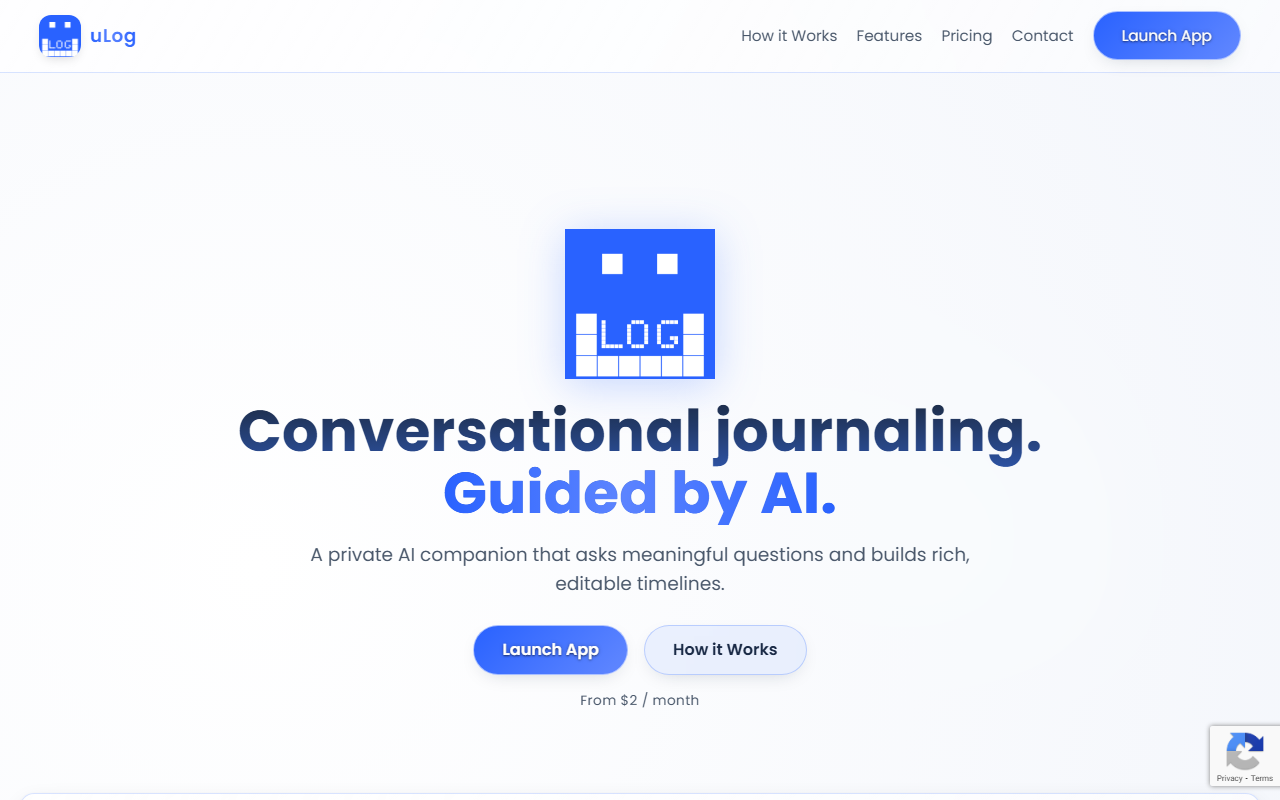
Upon visiting uLog.ai, I was immediately struck by its minimal, almost meditative interface. The homepage presents a clean tagline: “Conversational journaling. Guided by AI.” There is no clutter, no sign-up gate — just a “Launch App” button that leads to a lightweight Progressive Web App (PWA). I clicked through and was asked only to create a topic (e.g., “Work”, “Health”, “Daily reflections”) before the AI greeted me with a genuinely thoughtful question: “What moment today made you feel most alive?” This sets the tone for the entire experience. The onboarding is frictionless, taking less than 30 seconds from visit to first journal entry. The dashboard after login is equally sparse: a left panel lists your topics, a central area holds the chat-based journal interface, and a right panel reveals your timeline of summaries. The whole app feels like a hybrid between a chat app and a bullet journal, with no advertisements or tracking scripts — as promised in their “Privacy First” feature.
Core Experience: Guided Chat and Adaptive Questioning
The heart of uLog is its “Guided Chat” mode. Unlike traditional journaling apps that give you a blank page (like Day One) or a fixed prompt (like 5 Minute Journal), uLog’s AI actively conversations with you. As I wrote about a stressful work meeting, the AI responded with: “That sounds challenging. How did you handle the pressure?” It adapts its follow-ups based on my previous answers — not in a creepy way, but like a reflective therapist. After three or four exchanges, the AI generates a summary and adds it to my timeline. I can edit that summary at any time, which is crucial because AI-generated reflections can miss nuance. Over a week of daily use, I noticed the AI remembering my recurring themes: I had mentioned “Impostor syndrome” under my “Career” topic, and later it asked, “Have you felt the same doubt about your skills this week?” That level of continuity impressed me. The timeline view aggregates these summaries by date, creating a evolving narrative. It feels like having a private, patient companion who cares about your narrative arc — without the social pressure of a real human.
Pricing, Features, and Technical Details
uLog operates on a straightforward subscription model: “From $2 / month.” I tested the free tier, which limits you to one topic and 50 AI chats per month. For $2/month, you get unlimited topics, no chat limits, and full access to all features. There is also a contact form for “B2B” and “API” inquiries on the pricing page, suggesting the company may offer enterprise deployments — though I saw no official API documentation. The app is built as a PWA, meaning it works offline for reading previous entries but requires internet for AI responses. It does not appear to have native mobile apps, which is a limitation for users who prefer dedicated apps. In terms of privacy, the site states “No ad trackers” and data is likely stored encrypted, but I could not find an explicit SOC 2 or GDPR certification. The AI model powering the guided chat is not named, but responses suggest GPT-4 or a fine-tuned model of similar quality — quick, coherent, and rarely off-topic. Alternatives include Day One (more feature-rich, costs $35/year) and Journey (cross-platform, $24/year). uLog positions itself as cheaper and more focused: it strips away photo sharing, locations, and tags in favor of purely conversational journaling.
Strengths, Limitations, and Verdict
The genuine strength of uLog is its ability to lower the barrier to journaling. The AI’s adaptive questions make it easy to get started, even for people who have never journaled before. The timeline summaries are a wonderful way to track personal growth without manually writing long entries. Privacy-first design (no trackers, no social features) is a big plus for sensitive content. However, there are real limitations. The AI’s “memory” is topic-specific but not cross-topic: if I write about anxiety in “Health” and again in “Work”, it won’t connect those dots. The chat interface, while elegant, can feel restrictive — sometimes I want to freewrite without AI interruptions. There is no option to disable the AI guidance for a completely manual entry. Additionally, the PWA experience on iOS is decent but lacks the polish of a native app; I missed push notification support for reminders (though the app sends email reminders). Most critically, the pricing page lists only “Contact” for support, and I saw no public roadmap or community. For casual or beginner journalers, uLog is an excellent, affordable entry point. For power users who need rich media, tagging, or in-depth analytics, other tools may serve better. I recommend uLog to anyone who has struggled to maintain a journaling habit and wants a gentle, intelligent guide — not a blank page. Visit uLog at https://ulog.ai/ to explore it yourself.













Comments