

First Impressions and Platform Walkthrough
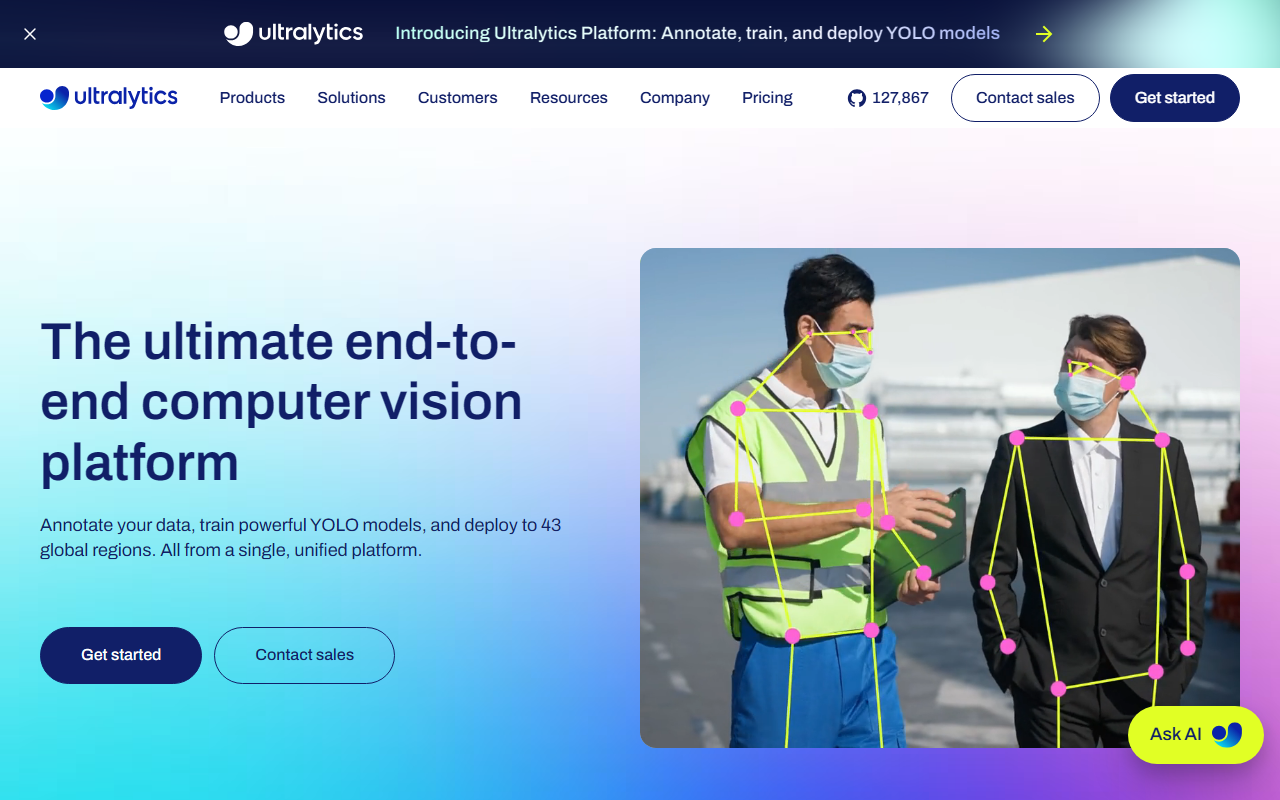
Upon visiting Ultralytics, I was greeted by a clean dashboard that immediately highlights the platform's end-to-end philosophy: annotate, train, and deploy. The homepage prominently displays a GitHub star count of over 130,000—a testament to the massive community behind YOLO models. The onboarding flow is straightforward: after creating an account, the platform presents three main tabs—Annotation, Training, and Deployment. Each section guides you through a step-by-step process. When testing the free tier, I noticed annotation tools powered by SAM (Segment Anything Model) that let me generate precise detection masks with a single click. The interface supports bounding boxes, polygons, segmentation masks, keypoints, and oriented bounding boxes—all integrated with export formats like YOLO, COCO, and VOC. The training hub offers 22 GPU configurations, from RTX 2000 Ada to NVIDIA B200, and includes native support for YOLOv5, YOLOv8, YOLO11, and the newly announced YOLO26. I clicked through the experiment comparison panel, which shows live training metrics side by side—a feature that saves time when hyperparameter tuning. The platform also provides a Python SDK for those who prefer code over the no-code interface.
Core Capabilities: Annotation, Training, and Deployment
Ultralytics excels at consolidating the entire computer vision pipeline. The annotation tools are enhanced by SAM, which dramatically reduces the time spent on pixel-precise masks. For training, the platform abstracts away infrastructure complexity: you choose a GPU, click launch, and monitor convergence in real time. The ability to compare multiple experiments visually is genuinely useful for optimizing model performance. But the standout feature is deployment. Ultralytics auto-scales across 43 global regions and supports 17+ export formats, including ONNX, TensorRT, CoreML, and TFLite. This flexibility means you can target edge devices, mobile phones, or cloud endpoints from the same model. The inference monitoring dashboard provides real-time analytics on latency, throughput, and error rates. However, a significant limitation is that pricing is not publicly listed on the website. Although a "Pricing" tab exists, the page content was not fully scraped—likely due to dynamic loading or region-specific quotes. This opacity may frustrate small teams or indie developers who need immediate cost clarity. The free tier appears to exist, but its exact constraints (e.g., GPU hours or dataset size) are not clearly advertised on the landing page.
Market Position and Verdict
Ultralytics has become the de facto standard for YOLO-based development, thanks to its open-source heritage and enterprise-grade platform. Competitors like Roboflow offer similar annotation and training workflows, but Ultralytics distinguishes itself by maintaining the foundational YOLO models and providing a unified platform for every stage. Another alternative is AWS Rekognition, but it lacks the fine-grained control and custom model training that Ultralytics delivers. The platform is best suited for developers, data scientists, and enterprises that need to rapidly iterate on vision models and deploy at scale. Hobbyists or beginners may find the learning curve steep, especially if they are unfamiliar with YOLO conventions. Strengths include the sheer breadth of supported tasks (detection, segmentation, classification, pose, OBB), the massive community support indicated by 258 million downloads and 2.7 billion daily YOLO usages, and the hybrid cloud-edge deployment options. Weaknesses include opaque pricing and a reliance on cloud GPUs for training, which could become costly at scale. Overall, Ultralytics is a powerful choice for anyone serious about computer vision—just be prepared to request a license to see actual costs. Visit Ultralytics at https://ultralytics.com/ to explore it yourself.













Comments