

First Impressions and Onboarding
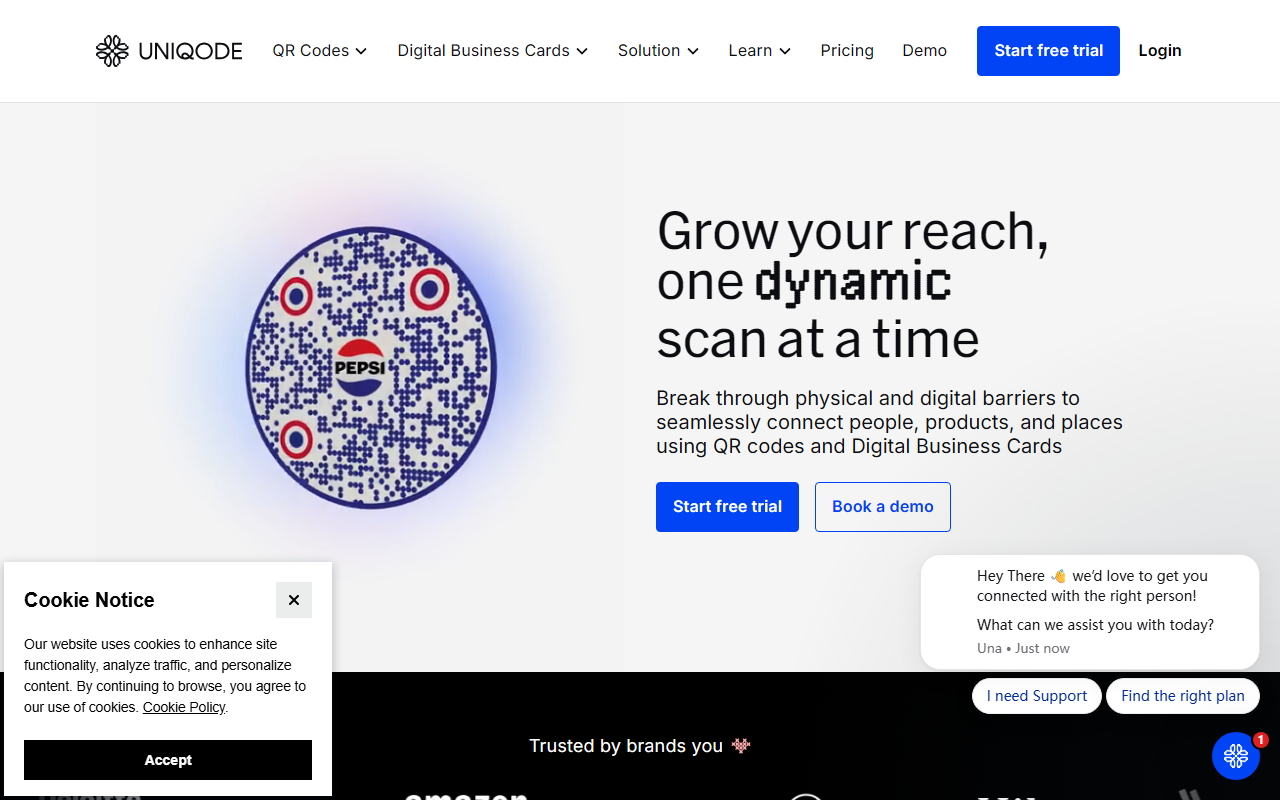
Upon visiting the Uniqode website, I was greeted with a clean, modern dashboard that immediately highlights two main workflows: creating QR codes and building digital business cards. The homepage clearly states “Start free trial” and “Book a demo,” making it easy to get started. I signed up for the free tier and was guided through a simple setup process that asked for my business name and primary use case. Within minutes, I could generate my first dynamic QR code. The interface is intuitive, with drag-and-drop customization options for colors, logos, and call-to-action buttons. Uniqode also offers a library of templates for common use cases like menus, promotions, and event check-ins. The onboarding flow includes tooltips and a quick tutorial video, which helped me understand the difference between static and dynamic codes right away.
Core Features: QR Codes and Digital Business Cards
Uniqode’s primary value lies in its dynamic QR code management. Unlike static codes, dynamic codes let you change the destination URL or content after printing — a lifesaver for campaigns where links need updating. The platform also provides real-time analytics: you can see scan counts, locations, devices, and even time-of-day data. I tested a code for a mock event and within hours had a clear view of engagement patterns. The digital business card feature is equally robust. You can design a card with your contact details, social links, and even add a lead capture form. Two-way contact sharing is supported — when someone scans your card, they can send their details back instantly. Uniqode integrates directly with CRMs like Salesforce and HubSpot, so leads flow automatically into your pipeline. For teams, there’s role-based access control and campaign management, allowing admins to oversee multiple users and campaigns from a single dashboard.
Pricing, Security, and Integrations
Uniqode offers a free tier with limited scans and basic features. Paid plans start at around $24 per month for the “Pro” plan, which includes custom domains, advanced analytics, and team collaboration. The “Enterprise” tier adds dedicated support, single sign-on (SSO) with Okta/Azure/Auth0, and compliance with SOC 2 Type 2, HIPAA, and ISO 27001:2022. Pricing is transparent and listed on the site. Uniqode also provides multi-factor authentication and anomalous scan detection to prevent fraud. For integrations, it connects with Slack, Zapier, Google Analytics, and most major CRM platforms. This makes it easy to incorporate QR code data into existing marketing stacks. In terms of market positioning, Uniqode competes with tools like Beaconstac and QR Code Generator Pro, but its emphasis on enterprise-grade security and digital business cards sets it apart for B2B use cases.
Who Should Use Uniqode?
Uniqode is best suited for marketing professionals, sales teams, and event organizers who need reliable tracking and the ability to update content on the fly. It’s also a strong choice for companies that require strict compliance (healthcare, finance) due to its security certifications. However, if you only need a simple, free QR code generator for personal use, Uniqode’s free tier might feel limited after the first few scans. Similarly, businesses with very small teams may find the paid plans costly compared to simpler alternatives. Overall, Uniqode delivers a polished, scalable solution for turning offline interactions into measurable online engagement. Visit Uniqode at https://uniqode.com/ to explore it yourself.













Comments