

First Impressions and Onboarding
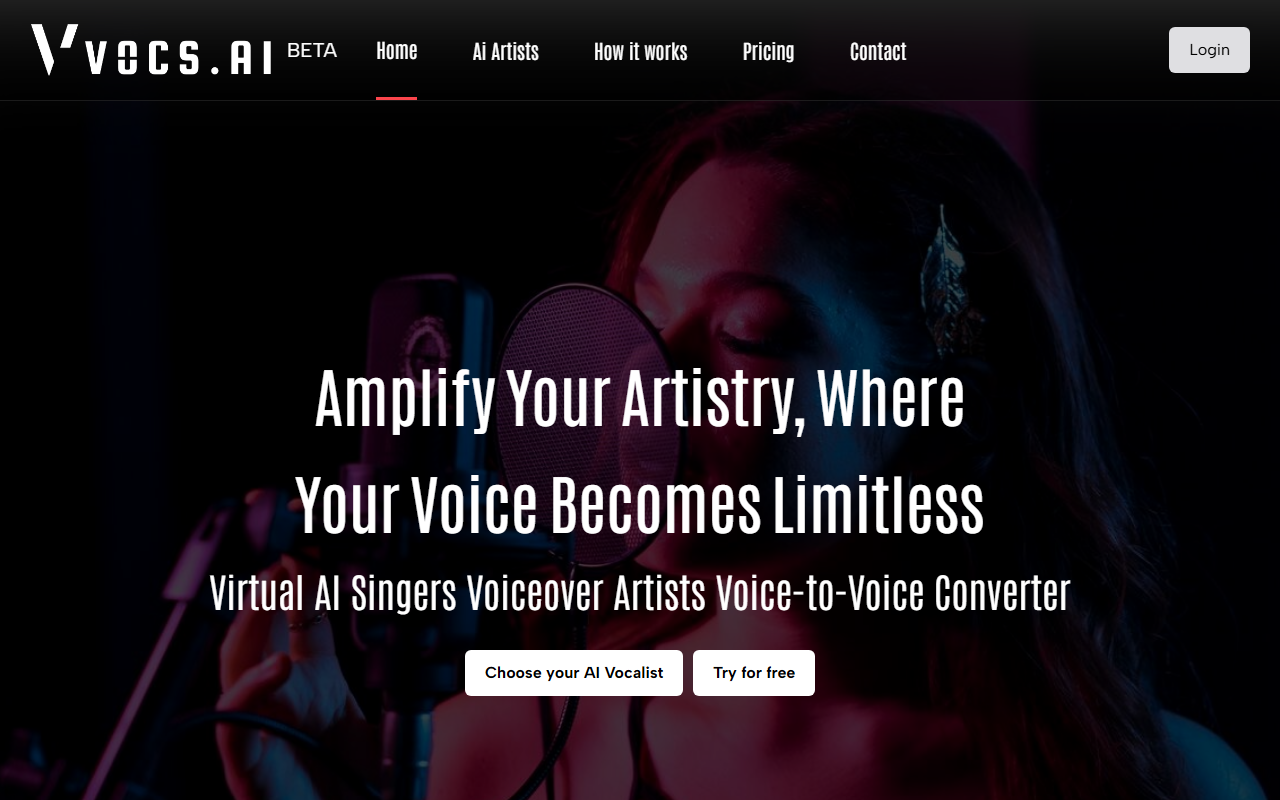
Upon visiting the Vocs AI site, the first thing you see is a bold tagline: Amplify Your Artistry, Where Your Voice Becomes Limitless. The dashboard is clean and minimal, with a prominent Try for free button that leads to a four‑step workflow: upload a clean acapella vocal in WAV or MP3, choose an AI artist, convert, then download. No sign‑up is required to test the conversion, which is a refreshingly low‑friction onboarding. During my test, I uploaded a short vocal clip (a spoken line) and selected one of the featured AI singers. The processing took about 15 seconds, and the output file was downloadable immediately. The interface also includes a section for royalty‑free background music – over 50 instrumentals and 1000+ loops – which is neatly organized by genre.
Core Technology and Use Cases
Vocs AI focuses on voice‑to‑voice conversion, not text‑to‑speech. This is a key differentiator: you record your own vocal performance (or use any acapella) and the AI transforms the timbre, pitch, and character to match a chosen AI artist while preserving your original emotion, phrasing, and dynamics. The website explicitly states “No Text To Speech. No Robotic Voices.” The technology behind this appears to be a real‑time voice conversion model – likely based on a modified encoder‑decoder architecture, though specific model names aren’t listed. The tool is marketed for singers, rappers, commercial voiceovers, narrators, podcasters, and animated characters. I tested a male‑to‑female conversion, and the result retained the original intonation, albeit with a slight digital artifact around sibilants – an area where dedicated products like Respeecher or Voicemod have made strides. Still, for a free‑tier tool, the quality is impressive.
All converted vocals come with a royalty‑free license for commercial use, which is a major advantage for content creators who need cleared assets. The library of AI artists is curated – about a dozen at launch – with a “View All Artists” option that reveals more. Each artist has a sample audio preview, so you can hear the target voice before committing.
Pricing, Competitors, and Audience
Pricing is not publicly listed on the website. The only call‑to‑action is “Try for free,” and there is no pricing page or plan comparison. This suggests Vocs AI may be in an early access phase or uses a credit‑based system that is revealed after registration. For context, alternatives such as Respeecher (industry‑leading quality, but expensive enterprise pricing) and Voicemod (real‑time voice changer for streaming, but limited to preset voices) serve different niches. Vocs AI sits between them – it offers tailored voice conversion for original singing/rapping, but its artist library is small, and the lack of transparent pricing may deter serious buyers.
Strengths: genuine emotion preservation, low‑barrier free trial, royalty‑free outputs, and integrated background music library. Limitations: small artist selection, no API visible, and untransparent pricing. Best suited for independent musicians, podcasters, and small studios who want to experiment with vocal transformations without spending upfront. Not ideal for high‑budget film/post‑production where reliability and support are critical. Overall, Vocs AI is a promising tool for creative experimentation, and its free tier gives you a risk‑free way to see if the quality meets your needs.
Visit Vocs AI at https://vocs.ai/ to explore it yourself.













Comments