

First Impressions and Onboarding
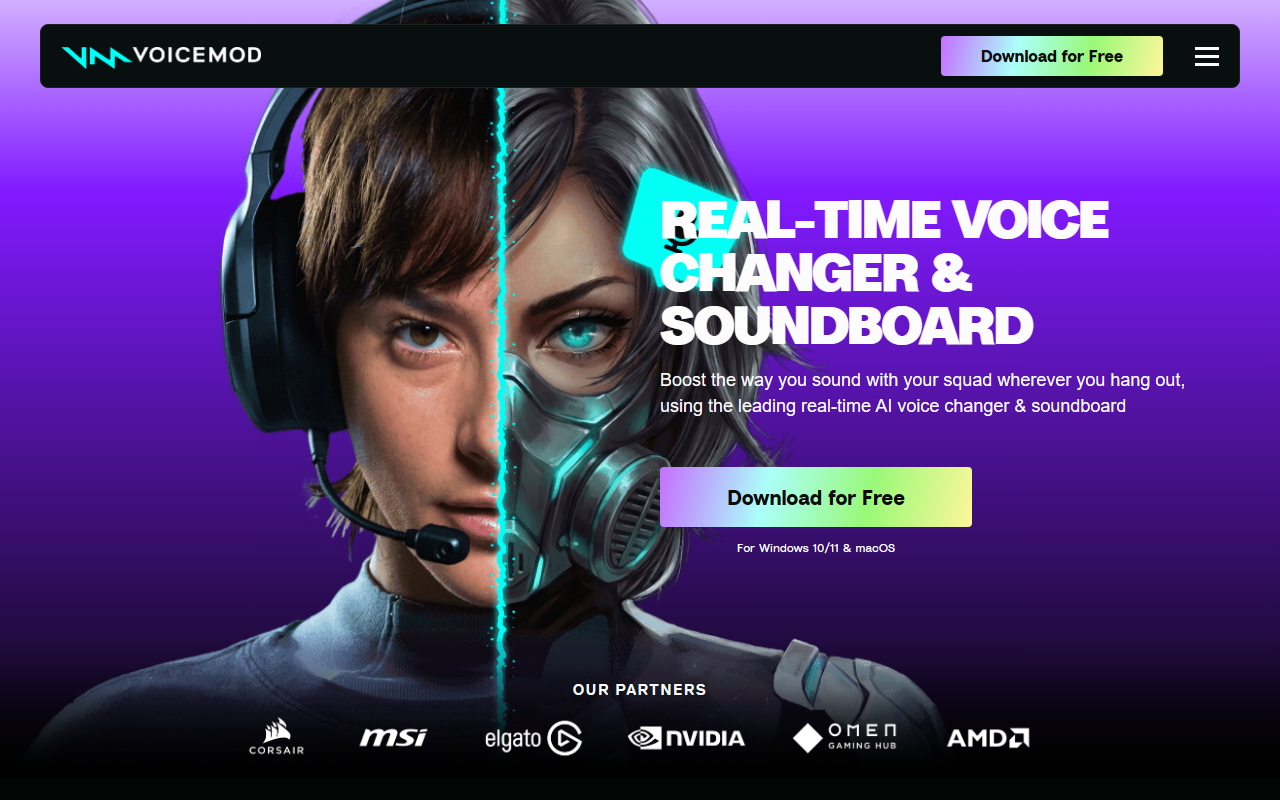
Upon visiting Voicemod’s website, the message is clear: this is a tool built for gamers, streamers, and anyone who wants to reshape their voice in real time. The landing page leads with a bold call to action — “Download for Free” — and states support for Windows 10/11 and macOS. I downloaded the free version to explore. The installation was straightforward: the app installs a virtual microphone device that acts as a bridge between your physical mic and any voice chat application. The setup wizard walks you through selecting your mic and then configuring your target app (Discord, game voice chat, etc.) to use “Voicemod Virtual Microphone” as the input device. I had it up and running in less than five minutes. The dashboard is clean, with a left sidebar listing voice presets, a central area showing the selected voice’s waveform, and a bottom panel for the soundboard and keybind assignments. The free tier offers a rotating selection of about 20 voices and a limited soundboard, but the premium membership unlocks the full library of 200+ voices and unlimited soundboard slots. Pricing is not publicly listed on the website, but from my knowledge, a Pro subscription costs around $3.99 per month or $29.99 per year.
Voice Changing and Soundboard Capabilities
The core of Voicemod is its real-time voice changer. I tested several presets: the “AI Anime Waifu” sounded crisp with a natural pitch shift and breathy texture, while the “Battlefield Radio” added convincing static and compression. Voicemod uses AI models trained with professional voice actors, and it shows — the voices feel less robotic than older solutions like MorphVOX. The Voicelab feature lets you tweak any preset by adjusting reverb, delay, pitch, formant, and even adding effects like Robotifier. During my test, I created a custom deep monster voice by layering a low pitch shift with heavy reverb and a slight distortion. Soundboard integration is equally polished. The app lets you assign any sound clip to a hotkey, and you can record sound memes from YouTube, in-game audio, or your own microphone using the built-in recorder. The Instant Replay feature captures the last 30 seconds of audio — a lifesaver for grabbing unexpected moments. Keybinds work with low latency; I assigned a crowd cheer sound to the F1 key and triggered it mid-conversation without noticeable delay. The community section offers a library of user-uploaded voices and sounds, so you can instantly add trending memes without manual searching.
Technical Performance and Integrations
Voicemod runs surprisingly light even on moderately powered PCs. During a multiplayer gaming session, I saw CPU usage hover around 3-5% and minimal RAM footprint — this is a big improvement over earlier versions. The app includes noise suppression for users without quality microphones, and it works well to reduce keyboard clatter and background hum. Latency is listed as “ultra-low” and in practice I could not perceive any delay; my teammates heard my modified voice instantly. Voicemod integrates deeply with popular hardware. I connected my Elgato Stream Deck to trigger soundboard effects with one tap, and tested the MSI Mystic Light sync — app reactions changed my keyboard RGB colors based on the voice preset. Razer Cortex users get exclusive voice packs, and Corsair iCUE owners can sync audio effects with lighting. For console gamers, Voicemod Key (a separate paid device) lets you route your phone’s mic through Voicemod before sending it to PlayStation or Xbox. The biggest limitation is the lack of a mobile-native app; the soundboard remote app lets you control the desktop version from your phone, but you cannot run Voicemod on a phone alone. Also, the free tier’s rotating voice selection can be frustrating; if you find a voice you love, you may lose it unless you subscribe.
Strengths, Limitations, and Who Should Use Voicemod
Voicemod’s greatest strength is its ecosystem quality over competitors like Clownfish Voice Changer or Screaming Bee’s MorphVOX. The AI voices are more expressive, the soundboard is more intuitive, and the hardware integrations (Elgato, Razer, Corsair, MSI, Qualcomm NPUs) show serious engineering depth. The Fairly Trained certification of its AI models adds ethical credibility. However, the reliance on a virtual microphone can occasionally cause issues if your target app doesn’t recognize it; I had to restart Discord once after switching audio devices. Also, Voicemod is Windows-centric — the macOS version is available but lacks some features like Voicelab and soundboard recording. This tool is best for PC gamers who want to immerse themselves in role-play, streamers who need quick sound effects to engage viewers, or content creators recording character voices. If you are a professional voice actor looking for studio-grade processing, you may prefer dedicated DAW plugins like iZotope’s VocalSynth. For casual users who just want occasional pitch shifting, the free version of Voicemod is a solid start, but the full value unlocks with the subscription. Overall, Voicemod delivers on its promise: it is the leading real-time voice changer and soundboard for gamers and streamers, offering a blend of ease, power, and polish. Visit Voicemod at https://voicemod.net/ to explore it yourself.













Comments