

First Impressions and Onboarding
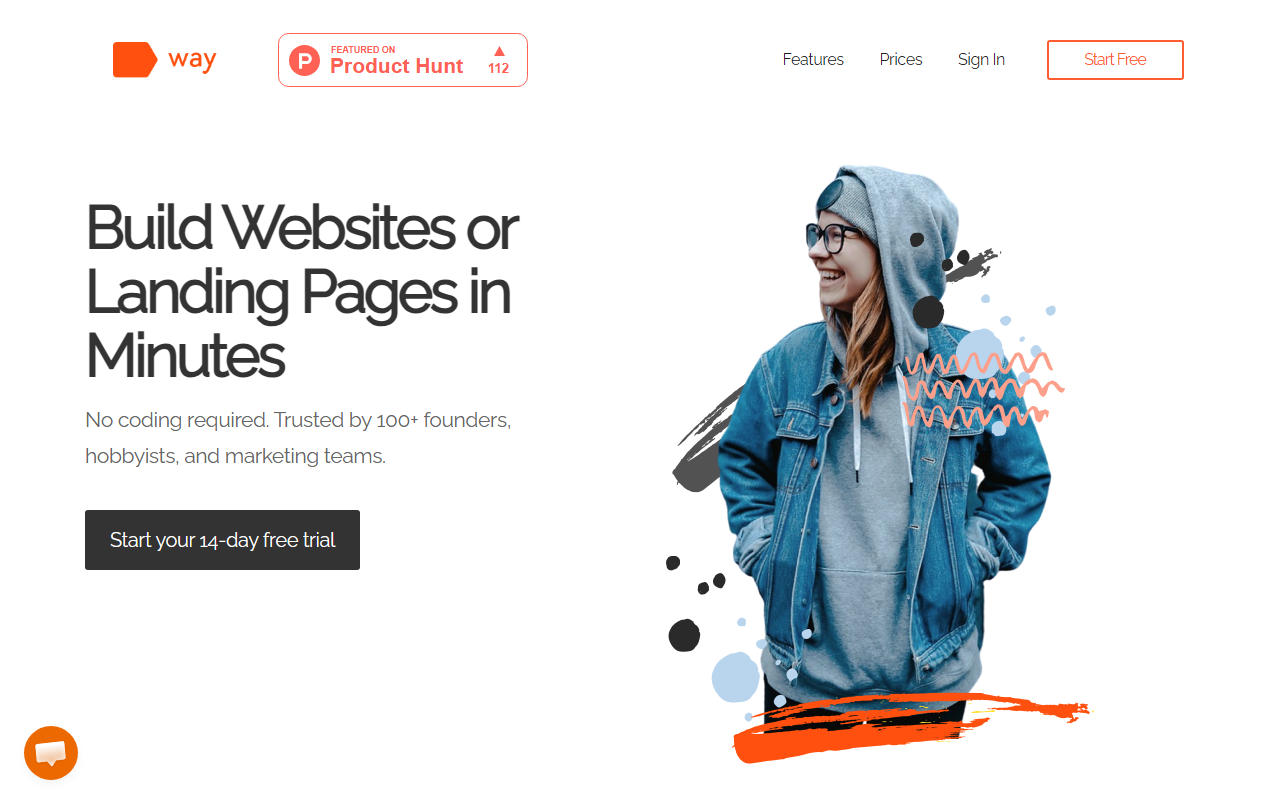
Upon visiting Way's website, the landing page immediately presents a clean, modern interface that emphasizes speed and simplicity. The headline "Build Websites or Landing Pages in Minutes" sets clear expectations, and the call-to-action button for a 14-day free trial is prominently placed. I clicked through to explore the sign-up flow; it only requires an email address and password, which is refreshingly minimal. After logging in, the dashboard shows a straightforward view with options to create a new page, access templates, and manage existing projects. The interface is clearly designed for non-technical users, with large icons and plain-English labels. Notably, there is no mention of AI-powered copy generation or writing assistance anywhere in the onboarding process, despite the tool being categorized under Text AI > AI Writing on 345tool.com. This discrepancy is worth noting for anyone seeking a true AI writing tool.
Features and Workflow
The core offering of Way is a drag-and-drop page builder. The editor includes a sidebar with components such as text blocks, buttons, images, forms, and video embeds. You can rearrange sections freely, and the responsive design preview lets you switch between desktop and mobile views instantly. I tested the free trial by building a simple landing page from one of their templates. The templates are categorized by use case—sale pages, lead generation, product launches—which is helpful. However, I found the text editing to be purely manual; there is no AI suggestion or copywriting tool integrated. You cannot generate headlines, product descriptions, or calls-to-action automatically. For a tool labeled under AI Writing, this is a significant gap. The workflow is entirely focused on layout and design, not on content creation. The export feature works as advertised: leads from forms can be downloaded as a CSV with one click. Way also supports integrations with Google Analytics and Google Tag Manager via simple toggle switches in settings, which is a nice touch for marketers who want to track conversions.
Pricing and Value
Way's pricing is transparent: a 14-day free trial, then $39 per month after that. This single tier includes unlimited pages, all components, templates, lead export, a free .way.live subdomain with SSL, custom domain support, Google Analytics and Tag Manager integration, and 24/7 customer support. There is no cheaper plan for basic users, and no annual discount advertised. Compared to competitors like Carrd (which has a free tier and a $19/year Pro plan) or Unbounce (which starts at $90/month for landing pages), Way sits in a middle ground. It lacks the advanced AI copywriting features of tools like Jasper or Copy.ai, but it is simpler and more focused on design than those pure writing tools. For the price, you get a competent drag-and-drop builder, but without any AI writing capabilities, the value proposition is weaker for users who specifically want AI assistance.
Strengths, Limitations, and Recommendation
The genuine strength of Way is its ease of use: a non-technical person can go from zero to a published landing page in under 30 seconds. The responsive templates look professional, and the integrations cover essential marketing needs. However, the real limitation is the lack of any AI or writing features. The tool is mis-categorized if you expect AI-generated copy. Additionally, the single pricing tier might be overkill for someone who only needs one page. Way is best suited for solo founders, hobbyists, and small marketing teams who want to quickly build landing pages without coding and who already have their own copy ready. If you need an AI writing assistant to generate copy, you should look at tools like Writesonic or Jasper instead. In conclusion, try Way if you value speed and simplicity in page design—but don't expect it to write for you.
Visit Way at https://way.live to explore it yourself.













Comments