

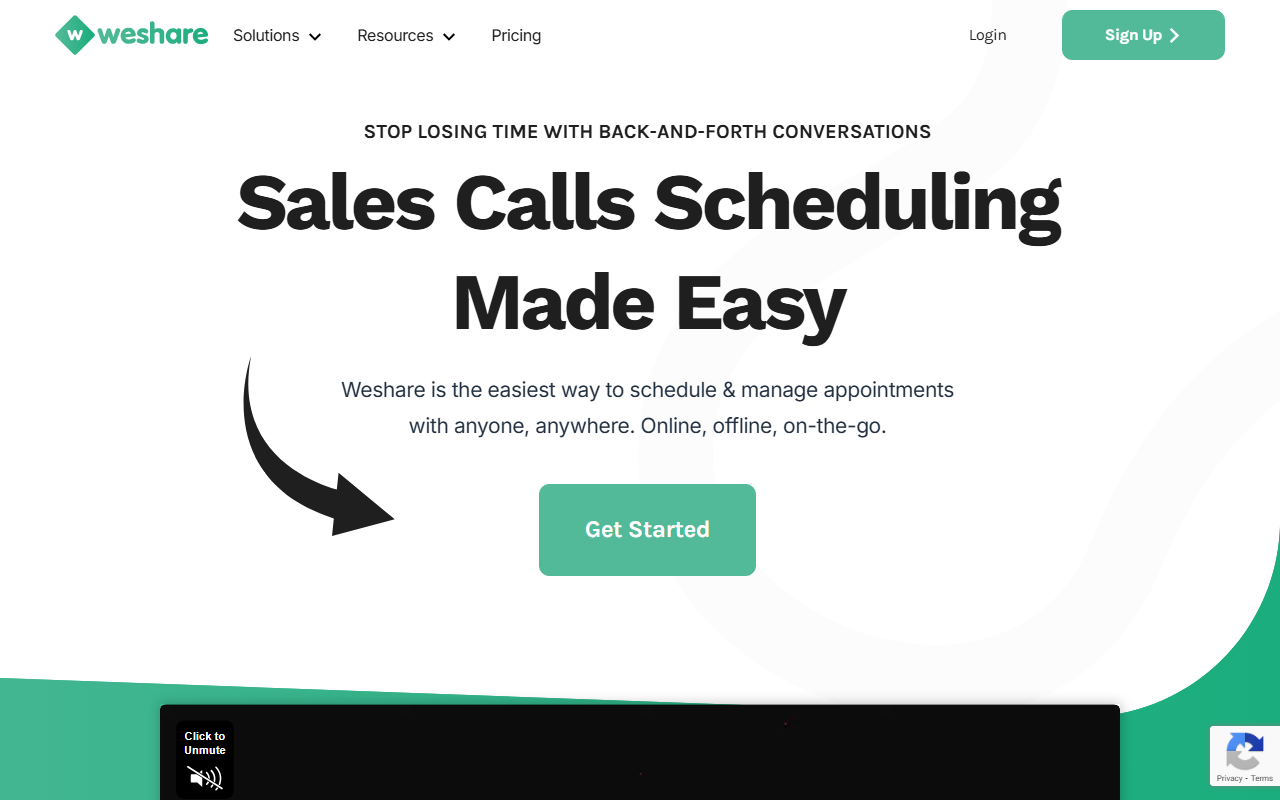
First Hands-On Look at Weshare
Upon visiting the Weshare website, the first thing that strikes me is its laser focus on sales call scheduling. The homepage wastes no time promising an end to back-and-forth emails, with bold headlines like “Stop losing time with back-and-forth conversations” and a clear call to action to “Get Started.” The interface is clean and minimal, though the page relies heavily on marketing copy rather than a live demo or onboarding flow. I clicked the “Get Early Access” button to see what happens—this led me to a simple form asking for my email and name, with no immediate access to a dashboard. This suggests Weshare may still be in a pre-launch or beta phase, which is worth noting for anyone expecting a fully polished product today.
The site outlines a three-step process: create an account and sync your Google Calendar, build a sales calls booking page, and then share your unique link to let clients schedule calls on your website or social media. This is a familiar workflow for anyone who has used tools like Calendly or Acuity Scheduling, but Weshare distinguishes itself by targeting specifically salespeople, marketers, and content creators rather than general appointment scheduling. The dashboard itself isn’t visible in the public content, but the FAQ and feature list hint at what lies inside: unlimited scheduling, lead capturing, automated reminders, and a basic CRM.
Key Features and Workflow Observations
Weshare’s core value is reducing the overhead of coordinating sales calls. The tool syncs with Google Calendar to avoid double booking, and it supports online meetings via Zoom or Google Meet, phone calls, or in-person appointments. One feature that stands out is the ability to create personalized appointment reminders based on client name and past behavior. For example, you could send a text message that references a previous conversation—this kind of automation can significantly improve show rates. I also like the landing page builder: you can embed a booking widget on your own website or generate a standalone page, which is perfect for freelancers and small teams who don’t have a developer on hand.
The CRM component is lightweight but useful. Weshare lets you organize leads and contacts, and you can export data to other software. This bridges the gap between scheduling and follow-up, though it likely won’t replace a full-fledged CRM like HubSpot or Salesforce. Another highlight is the “Seamless Re-scheduling & Cancellation” feature, which reduces the manual work of updating your calendar. During my exploration, I noticed the site emphasizes “unlimited” features in the free account, but the FAQ also mentions a “Weshare Pro” plan with premium features like group sales calls and priority support. The exact pricing is not publicly listed—only a vague promise of up to 33% discount with yearly billing. This lack of transparency is a drawback for budget-conscious buyers.
Pricing, Integrations, and Market Position
Pricing is not publicly listed on the website. The only concrete detail comes from the FAQ, which states that Weshare Pro offers a 5-day full refund and yearly discounts up to 33%. To find actual costs, you must presumably sign up or contact sales. This is a limitation compared to competitors like Calendly, which publishes clear free, Essentials, and Pro tiers starting at $8 per month. Weshare may be competing more on ease of use and niche focus rather than price transparency. The integrations list covers the essentials: Google Calendar, Zoom, Google Meet, and Google Maps. Missing are Outlook calendar, Microsoft Teams, or advanced CRM syncs, which might be a dealbreaker for enterprise users. The tool also lacks a mention of a mobile app—the site says “Is Weshare a mobile…” but cuts off, so I assume it’s web-only for now.
In terms of market position, Weshare targets the same space as Calendly, Acuity, and Mixmax. Its differentiator is the explicit focus on sales call management and the inclusion of a simple CRM. For content creators and solo marketers who need a fast way to get booked without learning complex software, Weshare could be a solid choice. However, for larger sales teams that need advanced round-robin routing, detailed analytics, or team management features, it likely falls short. The tool’s “Get Early Access” model suggests it’s still developing, so early adopters can expect some rough edges and evolving features.
Is Weshare Right for You?
Weshare has genuine strengths for a specific audience. If you’re a freelance salesperson, a content creator who does one-on-one calls, or a small marketing team tired of email ping-pong, this tool can streamline your workflow. The automated reminders, calendar sync, and landing page builder work well together. I particularly appreciate the promise of unlimited scheduling even on the free tier—most competitors cap the number of events. On the flip side, the lack of transparent pricing, absence of a mobile app, and limited integration list are real limitations. You should also consider the early-stage nature: the site’s “Get Early Access” wording implies the product may not be fully stable or feature-complete.
My final recommendation: give Weshare a try if you’re willing to navigate an early-access product and don’t require advanced enterprise features. It’s best suited for individuals or very small teams who need a no-fuss scheduling solution with built-in lead management. For larger organizations or those needing Outlook/Teams integration, stick with established players like Calendly or Acuity until Weshare matures. Visit Weshare at https://weshare.net/ to explore it yourself.













Comments