

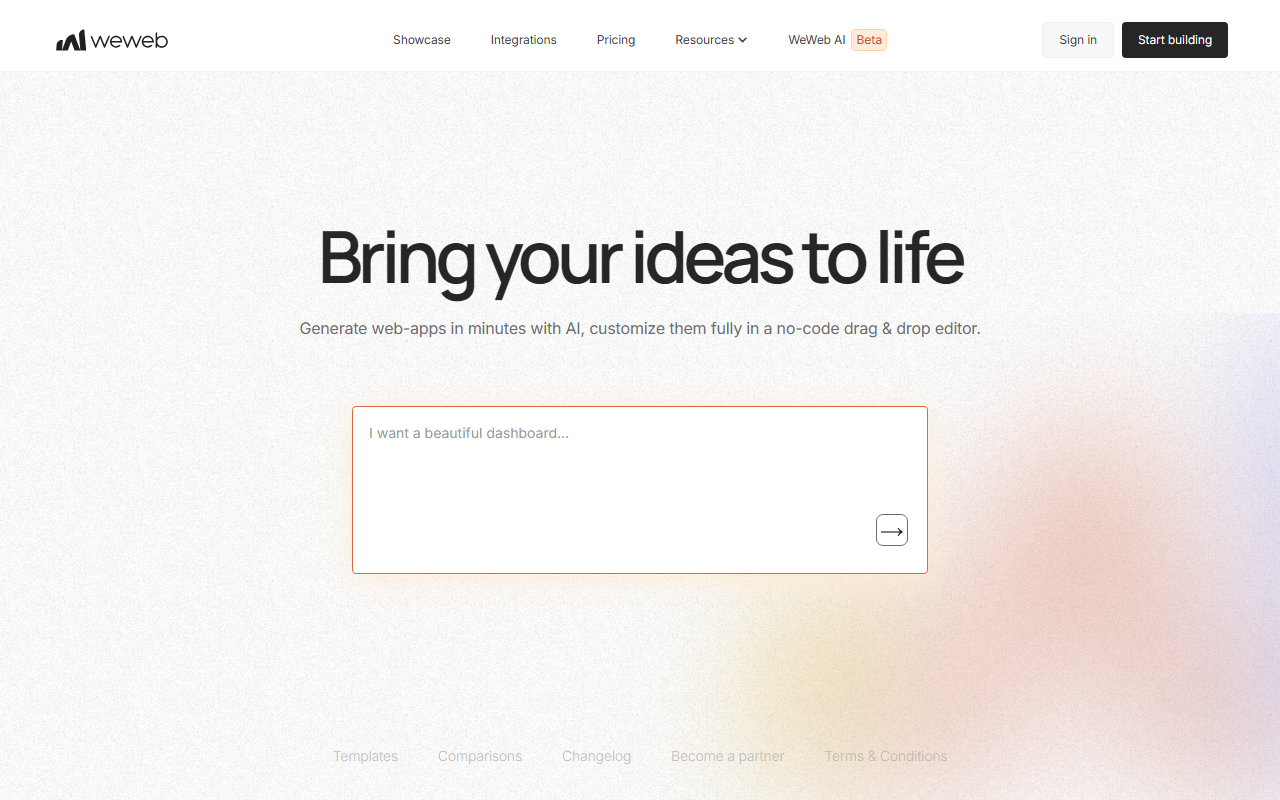
First Impressions: Interface and Onboarding
Upon visiting WeWeb's website, the homepage immediately presents its value proposition: "Build with AI, edit with no-code." The layout is clean, with a prominent call-to-action to start building. After signing up for a free account, I was taken to a workspace dashboard. The interface offers a choice of starting with AI generation or a blank canvas. When testing the free tier, I selected the AI prompt option and typed "build a simple project management app." Within seconds, WeWeb AI generated a full-page layout with a database schema, UI components, and basic logic — impressively fast. The generated result includes a sidebar, task list, and a form to add tasks. From there, I could switch to the visual drag-and-drop editor to tweak any element. The onboarding flow includes tooltips and sample projects, which helps new users get started quickly. However, for absolute beginners, the initial workflow may feel overwhelming due to the many options.
Core Features and Technical Depth
WeWeb's standout feature is its hybrid approach: AI-assisted app generation paired with a full visual editor. Unlike pure no-code platforms, WeWeb allows importing custom coded components — specifically Vue.js single-page applications (SPAs). This gives developers the freedom to extend functionality beyond standard widgets. The AI understands natural language prompts and can generate complete pages, databases, logic, and even styled components. On the editing side, the visual interface supports complex workflows with branching, making it suitable for both simple internal tools and multi-tenant SaaS applications.
Under the hood, WeWeb connects to any database securely via its "separation of concerns" architecture, keeping data on your own servers while using WeWeb as the frontend layer. It supports SOC2, HIPAA, and GDPR compliance — a significant advantage for enterprise use. Deployment is flexible: one-click publish to WeWeb's global CDN or export the entire Vue.js codebase to self-host. This eliminates vendor lock-in, a rare promise in the no-code space. The platform also integrates with popular authentication providers, APIs, and design systems. While the core AI generation works well, I noticed that complex logic (e.g., multi-step approvals) sometimes requires manual tweaking in the visual logic builder.
Pricing, Integration, and Market Position
WeWeb's pricing is not explicitly listed on the homepage; it directs users to a separate pricing page after sign-up. Based on available information, there is a free tier for building and testing, with paid plans for publishing and scaling. Notably, they state they do not charge per app user — a refreshing departure from many competitors that scale costs with end-users. This positions WeWeb well for internal tools and high-user SaaS products.
Competitors like Retool and Bubble offer similar low-code app building, but WeWeb differentiates by focusing on AI generation and code portability. Retool is stronger for quick admin panels with pre-built integrations, while Bubble has a larger ecosystem but much weaker export options. WeWeb's no-code AI generation is faster than both for initial prototyping, but its component library is smaller. For teams that need deep customization and full ownership of the output, WeWeb is a compelling choice. It is best suited for tech-savvy founders, internal tool builders, and agencies that want to deliver quickly without sacrificing architectural control. Those who prefer a fully hosted, all-in-one solution with built-in hosting and no code exports may find Bubble or Adalo simpler.
Strengths, Limitations, and Verdict
WeWeb's greatest strengths are its AI-first workflow, full code export, and enterprise compliance features. The ability to generate a working app from a sentence, then fine-tune every pixel and workflow in a visual editor, genuinely accelerates development 10x as claimed. The export to Vue.js SPA ensures you own your code and can host it anywhere. For teams worried about vendor lock-in, WeWeb offers rare peace of mind.
However, there are real limitations. The platform currently only exports Vue.js, which may not suit teams using React or other frameworks. The visual editor, while powerful, has a learning curve for non-developers — the logic branching and database setup can intimidate beginners. Additionally, the free tier likely restricts publishing to custom domains or advanced integrations. The AI generation, while impressive, sometimes produces components that need manual correction for responsive design. Overall, WeWeb is not a replacement for custom development in complex scenarios, but it is a powerful accelerator for standard web apps.
I recommend WeWeb for teams building MVP prototypes, internal tools, or SaaS frontends who want the speed of no-code without sacrificing the ability to go deep into code. If you need a fully managed environment with zero coding ever, look elsewhere. But if you value control and scalability, WeWeb is worth a serious try. Visit WeWeb at https://weweb.io/ to explore it yourself.













Comments