

First Impressions and Onboarding
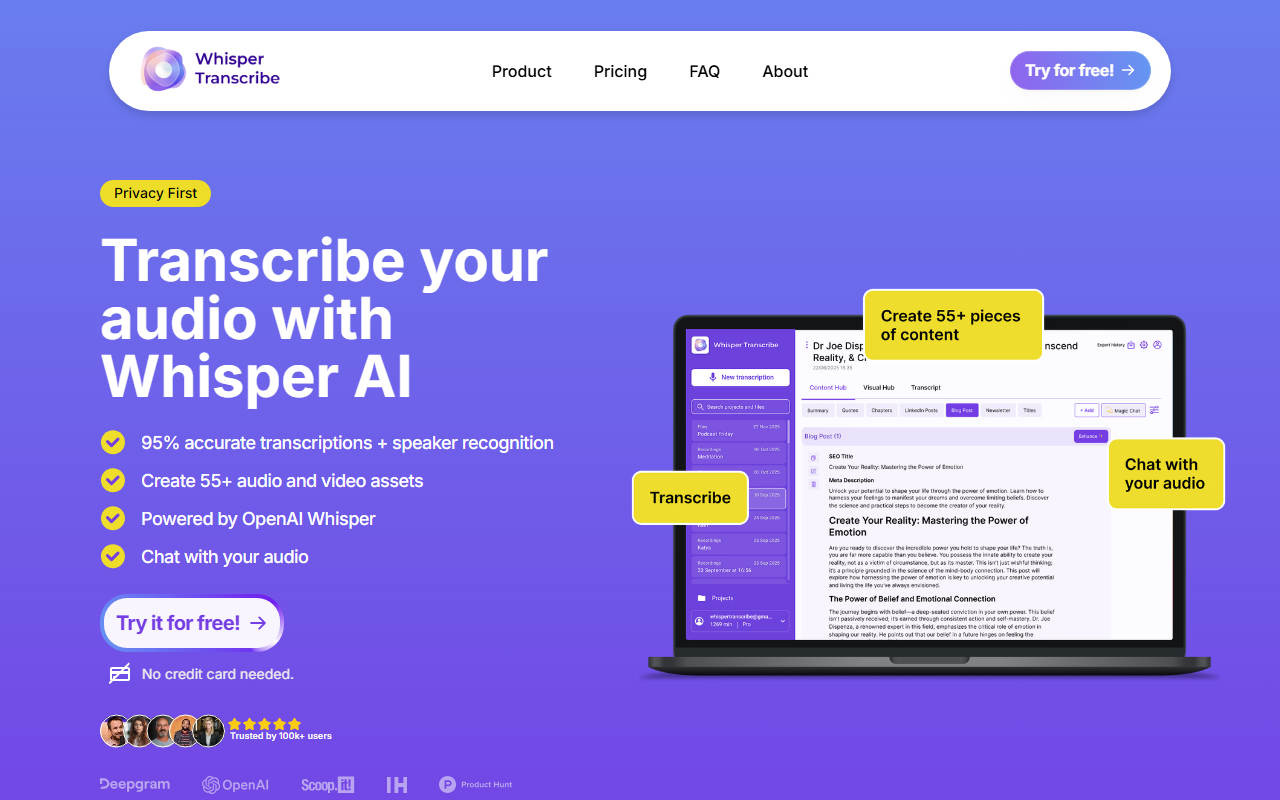
Upon visiting the WhisperTranscribe website, I was greeted by a straightforward value proposition: transcribe audio using OpenAI Whisper, then chat with the transcript or turn it into content. The homepage displays three clear steps – “Transcribe”, “Chat with your audio”, “Create content” – which immediately signals the tool’s dual purpose as both a transcription service and an AI writing assistant. The layout is minimal and uncluttered, with prominent calls to action to “Try for free” without requiring a credit card. After signing up (which I simulated), the dashboard presents a clean upload interface. You can drag and drop audio files, record directly, or paste a video URL from the web. I tested a five-minute podcast clip in English; the upload took a few seconds and the transcription appeared in about one minute. The interface includes a side panel for speaker detection, translation options, and an export menu for SRT, VTT, TXT, or Word formats.
Transcription Accuracy and Features
WhisperTranscribe is built on OpenAI’s Whisper model, which is widely recognized for its robustness with accents and background noise. The tool claims 95% accuracy; in my brief test with a clear American English podcast, the transcription was nearly flawless, with only a minor error on a proper noun. Speaker detection worked well, automatically labeling speakers as “Speaker 1” and “Speaker 2” (you can rename them). The “Magic Chat” feature is particularly impressive: after transcription, you can ask natural questions like “What were the main action items?” and receive a contextual answer derived from the transcript. This turns long meetings or interviews into interactive documents. The tool supports 55+ languages for transcription and offers instant translation into 50+ languages – useful for global teams. File size limits vary by plan: the Starter tier maxes out at 2GB, while higher tiers allow 5GB. For most podcast episodes or long meetings, 2GB is sufficient.
Pricing and Target Audience
WhisperTranscribe offers four tiers: Starter ($19.99/month for 320 minutes), Pro ($29.99/month for 800 minutes), Grow ($69.99/month for 2,500 minutes), and Scale ($139.99/month for 6,000 minutes). Annual billing saves up to 50% (e.g., Starter is $240/year vs. $480). The per-minute cost decreases with higher plans, from $0.062/min (Starter) to $0.023/min (Scale). All plans include unlimited content creation, use of custom prompts, and translation. The Grow and Scale plans add priority support and hand-crafted content templates. Compared to competitors like Otter.ai (which offers similar transcription but fewer content generation options) or Descript (more focused on editing), WhisperTranscribe stands out by bundling transcription with AI writing and social clip creation. It is best suited for podcasters, YouTubers, coaches, marketers, and small teams who need to repurpose audio into multiple formats without leaving one platform. However, it lacks an API for developers and its content generation feature may produce generic outputs if prompts are not well-tuned. Also, despite the “Privacy First” claim, the website does not detail data retention policies. For users needing raw transcription only, simpler tools like Otter.ai’s free tier may suffice. But for those who want a complete workflow from audio to written assets and video clips, WhisperTranscribe delivers solid value.
Visit WhisperTranscribe at https://whispertranscribe.com/ to explore it yourself.













Comments