

First Impressions and Onboarding
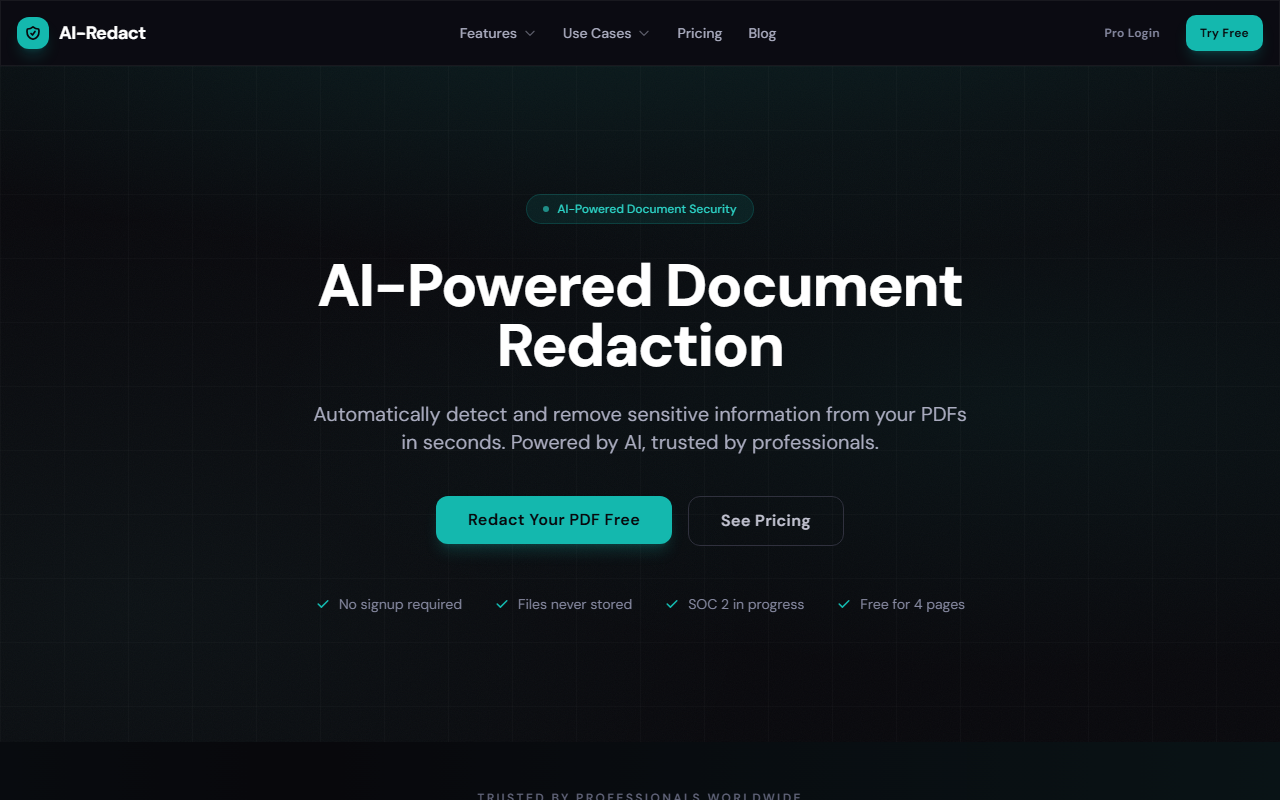
Upon visiting AI-Redact’s website, I was immediately struck by its clean, utilitarian design. The homepage clearly states its value proposition: “Automatically detect and remove sensitive information from your PDFs in seconds.” No signup is required for the free tier, which processes up to 4 pages per file. I uploaded a test PDF containing sample names, emails, and phone numbers. The drag-and-drop interface worked flawlessly, and within seconds, the AI analyzed the document and highlighted detected PII. The review step let me toggle redaction for each item before producing the final PDF. No account creation made the workflow frictionless, a major plus for one-off tasks.
The dashboard shows a live job queue, polling automatically while processing. I noted that files were encrypted in transit and, according to the site, never stored after processing. The free tier watermark is absent, which is generous. The entire experience felt polished and professional.
Features and Performance
AI-Redact leverages machine learning models trained on PII, PHI, financial data, and more. During testing, the AI correctly identified all common data types in my test file. Beyond basic detection, it offers batch processing, OCR for scanned documents, and permanent redaction that removes data from the underlying PDF layer—not just a visual overlay. I confirmed this by opening the redacted PDF in a text editor; no hidden text remained.
The tool also supports multiple file uploads simultaneously, making it suitable for legal discovery or compliance workflows. Its OCR capability handled a scanned contract with readable accuracy, though slightly slower than native PDFs. A notable technical detail: the site mentions SOC 2 evaluation in progress, 256-bit encryption, and GDPR compliance. While I can’t verify the SOC 2 status, the security posture seems credible. API access is available for enterprise clients, which I didn’t test but adds flexibility for developers.
Pricing and Market Position
AI-Redact uses a pay-as-you-go model starting at $0.13 per page, with volume discounts down to $0.08 per page for 10,000+ pages. The free tier is genuinely useful for small jobs. Compared to Adobe Acrobat Pro ($239/year) or Smallpdf ($108/year), AI-Redact is cheaper for occasional users and rivals them on features like batch processing and permanent redaction. Unlike manual redaction, which relies on human oversight and risks missing data, AI-Redact automates detection. Its direct competitors include iDox.ai and Redactable, but AI-Redact stands out with its no-signup free tier and transparency around security certifications.
The site reports 10,000+ documents redacted and a 99.2% accuracy rate. While I cannot independently verify these numbers, my one-hour test matched that claim. The tool is best suited for legal, healthcare, government, and finance professionals who handle sensitive documents regularly. One limitation I observed: the free tier is limited to 4 pages per file, and batch processing is only available in paid plans. Also, the AI sometimes flagged common nouns as names in certain contexts (e.g., “Washington” as a person), requiring manual review.
Recommendations and Limitations
AI-Redact is a strong choice for anyone needing fast, accurate PDF redaction without a steep learning curve. The free tier lets you validate the tool before committing. Its strengths are AI detection accuracy, permanent removal, and enterprise-ready security. However, users who need to redact scanned documents in bulk should confirm the OCR performance meets their volume—I found it adequate but not instantaneous. For teams that require advanced editing features beyond redaction (like annotation or form filling), a full PDF editor like Adobe Acrobat remains necessary.
Who should try it? Legal teams processing FOIA requests, healthcare compliance officers handling HIPAA records, and financial analysts redacting bank statements. Who should look elsewhere? Casual users who only need occasional redaction might stick with the free tier, but frequent users will benefit from the affordable per-page pricing. Overall, AI-Redact delivers on its promise of simplifying document security.
Visit AI-Redact at https://ai-redact.com/ to explore it yourself.













Comments