

First Impressions and Onboarding
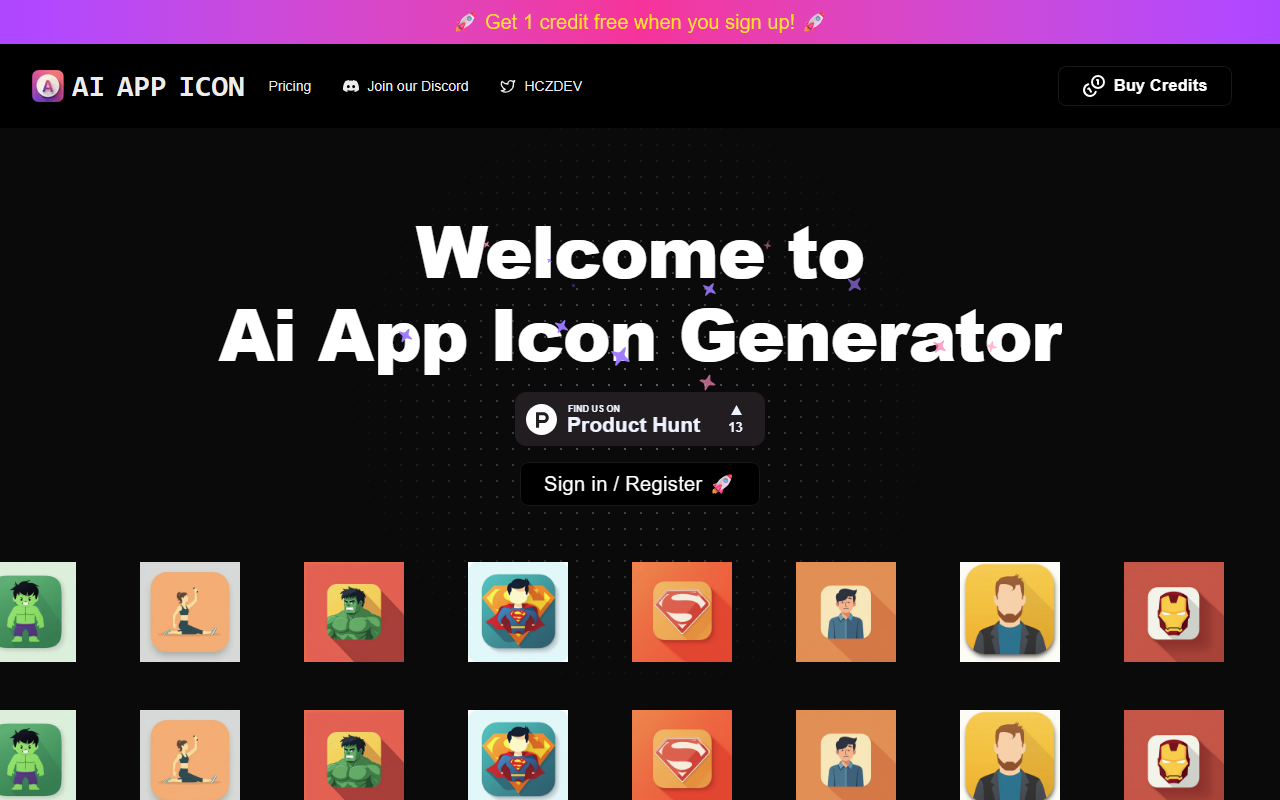
Upon visiting the AI App Icons website, I was greeted with a minimal, modern landing page. The headline reads "Ai App Icon Generator" and a prominent call-to-action invites sign-up or login. The page displays a "Featured On" section, suggesting some media recognition, but no specific names are listed. The design is clean and intuitive, with a clear focus on the core function: creating app icons with AI. Signing up was straightforward—just an email and password. After registration, I received 1 free credit immediately, which is standard for such tools. The dashboard shows a simple interface: an input area for text prompts, a size selector, and a generate button. No additional settings or advanced options are visible on the free tier.
Core Functionality and Workflow
The tool uses a diffusion-based AI model to convert text descriptions into app icon designs. I tested the free credit by entering a prompt for a "fitness app icon with a green dumbbell on a white background." The generation took about 10 seconds and returned four variations. The results were reasonable, with clean lines and appropriate color schemes, though not highly detailed. The output format is PNG at 1024x1024 pixels, suitable for iOS and Android app stores. The workflow is extremely simple: type, generate, download. There are no editing tools, style controls, or batch generation options in the free tier. The tool appears to use a proprietary model; no API or integration details are provided on the site.
Pricing and Market Position
Pricing is not publicly listed on the website. The site mentions a credit system, but the purchase page is only accessible after sign-in. This lack of transparency is a limitation. For context, competitors like Canva’s Magic Studio offer icon generation within a subscription starting at $12.99/month, and Icon8’s AI icon tool provides pricing from $9/month. AI App Icons seems targeted at indie developers and small teams who need quick, one-off icons without committing to a subscription. However, without visible pricing, users cannot easily compare value. The tool’s main strength is its simplicity—no clutter, no learning curve. Its weakness is the lack of customization and unclear cost structure.
Strengths, Limitations, and Verdict
The genuine strengths of AI App Icons are its speed and ease of use. The generated icons are visually coherent and meet basic app store requirements. The free credit offers a risk-free test. On the downside, the absence of publicly displayed pricing and the limited control over the output (no color palettes, style presets, or icon variations beyond the initial four) make it less suitable for professional designers who need precise branding. The tool also lacks batch processing or API access, limiting automation for larger projects. Overall, AI App Icons is best for absolute beginners or developers who want a cheap, fast solution for a single icon. Those needing advanced features or transparent pricing should look at competitors. Visit AI App Icons at https://aiappicon.com/ to explore it yourself.













Comments