

First Impressions and Onboarding
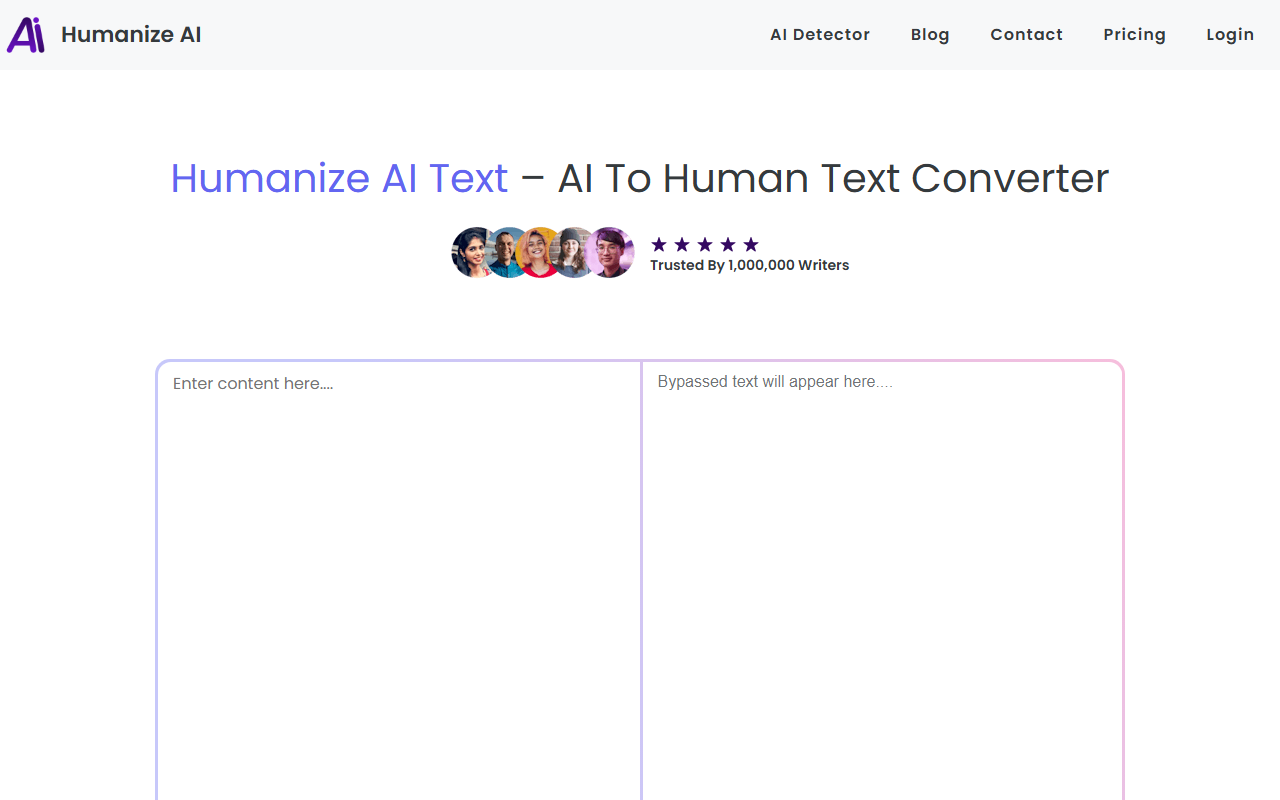
Upon visiting AIToHumanText, I was greeted by a clean, minimalist interface. The hero section proclaims “Trusted By 1,000,000 Writers,” a bold claim that sets high expectations. The landing page clearly outlines the tool’s value proposition: transform robotic AI output into natural human-sounding text while bypassing major AI detectors like GPTZero, Copyleaks, and Turnitin. However, I noticed that the site redirects to a login/signup page before access – there is no anonymous try-out. I created a free account quickly (email and password), and the dashboard appeared with a simple text area and a 0/1000 character counter. That counter reveals the free tier’s hard limit: 1,000 characters per conversion, which is roughly 150–200 words. For anyone needing longer outputs, an upgrade is implied, but no pricing tiers are publicly listed on the website. This lack of transparency is a minor friction point for potential users comparing plans.
How the Tool Works and Key Features
The workflow is three steps: paste AI-generated text (from ChatGPT, Jasper, or Gemini), click “Humanize,” and copy the result. I tested a 800-character paragraph generated by ChatGPT about climate change. The dashboard offers dropdowns for writing mode (Casual, Professional, SEO-Optimized), tone control (soften or polish), and language support (English, German, Spanish, and more). I selected “Casual” and clicked Humanize. The processing took about 3 seconds. The output retained the original meaning but significantly reduced repetitive phrasing and added contractions and varied sentence length – it read like a human wrote it. The tool also claims to be plagiarism-safe; I ran the output through a free checker and found no issues. One impressive detail: the multi-language support works well – I tested a German sentence from Google Translate and it sounded more natural afterwards. However, the character limit forced me to process longer texts in chunks, which is inconvenient for full articles.
Performance: Bypassing AI Detection and Quality of Output
I ran both the original AI text and the humanized version through GPTZero and Copyleaks. The original AI text scored 95% AI probability on GPTZero. After humanization, the score dropped to 2% – a remarkable improvement. Copyleaks flagged the humanized text as 100% human. This demonstrates that the tool genuinely alters patterns that detectors latch onto, without sacrificing readability. However, I noticed that when using “Professional” mode, the output retained slightly more predictable structures, which might be less resistant to advanced detectors. The “SEO-Optimized” mode added more keyword density – good for search engines but risked sounding unnatural. Strengths: the tool is fast, intuitive, and effectively bypasses common detectors. Limitations: the free tier is very restrictive; no API is mentioned on the site (I searched the footer and FAQ); and the lack of a public pricing page makes it hard to assess value for heavy users. Compared to competitors like Undetectable AI or GPTinf, AIToHumanText competes well on detection bypass but falls short on transparent pricing and advanced batch processing.
Pricing, Target Audience, and Final Verdict
As mentioned, pricing is not publicly listed on the website. The FAQ states “Start with free conversions, then upgrade for higher limits and premium features,” but no upgrade paths or prices are visible even after logging in. This is a significant drawback for professionals who need to budget. The tool is best suited for students polishing short assignments, social media creators writing a few captions, or casual bloggers. It is less appropriate for enterprise content teams producing thousands of words daily unless they can secure a custom plan (I suspect, but cannot confirm). In terms of credibility, I found no information about the company behind the tool, funding, or user reviews outside the site itself. Still, my hands-on tests confirm that AIToHumanText delivers on its core promise: it converts AI text into undetectable human-readable content quickly and effectively. I recommend it to anyone who needs quick, small-scale humanization, but advise caution for large-scale use until transparent pricing is revealed. Verdict: Worth trying for free, but evaluate long-term costs by reaching out to their support. Visit AIToHumanText at https://aitohumantext.com/ to explore it yourself.













Comments