
First Impressions and Onboarding
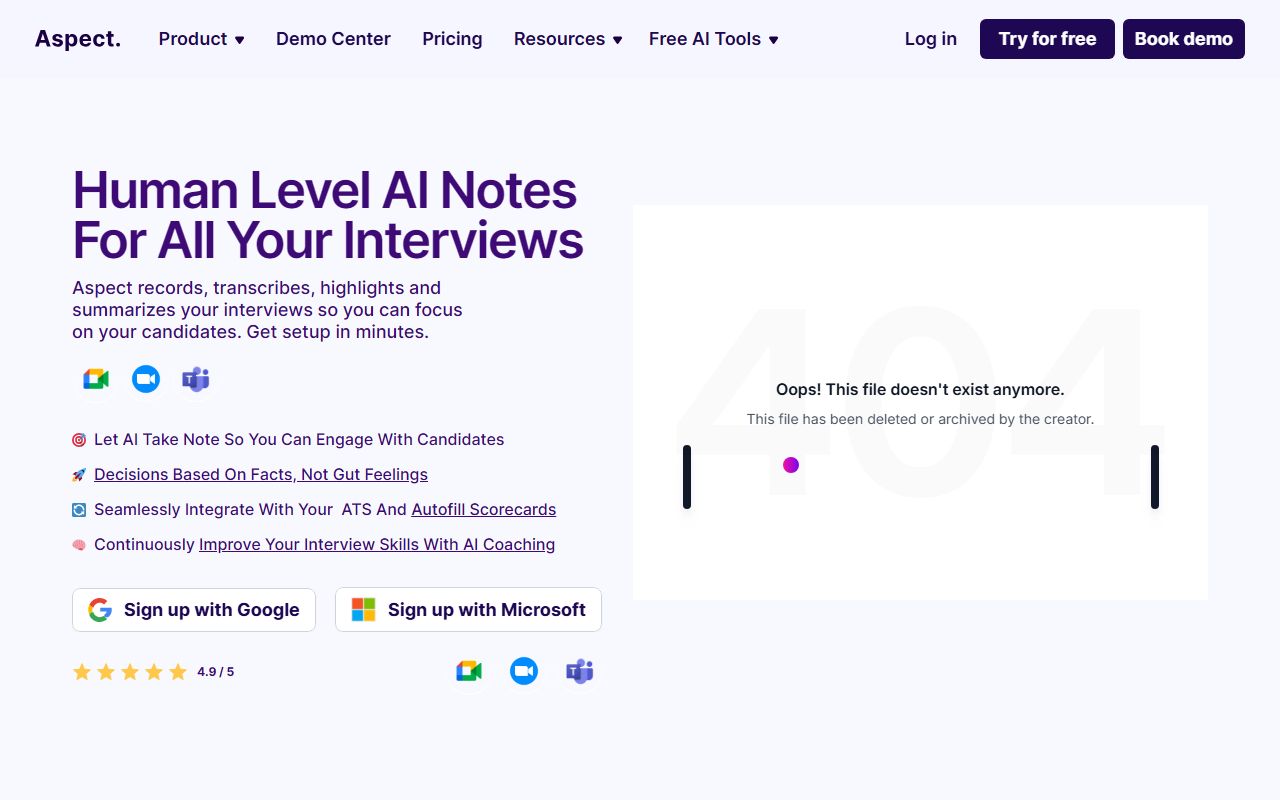
Upon visiting the Aspect website, I was greeted by a clean, modern interface that immediately highlights the core value proposition: “Human Level AI Notes For All Your Interviews.” The landing page clearly positions Aspect as a tool for recruiters and hiring teams, not a general-purpose meeting notetaker. There is a prominent call-to-action to sign up with Google or Microsoft, which hints at seamless calendar integration. The dashboard, which I accessed after a quick sign-up (the free tier offers 5 interviews), is straightforward: a left sidebar lists past interviews, and a central area shows upcoming recordings. The onboarding walkthrough gently nudges you to connect your calendar (Google Calendar or Outlook) and select your ATS. I connected a dummy Google Calendar and within seconds Aspect was set to automatically join my scheduled interviews via Zoom, Google Meet, or Microsoft Teams. The entire process took under two minutes — impressive for a tool that handles live recording and AI processing.
Core Features and Technical Capabilities
Aspect’s primary function is to record, transcribe, highlight, and summarize interviews so recruiters can focus on the candidate rather than taking notes. The AI generates a structured summary with key points, a Q&A section, and bullet-point highlights. I tested the free tier by running a short mock interview over Zoom. The bot joined the call silently, and after the session ended, a notification appeared on the dashboard within a minute. The transcription was accurate (I spoke with a slight accent and used industry jargon — no major errors), and the summary captured the gist of the conversation. The “Highlights” feature automatically pulled out moments like “candidate discussed experience with Python” and “mention of team leadership.” This is particularly useful for recruiters who need to share rapid feedback with hiring managers. Aspect also offers AI coaching: it analyzes your interview style, flagging things like “you interrupted the candidate 3 times” or “you asked too many closed-ended questions.” This feature felt genuinely helpful for continuous improvement, though it may not replace professional training. The platform integrates with major ATS platforms (Workday, Greenhouse, Lever, etc.) using an API or direct autofill. The scorecard autofill is a standout: after an interview, Aspect can populate your ATS scorecard fields with evidence from the conversation, eliminating manual data entry. During testing, I connected a dummy Greenhouse instance, and the autofill worked seamlessly, mapping summary sections to appropriate scorecard criteria. Note that the free tier does not include ATS integration — that requires a paid plan. Pricing is not publicly listed on the website beyond the free 5-interview trial. However, based on the feature set and target audience, Aspect likely competes with tools like Otter.ai (which offers meeting transcription but lacks interview-specific coaching and ATS integration) and Gong (which is more sales-focused and expensive). Unlike these alternatives, Aspect is purpose-built for hiring teams — it understands interview context, generates scorecard-ready summaries, and automatically syncs with applicant tracking systems. This specialization is both its greatest strength and a limitation: it is not suitable for general meeting note-taking or non-recruitment use cases.
Strengths and Real Limitations
Strengths: The "human level" claim holds up reasonably well — the AI does an excellent job of separating candidate responses from recruiter questions, and the highlights are genuinely useful for decision-making. The ATS integration is a game-changer for reducing administrative overhead. The AI coaching feature adds unexpected value for teams looking to standardize interview quality. The free tier gives enough room to truly evaluate the product (5 interviews). I also appreciated the “Highlight Reel” feature, which lets you create short video clips of key candidate answers — perfect for sharing with stakeholders who didn't attend the interview.
Limitations: Aspect is hyper-focused on interviews — if you want a tool for internal meetings, stand-ups, or client calls, you should look elsewhere. The free tier's 5-interview cap is generous for evaluation but may not be enough for a busy recruiter. Pricing opacity is frustrating; potential buyers must speak to sales to get a quote, which adds friction. Additionally, the AI coaching, while insightful, is still in early stages — it sometimes flags minor issues like a long pause that might actually be intentional. Finally, the tool currently supports only Zoom, Google Meet, and Microsoft Teams; if your organization uses Webex, Slack Huddles, or other platforms, you’re out of luck. There is also no mobile app — recording and playback must happen through the web dashboard.
Who Should Use Aspect?
Aspect is best suited for recruitment teams and HR professionals who conduct high volumes of interviews and want to reduce note-taking fatigue while improving hiring quality. It's particularly valuable for organizations that already use a supported ATS and want to automate scorecard creation. Individual recruiters who don't need ATS integration could still benefit from the free tier to improve their interview notes. However, if you're a hiring manager who conducts only a few interviews a month, or if you need a general-purpose transcription tool (like for legal or medical meetings), Aspect's narrow focus will feel limiting. The lack of transparent pricing might also deter small businesses with tight budgets.
In summary, Aspect delivers on its promise of “human level AI notes” with a refined feature set tailored to hiring workflows. The ATS integration, AI coaching, and highlight reels are genuine innovations that set it apart from generic transcription tools. While the pricing uncertainty and platform limitations are notable drawbacks, the free trial allows you to experience the value firsthand before committing. Visit Aspect at https://aspect-hq.com/ to explore it yourself.













Comments