

First Impressions and Onboarding
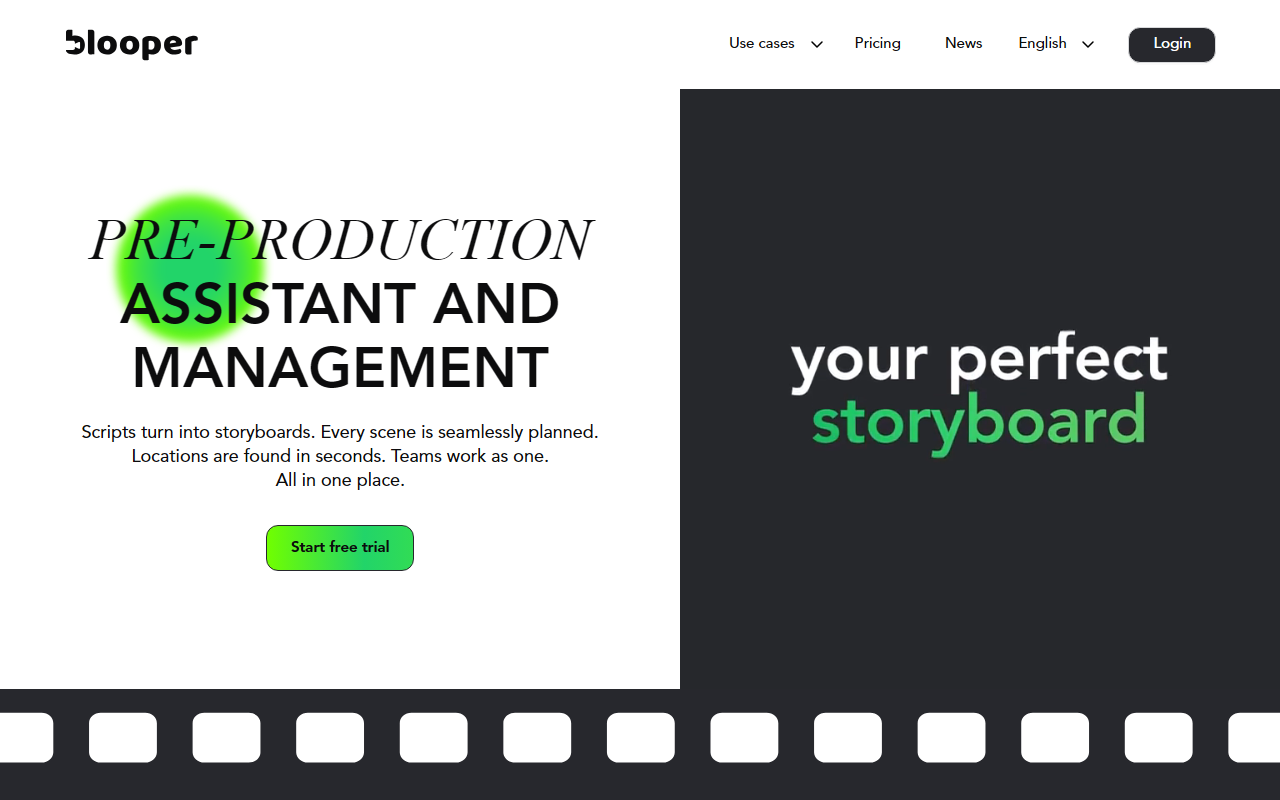
Upon visiting Blooper's website, the clean interface immediately presents its core value proposition: 'Pre-Production Assistant and Management.' The landing page wastes no time showcasing the tool’s ability to turn scripts into storyboards, automate scene planning, and find locations in seconds. I signed up for the free trial and was prompted to upload a script or start a new project. The onboarding flow is smooth: after uploading a PDF or pasting script text, the AI processes the content and generates a shot list, character list, and prop inventory within about 20 seconds. The dashboard then displays a timeline view with each scene broken down into cards, making it easy to review and edit the AI’s suggestions.
Core Features and AI Capabilities
Blooper’s standout feature is its script breakdown engine. It automatically extracts every character, location, prop, and shot from a screenplay, which saves hours of manual work. I tested this with a two-page commercial script, and the AI correctly identified three locations, five props, and two speaking roles. The instant storyboard generator then creates grammatically correct storyboard panels with proper video composition rules—something I verified by comparing the suggested camera angles to standard film grammar. The location scouting tool is equally impressive: I entered 'coffee shop interior, Brooklyn' and received a curated list of venues with images, capacity info, and contact details. Additionally, the moodboard feature suggests colour palettes and reference images based on the script’s tone. For agency work, the pitch deck export combines all materials into a clean, shareable presentation. Collaboration is centralised via shareable project links where clients can leave feedback.
Pricing, Integration, and Market Position
Blooper does not publicly list its pricing tiers; the website only offers a 'Start free trial' button. After signing up, I could see the free tier includes one project and limited exports. The full pricing is only revealed during the checkout flow: the Pro plan starts at $39 per month (annual billing) for unlimited projects and premium support. Enterprise plans are custom. Compared to alternatives like StudioBinder or Frame.io, Blooper focuses more on AI-driven creation rather than file review. It integrates with no external tools yet (no API listed), which may limit workflow connectivity for larger teams. The tool is built on proprietary AI models trained on film composition rules, which explains its accuracy in generating storyboards and moodboards. Blooper is best suited for independent filmmakers, advertising agencies, and small production teams creating short-form content. It may lack the depth needed for feature-length scripts requiring complex multi-cam scene planning.
Final Verdict: Who Should Use Blooper?
Blooper delivers on its promise to simplify pre-production. The strengths are clear: automated script breakdowns save immense time, the storyboards are compositionally sound, and the location scouting feature is a genuinely useful differentiator. However, limitations include the lack of transparent pricing upfront, the absence of native integrations (e.g., with NLE software like Premiere Pro), and the AI’s occasional misinterpretation of nuanced stage directions (it sometimes over-simplifies emotional beats). For agencies producing commercials, brand films, or short social videos, Blooper is a powerful productivity boost. For feature filmmakers or those needing deep customisation, it might feel restrictive. Overall, I recommend trying the free trial to see if its automation aligns with your workflow. Visit Blooper at https://blooper.ai/ to explore it yourself.













Comments