

First Impressions and Onboarding
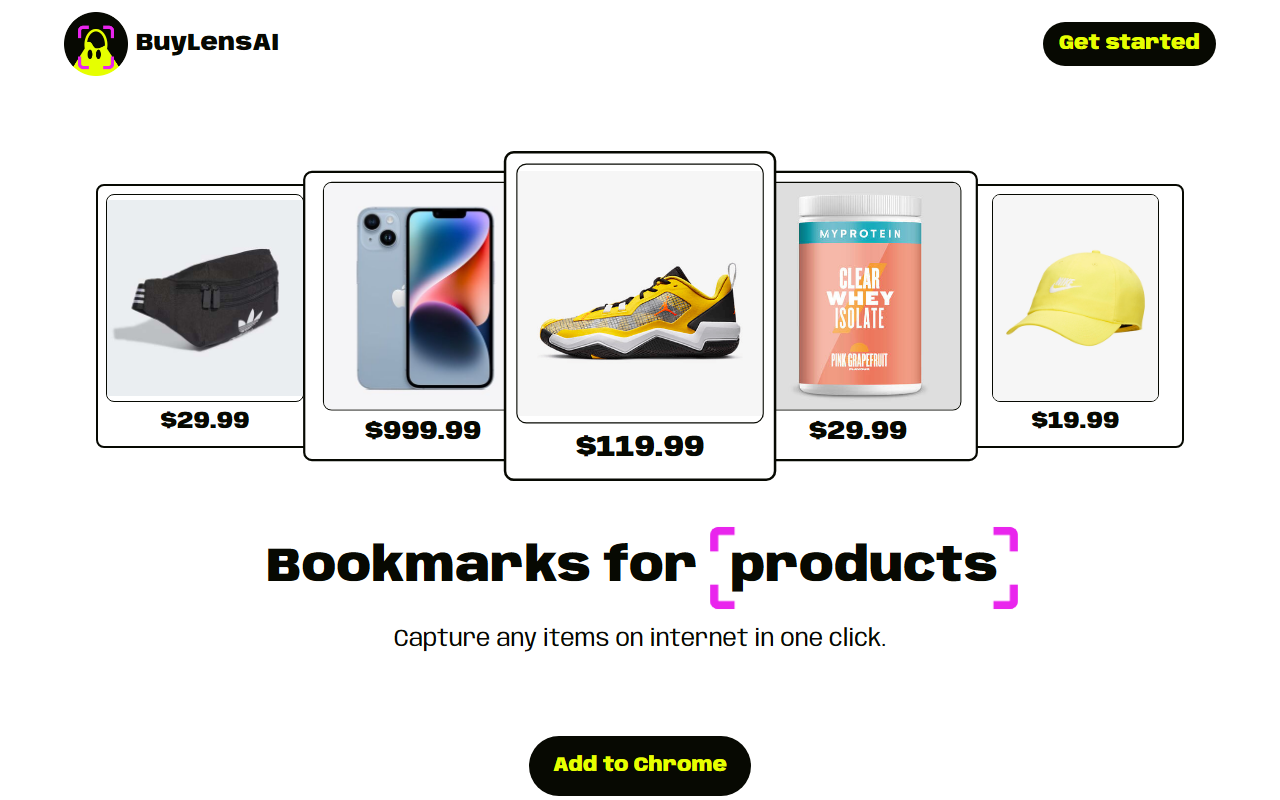
Upon visiting the BuyLensAI website, the landing page immediately communicates the core value proposition: a bookmark tool for products. The design is clean, with a dashboard mockup showing saved items like real estate listings and electronics. I installed the Chrome extension from the Chrome Web Store, which took less than a minute. After signing up, I received 10 free tokens to test the product scanning. The first use case I tried was saving a pair of sneakers from a retail site. Clicking the extension icon, the page dimmed, and BuyLensAI automatically detected the product title, price, and image. The accuracy was decent; it correctly identified the price but missed the color variant. I was able to manually edit the item details in the dashboard. The extension does not run in the background—only activates when you click the detect button, which feels respectful of privacy.
Core Features and Workflow
The main function of BuyLensAI is saving any item from any website into a personal “bag” (collection). You can create unlimited bags to categorize items like outfits, home decor, or groceries. The dashboard displays total spending, number of items, and your budget limit with a progress bar—this helps you monitor expenses across multiple e-commerce sites. Another standout is the ability to share individual product links or entire collections with friends and family, making it useful for collaborative shopping or gift ideas. The AI-powered item detection works well on most standard product pages, though it may struggle with non-traditional layouts, as the FAQ notes. The token system is straightforward: one token per scan, with 50 tokens per month on the annual plan. Tokens do not roll over, which limits heavy users. Currently, the extension is only available for Chrome, which is a limitation for Safari, Firefox, or Edge users.
Pricing and Value
BuyLensAI offers a single paid tier: $39.99 per year (less than $4 a month). The annual subscription includes 50 tokens per month, unlimited bags, share links, all future updates, and expense metrics. There is no free tier beyond the 10 initial tokens, which you get upon signup. That’s enough for a quick test but not for ongoing use. Compared to other wishlist tools like Pinterest (free with ads) or Honey (free with cashback), BuyLensAI focuses on centralized expense tracking and private collections rather than community discovery or price drops. Another competitor is the browser extension “Keepa” (price history tracker), which is free with ads. BuyLensAI’s token cap (50/month) means around 1.6 scans per day—adequate for occasional shoppers but insufficient for power users. The strict no-refund policy is worth noting before committing.
Who Should Use BuyLensAI?
BuyLensAI is best suited for online shoppers who frequently juggle multiple tabs and want a unified way to bookmark items from various sites, track spending, and stay within a budget. It is also handy for people who share shopping lists—for example, planning a wedding or group gifts. However, if you need cross-browser support, unlimited scanning, or price tracking alerts, you may want to look elsewhere. The token refresh limitation is the biggest drawback; I found myself rationing scans, which reduces spontaneity. For its niche—curated visual bookmarks with financial insights—BuyLensAI delivers on its promise. If you are a Chrome user who values organization and budget awareness, the $39.99 annual plan is a fair investment. Visit BuyLensAI at https://buylensai.com/ to explore it yourself.













Comments