

First Impressions and Onboarding
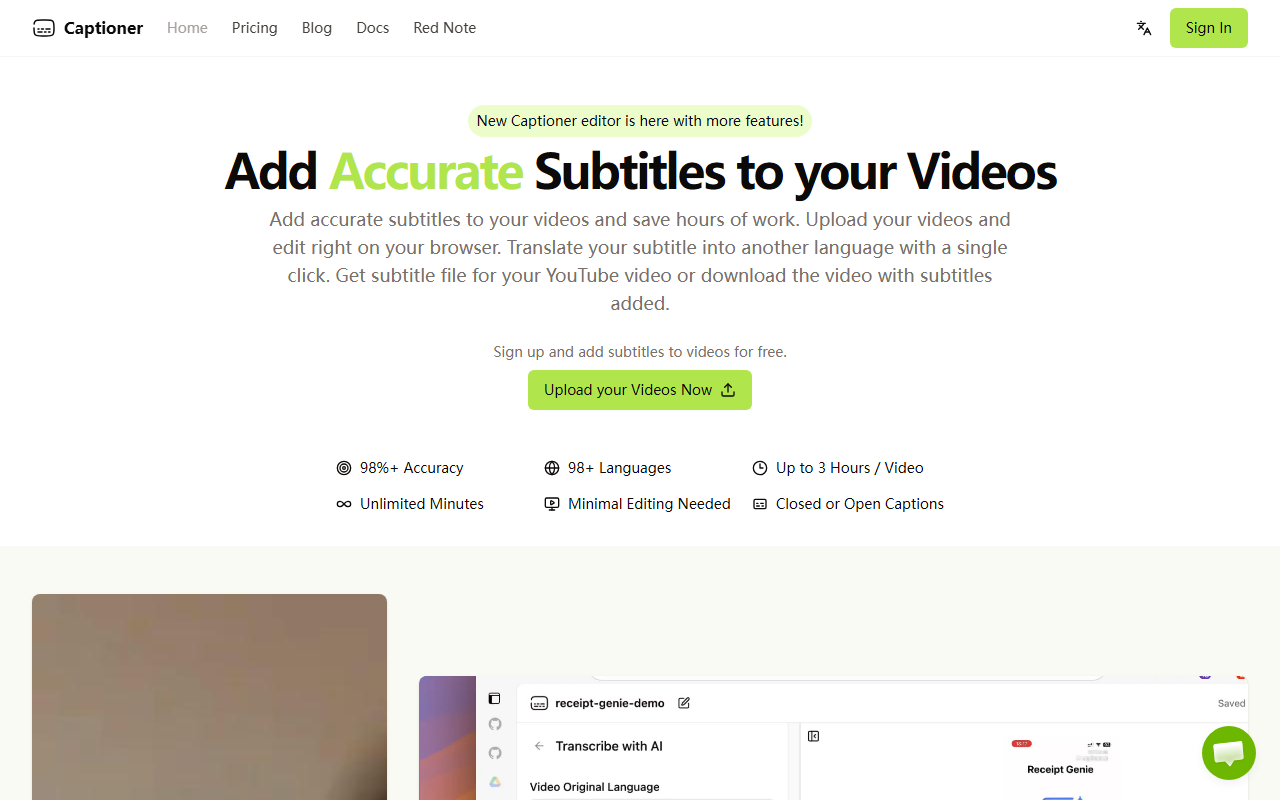
Upon visiting Captioner.io, the landing page is clean and focused. You can sign up for free without a credit card. The dashboard is straightforward: upload a video (MP4 or MOV), choose language, and let the AI transcribe. I tested with a 2-minute spoken English video. The free tier immediately showed its limitations: watermark and 720p export, but transcription was fast—about 2 minutes for my clip. The editor is browser-based and lets you tweak timestamps and text easily. I appreciated the word-level timestamp editing, which is rare in free tools.
Accuracy and Transcription Quality
Captioner uses OpenAI’s Whisper model but claims optimization for video subtitles. In my test, accuracy was excellent—above 98% for clear English speech. Punctuation and capitalization were handled well. The tool also supports 98+ languages, and it offers translation with one click (though I didn’t test that extensively). The precise timestamp alignment is a standout feature; many tools misalign timestamps, forcing manual correction. Captioner’s extra processing reduces that effort significantly. For a 30-minute video, the FAQ says it takes 5–6 minutes to transcribe, which is slower than some competitors but acceptable for the accuracy gain.
Pricing and Plan Comparison
Captioner has a generous free tier: 3 videos per day, 3 minutes max per video, with watermark and 720p export. For more serious creators, the Unlimited plan at $10/month (billed yearly) or $20/month monthly removes all limits: unlimited videos, up to 3 hours per video, 4K export, SRT export, and priority rendering. There’s also an Express plan mentioned in FAQ ($5/month yearly for basic editing), but the main pricing page highlights Free and Unlimited. Compared to competitors like Descript or Rev, Captioner is much more affordable for heavy usage. However, the file size limit of 2GB may be restrictive for long, high-resolution videos.
Who Should Use Captioner?
This tool is ideal for content creators who need accurate, fast subtitles for YouTube or social media. Its strength is in the balance of accuracy and price. Small teams or solo creators will find the Unlimited plan cost-effective. However, if you need instant real-time transcription or collaboration features, look elsewhere. Captioner lacks team accounts or API access. Also, the export formats (SBV, SRT, VTT) cover most needs but not all professional workflows. For the price, it’s a solid choice. Visit Captioner at https://captioner.io/ to explore it yourself.













Comments