

First Impressions and Onboarding
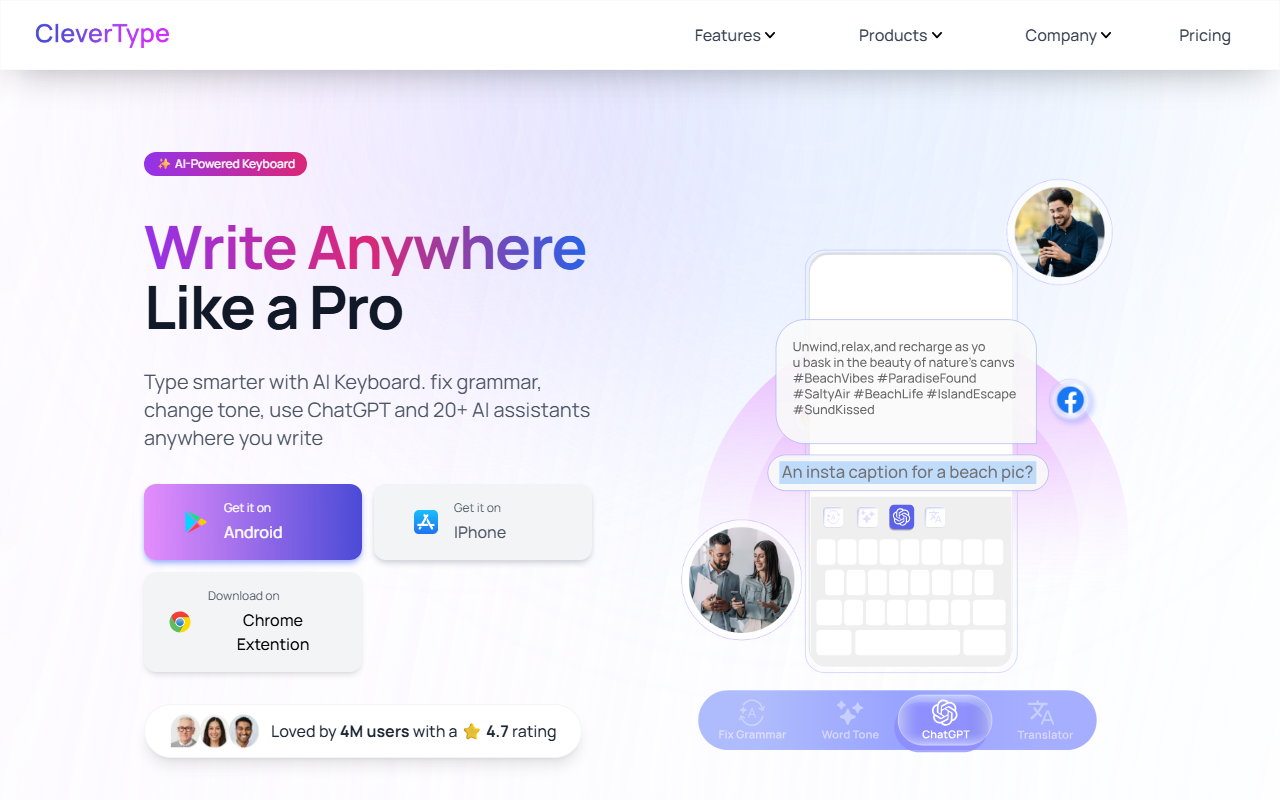
Upon visiting the CleverType website, the first thing I noticed is the bold claim: "Loved by 4 million users with a 4.7 rating." That’s an impressive user base for a relatively new tool. The landing page is clean but a bit heavy on video placeholders—several feature demonstrations use generic player overlays with text like "Your browser does not support the video tag." Oddly, the tone-adjustment video actually displays "Wordtune" in its interface, which suggests the demo videos may be stock or borrowed. That’s a minor trust hiccup, but the actual feature descriptions are clear.
I downloaded the iOS version to test the free tier. Onboarding is straightforward: enable the keyboard in Settings, allow full access (needed for AI features), and then a quick tutorial walks you through Grammar Fix, Tone Change, and Clever Reply. The interface is a standard keyboard layout with a small CleverType icon in the top-left corner. Tapping it opens a menu with all AI assistants. It felt responsive, though the keyboard initially lagged slightly on an older iPhone.
Key Features and Performance
The core feature—Grammar Fix—works as advertised. I typed a sentence with a few errors, tapped the icon, and within a second it highlighted corrections. One tap replaced the text. It handled complex sentences decently, though it missed a subtle subject-verb agreement error I deliberately inserted. Compared to Grammarly’s keyboard, CleverType’s grammar correction is faster but slightly less accurate on nuanced issues.
Tone adjustment is where CleverType shines. It offers 14 preset tones: Professional, Casual, Polite, Romantic, Empathetic, Funny, Poetic, Shorten, Sarcastic, Angry, Flirty, Gen-Z, and Witty. I tested changing a neutral email reply to "Empathetic" and it softened the language convincingly. You can also create custom tones, which is a nice power-user feature. The Clever Reply assistant auto-suggests responses to messages based on context—great for WhatsApp or email. It supports neutral, positive, and negative sentiments. In my test, it understood a passive-aggressive message and suggested a calm response.
The 20+ AI writing assistants cover summarizing, social media captions, "Humanise" (rewriting to sound more natural), Emojify, and even a pickup line generator. I found the Summarize assistant useful for condensing long texts. The Translation feature claims to keep tone and style, and in a quick English-to-Spanish test, it preserved the informal tone I used. However, the translation isn't as robust as dedicated apps like Google Translate.
Pricing and Market Position
Pricing is not publicly listed on the website. The tool appears to be free with no obvious premium upsells during my testing—a big plus. The website mentions "Free AI Keyboard" prominently, so likely the core features remain free, possibly with limitations on usage or custom assistants. For context, competitors like Grammarly Keyboard offer free basic checks but lock advanced tone suggestions behind a $12/month plan. Wordtune charges $9.99/month for unlimited rewrites. CleverType’s free model is clearly aimed at budget-conscious users.
However, the lack of transparent pricing on the site is a drawback. Users may wonder about future monetization. The 4.7 star rating across 4 million users is credible, suggesting good satisfaction. But the placeholder videos and occasional lag indicate the product is still maturing.
Who Should Use CleverType?
CleverType is best suited for casual writers, students, and professionals who want quick grammar fixes, tone tweaks, and smart replies without paying a subscription. It’s particularly useful for frequent texters and email responders. Power users who need deep grammar analysis or offline functionality should stick with Grammarly. The keyboard is available on iOS, Android, Chrome extension, and desktop, making it versatile.
In summary, CleverType delivers on its promise of an AI-powered keyboard for free, with impressive tone variety and decent grammar correction. The minor trust issues (placeholder videos) and performance quirks are tolerable given the price. I recommend trying it if you want to upgrade your typing without opening your wallet. Visit CleverType at https://clevertype.co/ to explore it yourself.













Comments