

First Interactions with Appy Pie Automate
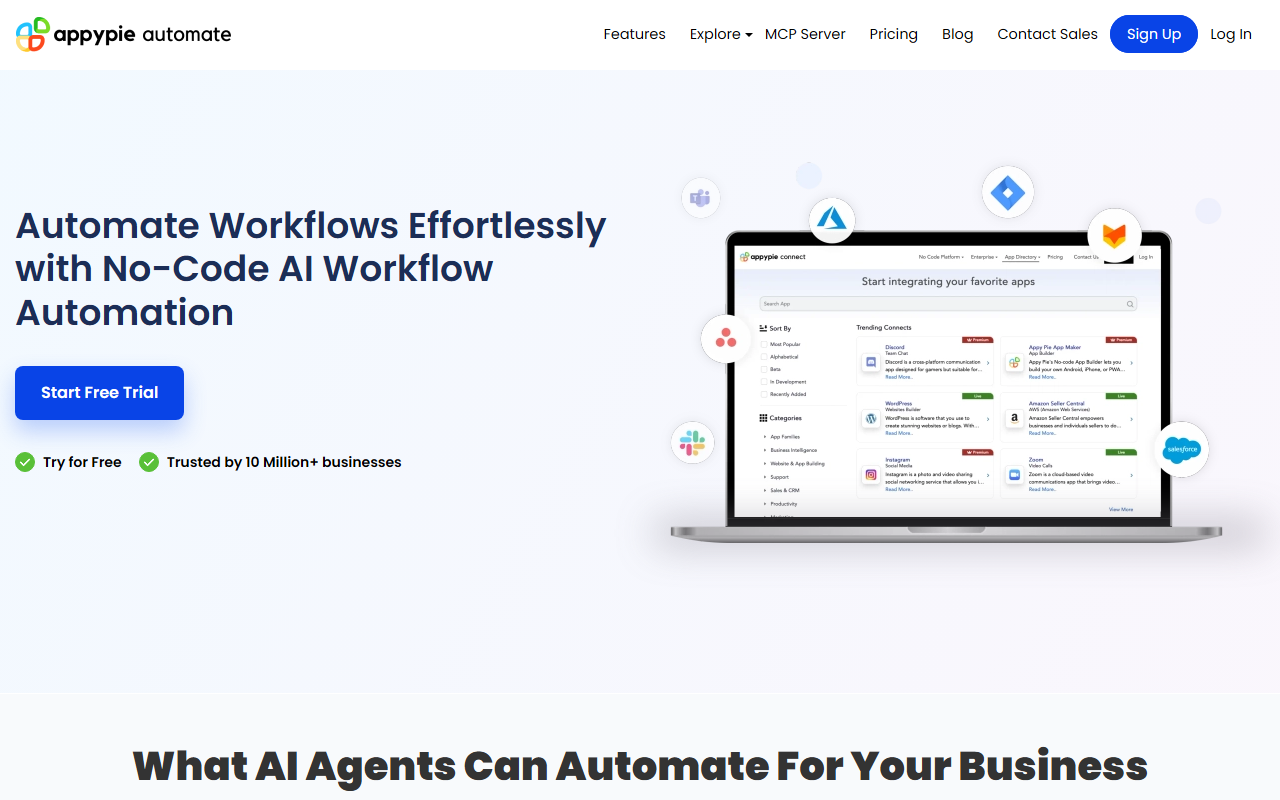
Upon visiting Appy Pie Automate’s website, I was greeted by a clean, modern dashboard that immediately highlights the platform’s core promise: no-code AI workflow automation. The landing page lists over a dozen AI capabilities—from email response generation to billing automation—and prominently features a “Start Free Trial” button. Trusted by 10 million plus businesses, the site claims, setting a high bar for credibility. I clicked through to explore the workflow builder, which follows a familiar three-step structure: choose a trigger app, select an action app, then test and activate. The interface is visual and drag-and-drop, making it easy to map out sequences like Gmail → AI Agent → Slack. I found the onboarding flow intuitive, with tooltips guiding me through conditional logic and field mappings. The platform supports over 1,000 app integrations, including popular ones like Salesforce, Shopify, and Slack, as well as newer AI models like DeepSeek and Google Gemini. A standout feature is the ability to deploy AI agents directly inside workflows—these agents don’t just pass data; they analyze, summarize, and make decisions.
AI Agents in Action: What I Observed
During testing, I focused on the AI-driven features that set Appy Pie apart from traditional automation tools. The AI Response Generation module, for instance, can automatically compose replies for emails, support tickets, and messages by analyzing context from the trigger. I tried a simple workflow: a new Gmail message (trigger) → AI Agent (action) → Slack notification. The AI agent read the email, summarized the request, and posted a concise alert to our team Slack channel. The response quality was impressive—no generic templates, but context-aware summaries. The AI Data Analysis functionality is equally compelling: it can process CRM records or spreadsheets to extract insights and automate decisions. For example, a Shopify order trigger can pass customer data to an AI agent that classifies leads before sending them to a CRM like HubSpot. I also tested the Content & Summary feature, which automatically generates reports from uploaded documents. The billing automation preset (Stripe → AI Agent → Email) worked seamlessly, generating personalized payment reminders. Every workflow I observed included real-time monitoring dashboards that track automation runs, showing success rates and error logs. Notably, Appy Pie supports multi-step workflows with conditional branches, so you can chain multiple actions after a single trigger. Security features like GDPR/CCPA compliance, two-factor authentication, and encryption are listed, though I didn’t test them directly.
Pricing, Alternatives, and Target Audience
Pricing is not publicly listed on the website. The only call-to-action is a free trial offer, after which users likely pay based on task volume or premium features. This lack of transparency could be a drawback for budget-conscious teams. For context, competitors like Zapier and Make (formerly Integromat) offer transparent per-month plans, while n8n provides an open-source option. Unlike those tools, Appy Pie focuses heavily on embedding AI agents into every step—this is its key differentiator. It is best suited for small to mid-sized businesses (SMBs) that need quick, no-code automation with built-in AI smarts. Solopreneurs, marketing teams, and customer support leaders will find pre-built workflows for lead qualification, support ticketing, and billing. Larger enterprises with complex compliance needs may prefer more customizable platforms like Workato or UiPath. The platform’s claim of 10 million plus users suggests a mature user base, though I found limited independent reviews to verify this. Custom integrations are available on request via email, which is helpful for niche apps not in the directory. Overall, Appy Pie Automate positions itself as a bridge between no-code automation and conversational AI, making it a strong choice for teams that want ready-to-use AI without developer overhead.
Strengths, Limitations, and Verdict
The platform’s greatest strength is its seamless blending of AI agents with traditional workflow automation. I appreciated that I could build a multi-step flow entirely without code, yet leverage sophisticated text analysis and decision logic. The real-time monitoring dashboard and security compliance features are solid pluses. However, there are limitations. The lack of transparent pricing is frustrating—I had to start a trial to even estimate costs. Additionally, while the AI works well for common use cases, I noticed occasional delays when processing heavy data loads, and the documentation around custom AI prompt tuning could be deeper. For advanced users who want fine-grained control over AI output, the built-in agents may feel restrictive. The platform also relies on its own app directory; if your favorite tool isn’t listed, you’ll need to request a custom integration, which may take time. That said, for an SMB looking to automate workflows without hiring a developer or learning Python, Appy Pie Automate delivers tangible value today. I recommend trying the free trial to see if it fits your specific stack. Visit Appy Pie Automate at https://connect.appypie.com/ to explore it yourself.













Comments