

First Impressions and Onboarding
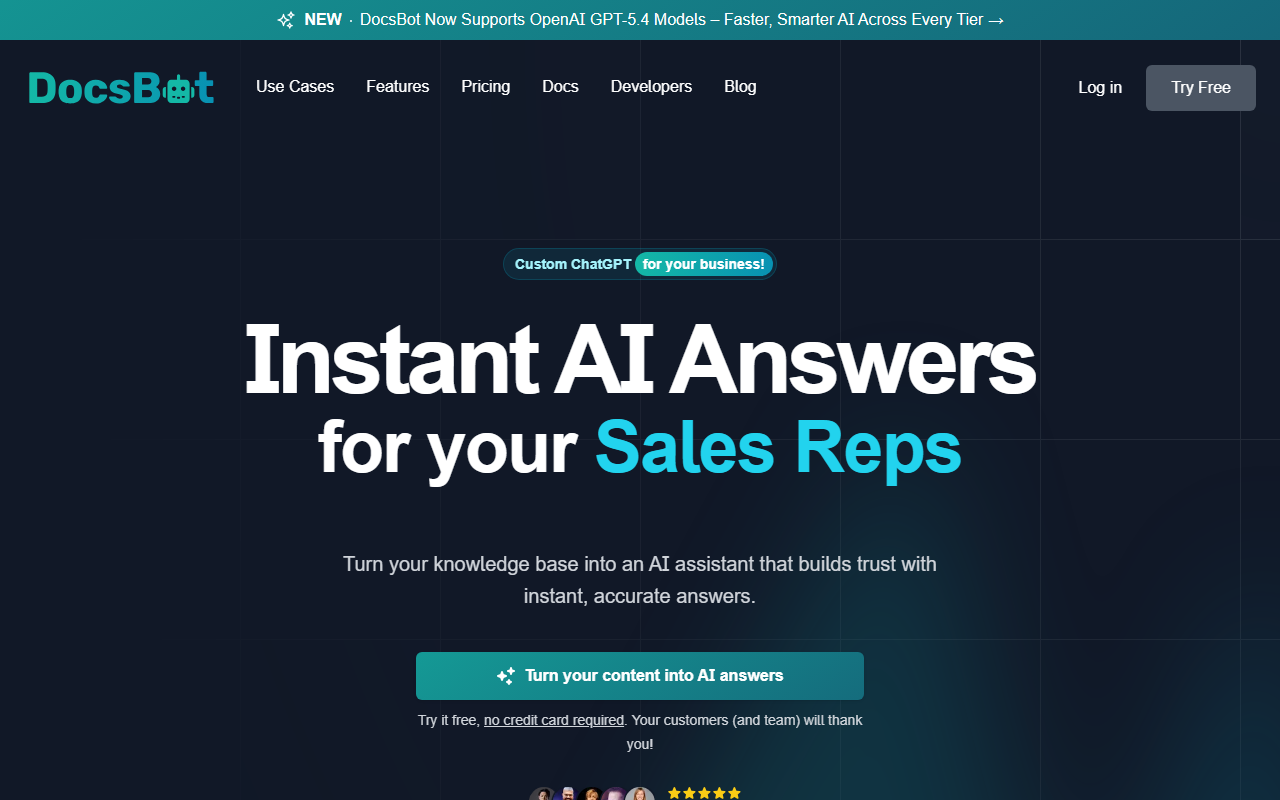
Upon visiting DocsBot AI, the landing page immediately communicates its core promise: turn your knowledge base into an intelligent chatbot. The interface is clean and modern, with prominent calls-to-action that invite you to "Try it free, no credit card required." I clicked through and was met with a straightforward onboarding wizard. Within minutes, I had created a test bot by simply pasting a URL from a public documentation site. The process is as advertised—no coding required. The dashboard shows a clear four-step flow: Create, Train, Test & Refine, Launch. It feels polished and user-friendly, even for non-technical users.
Core Features and Performance
DocsBot AI excels at ingesting content from over 37 sources, including websites, PDFs, cloud storage, and even YouTube videos. In my test, the bot accurately answered questions based on the documentation I fed it, providing concise responses with source citations. The "Deep Research" agent mode impressed me—it combined knowledge base content with live web search to surface verified insights. The chatbot supports multiple AI models (likely from OpenAI and others, though the specific models aren't highlighted on the site). You can deploy the bot via a dedicated chat interface, embed it on your website, or connect it to apps through Zapier, Make, or the DocsBot API. This flexibility is a strong selling point for businesses that want to automate customer support, pre-sales chat, or internal knowledge retrieval.
Pricing and Positioning
Pricing is not publicly listed on the website. The "free tier" exists but requires no credit card, so you can test the core functionality. Given that the tool is "loved by 75k+ users" and "trusted by more than 3,000 businesses," DocsBot AI has a solid user base. Competitors in the space include Intercom Fin (which focuses on conversational support with tight CRM integration) and Zendesk Answer Bot (stronger for ticket deflection). DocsBot AI differentiates itself by offering broader source ingestion and a self-serve, no-code setup that targets both customer-facing and internal use cases. It’s best for small to mid-sized businesses that need a flexible, affordable chatbot built from existing documentation without heavy technical overhead.
Strengths, Limitations, and Recommendation
The tool’s biggest strength is its ease of use and versatility. You can train a bot on virtually any content source and deploy it in multiple channels. The inclusion of a research assistant with source citations elevates it beyond a simple FAQ bot. However, there are limitations. The chatbot occasionally struggles with ambiguous queries, and the free tier may have usage caps that are not clearly communicated. Additionally, without public pricing, scaling costs remain an unknown. Overall, DocsBot AI is a strong choice for teams looking to reduce support load, capture leads, or streamline internal knowledge access. I recommend trying the free tier to see if it meets your accuracy needs before committing to a paid plan.
Visit DocsBot AI at https://docsbot.ai/ to explore it yourself.













Comments