

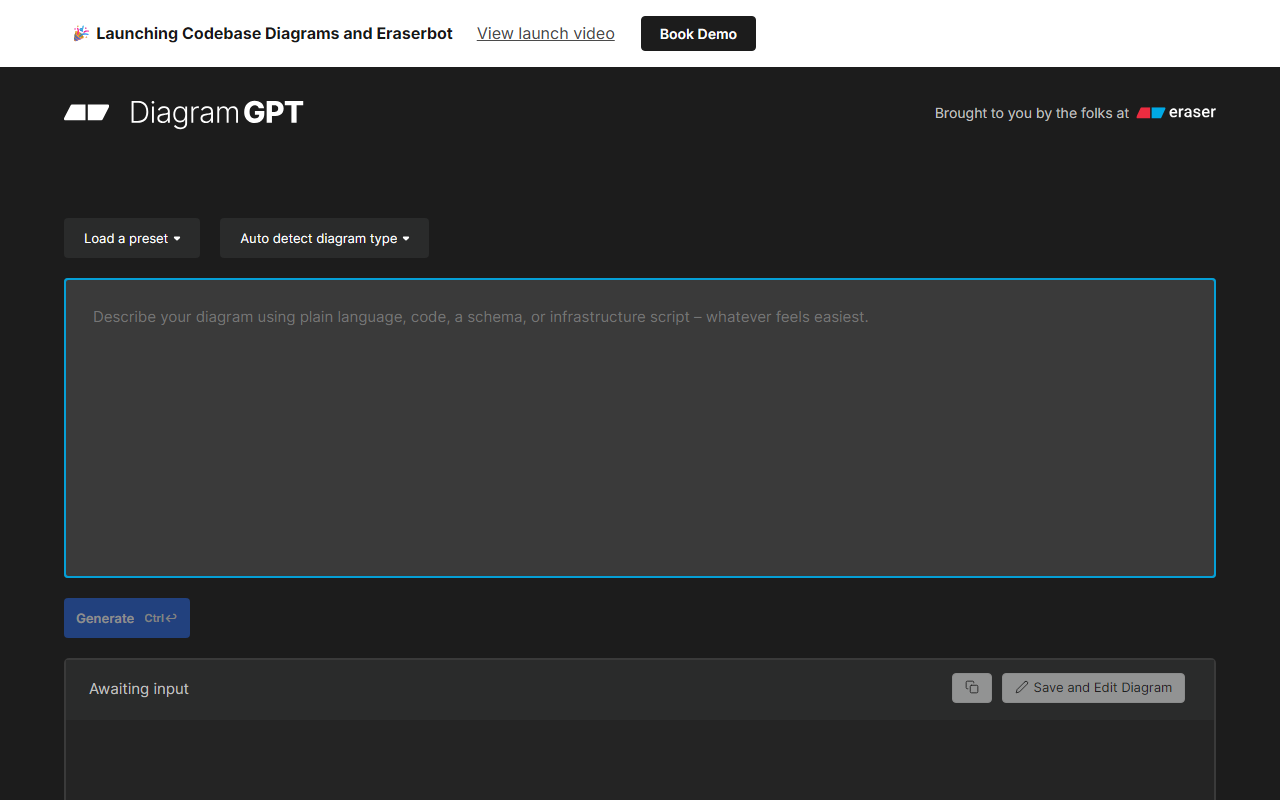
First Impressions and Core Functionality
Upon visiting Eraser's website, I was immediately struck by the clean, minimal interface that promises to eliminate the friction of traditional diagramming tools. The tagline "AI co-pilot for technical design" sets clear expectations: this tool aims to be more than just a drawing board. After signing up for the free tier, the dashboard presents a blank canvas with a command palette (⌘K) and a strong emphasis on keyboard-driven workflows. Eraser is built around the concept of "diagram-as-code," meaning you can describe your diagram using a simple markup language (they call it Eraser Markdown) and the AI renders beautiful visuals in seconds. I tested this by typing a few lines describing a basic cloud architecture with AWS components, and within moments I had a polished diagram with consistent spacing and icons. This is a game-changer for anyone who has wasted hours moving boxes around in tools like Draw.io or Lucidchart.
Key Features and Workflow Integration
Eraser is designed to sit inside a developer's existing workflow rather than forcing them into a separate app. The platform supports creating cloud architecture diagrams, entity relationship (ER) diagrams, flowcharts, and sequence diagrams natively. What sets it apart is the ability to embed live diagrams inside markdown documentation. When editing a note, you can include a snapshot that links directly back to the interactive diagram—something I found incredibly useful for keeping architecture decision records (ADRs) honest. The version history is automatically saved, and the tool generates snapshots, giving you a safety net I appreciated during experimentation. Integrations are a major strength: there's a native GitHub integration that lets you create or update diagrams inside README files directly from Eraser, and even open a pull request from the tool. Export options include PNG, SVG, PDF, and MD. For teams wary of vendor lock-in, this level of portability is reassuring. There's also an API for custom automation and support for SAML SSO (Microsoft Entra, Okta) and SOC 2 Type II certification, making it enterprise-ready. I also noticed the recent launch of an MCP Server (Model Context Protocol), which hints at deeper AI agent integrations in the future.
Pricing and Market Position
Eraser does not publicly list pricing on its website—a common frustration for potential adopters. The site has a "Pricing" link in the navigation, but clicking through does not show tiered plans; instead, it directs users to book a demo or contact sales. This suggests a sales-led model, likely aimed at mid-to-large engineering organizations. The free tier exists but appears limited (I could create a few diagrams before hitting a cap). For context, competitors like Mermaid.js offer a free open-source text-to-diagram solution, while Lucidchart has transparent public pricing starting at $7.95/user/month. Eraser's value proposition is stronger for teams that need both diagramming and documentation in one canvas, plus enterprise-grade security. It's particularly well-suited for software architects, DevOps engineers, and technical writers who produce system designs regularly. However, if you're a solo developer looking for a free diagramming tool, the opacity around pricing and usage limits may steer you toward simpler alternatives like Diagrams.net or Mermaid.
Strengths, Limitations, and Final Verdict
Strengths: The speed of generating diagrams from text is genuinely impressive—I felt productive within minutes. The markdown note-taking with live diagram snapshots is a unique workflow that keeps documentation and visuals synchronized. Enterprise features like SSO, SOC 2 compliance, and flexible deployment options (multi-tenancy, BYOC) make it a strong candidate for regulated industries. The community praise (I saw testimonials from senior engineers at companies like Mott Mac and MISSION+) reinforces that real teams are seeing time savings.
Limitations: The lack of transparent pricing is a barrier for evaluation. The learning curve for diagram-as-code syntax, while gentle, may frustrate non-technical stakeholders who prefer drag-and-drop. The free tier’s diagram limit is not clearly communicated, which could lead to abrupt slowdowns. Additionally, while Eraser excels at technical diagrams, it is not a general-purpose design tool—for marketing materials or wireframes with heavy visual polish, you would still need Figma or similar.
Who should try it: Engineering teams that live in code and need a fast, maintainable way to create technical diagrams and documentation. If you are tired of manually updating diagrams in slide decks or wikis, Eraser’s diagram-as-code approach will save you significant time. Who should look elsewhere: Casual users or those needing free, unlimited diagramming—try Mermaid or Draw.io.
Visit Eraser at https://eraser.io/ to explore it yourself.













Comments